Can't Hyperlink Social Media Icons | Community
Skip to main content
Sophia_Sellars
New Participant
February 21, 2018
Solved

Can't Hyperlink Social Media Icons

  • February 21, 2018
  • 2 replies
  • 1824 views

Hello,

How do I hyperlink the social media icons that are at the bottom of all my email templates. I am currently unable to add a link.
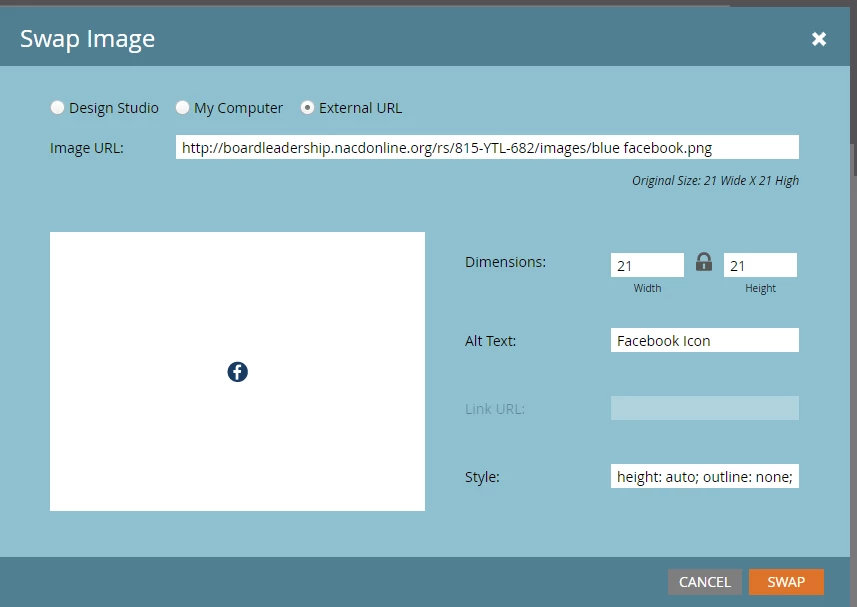
Thanks!

This post is no longer active and is closed to new replies. Need help? Start a new post to ask your question.
Best answer by Dan_Stevens_

Sophia - this isn't just limited to social media icons but for any image that's being added in your email.  You need to work with your template developer to enable this attribute at the template level.  Specifically, the highlighted attribute:
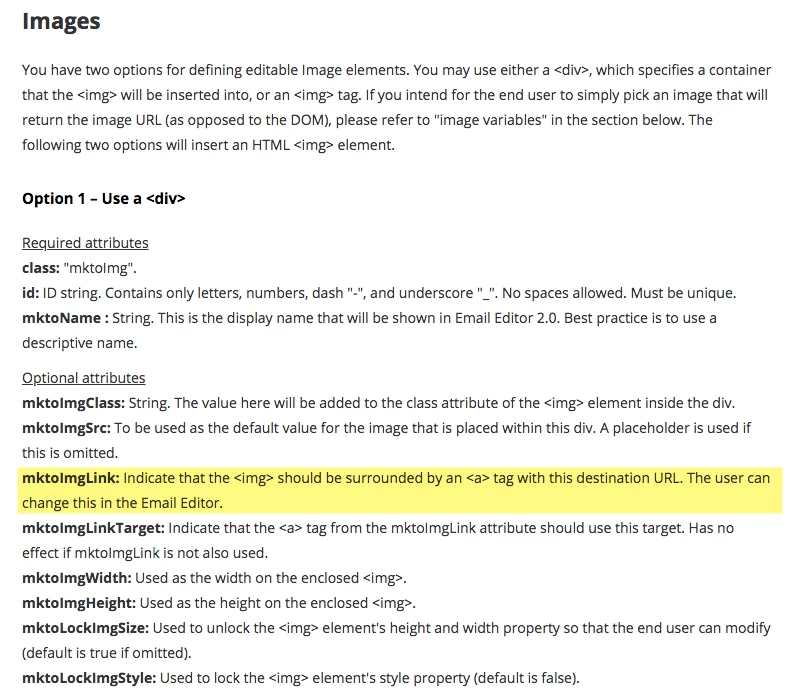
Email Template Syntax - Marketo Docs - Product Documentation

2 replies

Dan_Stevens_
Dan_Stevens_Accepted solution
New Participant
February 21, 2018

Sophia - this isn't just limited to social media icons but for any image that's being added in your email.  You need to work with your template developer to enable this attribute at the template level.  Specifically, the highlighted attribute:

Email Template Syntax - Marketo Docs - Product Documentation

February 21, 2018

I'm not sure which template you are using.  If the icon is in a content area, add it first (as you are doing), then select it and add the hyperlink as a second step.

If it is an image object in your template, then the template either has a link field, or the template needs to be modified to accommodate it.