Create smart campaign via API | Community
Skip to main content
New Participant
July 25, 2021
Question

Create smart campaign via API

  • July 25, 2021
  • 1 reply
  • 1974 views

Hello Guys,

I want to create a smart campaign via API in Marketo. I am just trying to learn how Marketo APIs work.


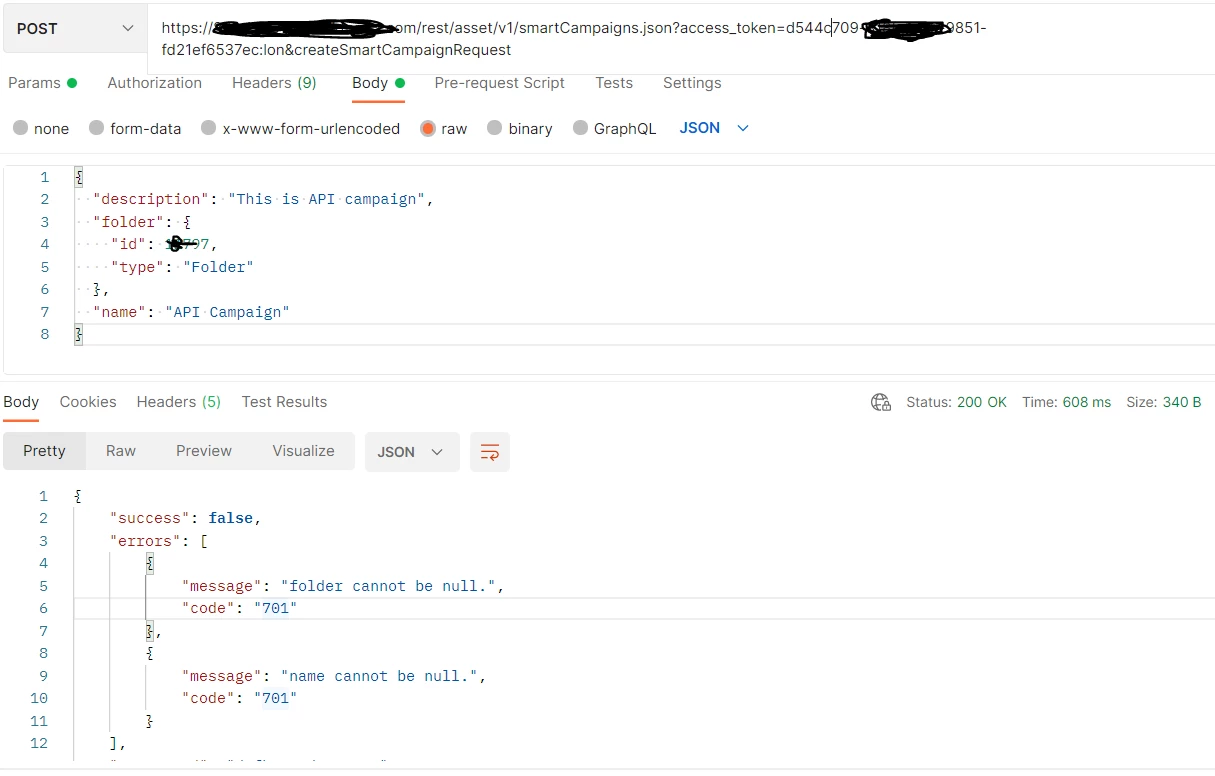
Below are the endpoint and body I am using for this in POSTMAN, but it's giving me an error:
 

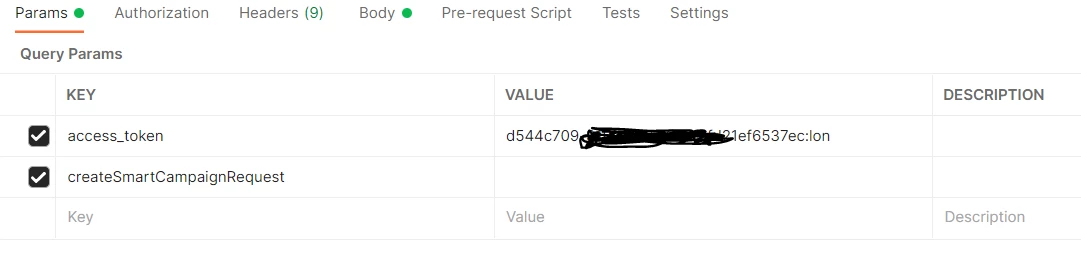
Below is the header and parameters:

Please guide me on what I missing or doing wrong.


This post is no longer active and is closed to new replies. Need help? Start a new post to ask your question.

1 reply

SanfordWhiteman
New Participant
July 25, 2021

It would be a lot easier to read your payloads and headers if you posted them using the syntax highlighter — “Insert/Edit Code Sample — instead of as screenshots. (Perhaps with Postman screenshots as an accompaniment.)


Thus far I can see you’re sending the wrong Content-Type. This endpoint takes a form-urlencoded payload with embedded JSON type params, not a JSON payload.


You also don’t need to send the literal query param createSmartCampaignRequest. That’s a placeholder in the docs that represents the schema, and yes, it is confusing! There’s also an error in the docs, as spaces in the payload must be encoded:

name=Smart%20Campaign%2002&folder={"type":%20"folder","id":%20640}&description=This%20is%20a%20smart%20campaign%20creation%20test.


Finally, this isn’t a very good API endpoint to start learning Marketo with, since the APIs for manipulating flow steps, etc. aren’t finished.

New Participant
July 27, 2021

Thank you @sanfordwhiteman. for your feedback, just trying to figure out the best way to learn Marketo API and how I can use the given endpoints.

 As per the doc, the content type should be as below. in this case what to use for 'x'? 

 
Content-Type: application/x-www-form-urlencoded