
Custom Activities in Marketo
Summary
One of the more recently introduced features in Marketo is Custom Activities. We all know about the built in Activities Marketo provides out of the box, and you can see that list using the Get Activity Types REST API Endpoint, but what's a "custom" activity?
Well essentially it's analogous to a built in activity in structure and purpose in every way, only you define it as an action a user has taken that is relevant to your business, and you add those activities through a special REST API Endpoint. Just like Marketo activities, you get a Filter and Trigger associated with the new custom activity that you can use in your smart lists
Custom activities are currently a beta feature in Marketo, but are currently in production with a fair few clients. They must actually be created in your instance by consulting or support, so once you define their attributes, you can work with professional services or support to get the activities themselves created. Once that's done, you can use the API to populate them.
Defining A Custom Activity
The following aspects of a custom activity must be defined to create it in Marketo.
- Name : The name of the custom activity (that one's a bit obvious)
- Description (Optional) :
- Trigger Name : This is the name Marketo will give to the Trigger associated with this custom activity
- Filter Name : This is the name Marketo will give to the Filter associated with this custom activity
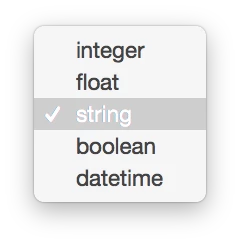
- Attributes : This is the list of all the relevant attributes on the activity. The possible datatypes are the usual suspects.. integer, float, string, boolean, and datetime
Example
The example I've chosen is "Purchase Product". When a Lead purchases a product, you might want to send a welcome email, or add that lead to nurture stream. When passing on your request, you should have these ready to give to support or consulting in a concise format to avoid confusion. Note that you do NOT need a "purchaseDate" attribute, as Marketo give you a "date of activity" attribute for free.
- Name : Purchase Product
- Description (Optional) : a lead purchases a product!
- Trigger Name : Purchases Product
- Filter Name : Has Purchased Product
- Attributes :
productID: string
productName: string
productDescription: string
Once the object is created, support will supply an Activity ID to you, which you'll use in your REST API calls to add activities. Be sure to make a note of it! In my case, that ID is 100006.
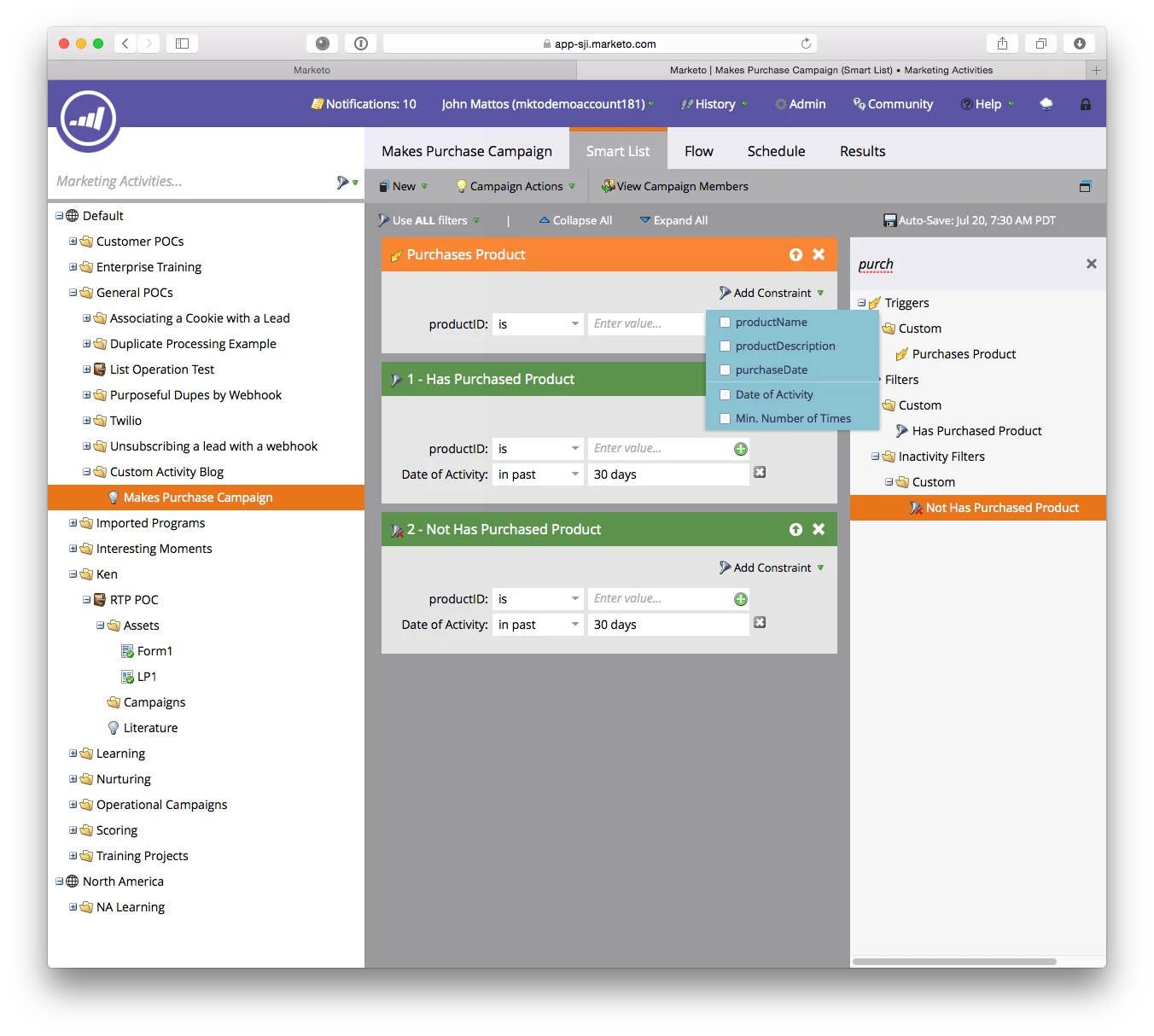
Let's take a look! The following screenshot shows the Trigger and two Filters that are created for you, and notice that your custom activity attributes are available as constraints. Cool right?!?! Think of all the cool possibilities. One thing that comes to mind is the creation of an activity like "Custom Form Fill". If you're using the SOAP or REST API to handle form fills in a custom way rather than using Marketo Forms, you don't get a "form fill" event.. but now you can emulate that with a custom Activity!
Adding Activities
Now that you have your shiny new activity, lets add some using the REST API. For this example, I use Postman, and I really recommend it. It simplifies the process of interacting with the REST API. Note if you arent comfortable creating timestamps, there is help available! Check out sites like the Timestamp Generator / Converter - Timestampgenerator.com
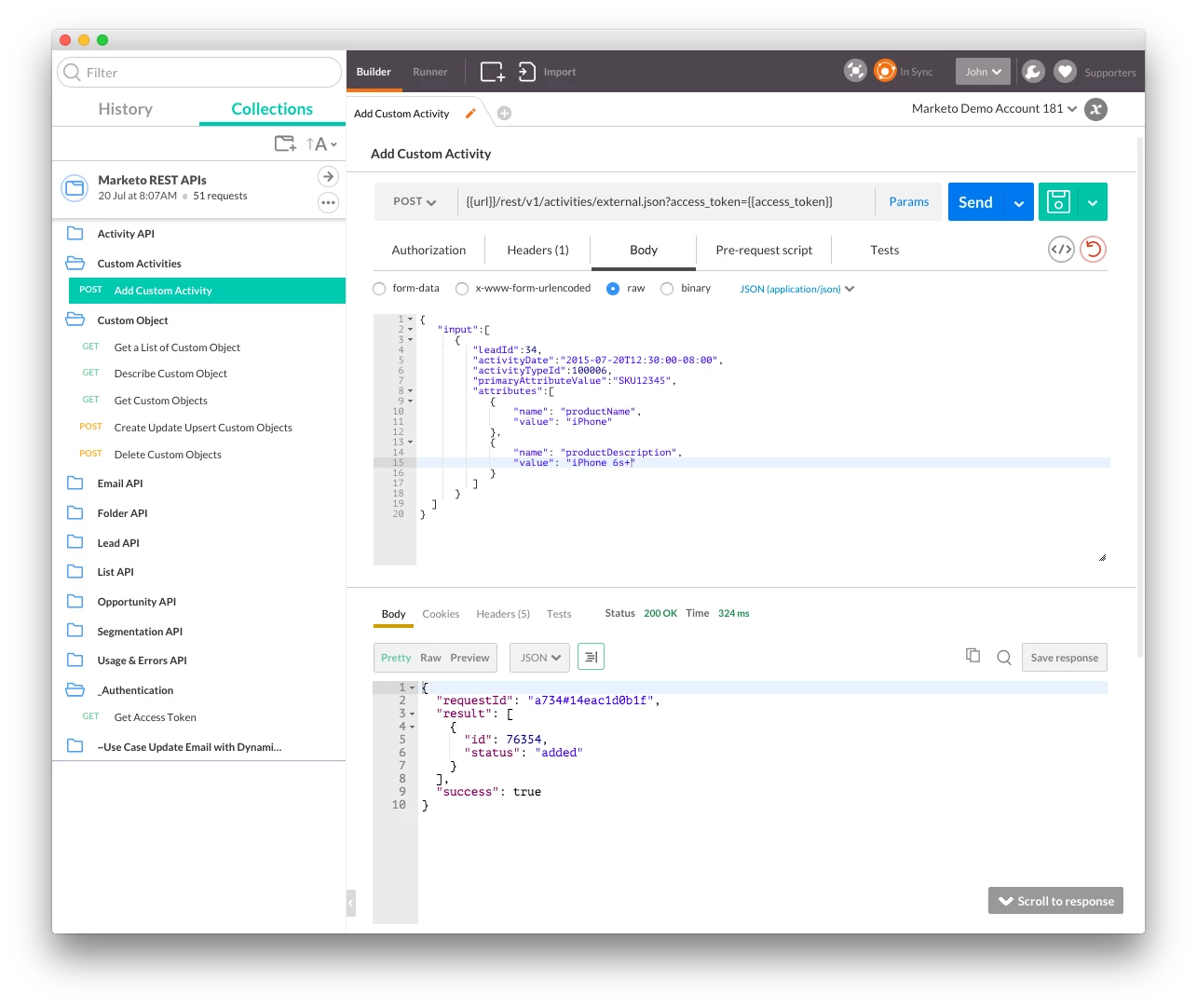
Request (note that you can send in many activities in one request)
{
"input":[
{
"leadId":34,
"activityDate":"2015-07-20T12:30:00-08:00",
"activityTypeId":100006,
"primaryAttributeValue":"SKU12345",
"attributes":[
{
"name": "productName",
"value": "iPhone"
},
{
"name": "productDescription",
"value": "iPhone 6s+"
}
]
},
{
"leadId":34,
"activityDate":"2015-07-20T12:30:00-08:00",
"activityTypeId":100006,
"primaryAttributeValue":"SKU12346",
"attributes":[
{
"name": "productName",
"value": "Apple Watch"
},
{
"name": "productDescription",
"value": "Apple Watch Edition"
}
]
}
]
}
Response:
{
"requestId": "94a2#14eac235e1a",
"result": [
{
"id": 76356,
"status": "added"
},
{
"id": 76357,
"status": "added"
}
],
"success": true
}
Viewing Activities
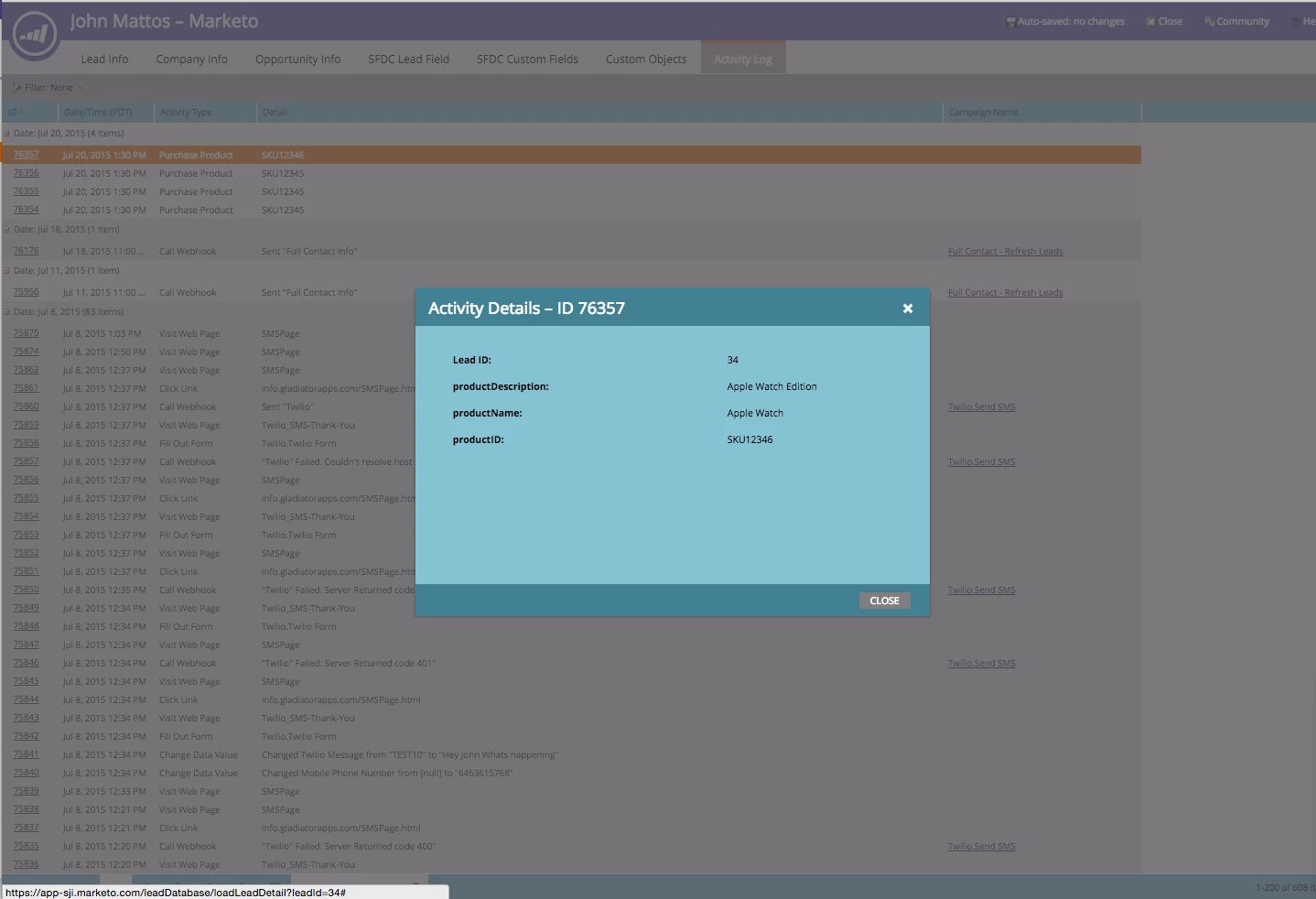
Just like normal activities you can view these in campaign result, and also in lead details under the activity tab.
Limitations and Considerations
- The volume limit for these activities is a bit fluid, but we recommend keeping under 100,000 per day. That limit can be revisited depending on usage.
- Custom Activities cannot be used in email scripting. Think of them like normal activities.