
Solved
Custom Activity Question
Creating our first custom activity, but the Field values have a red star next to them, anyone have any idea why that could be?
Thanks,
JF
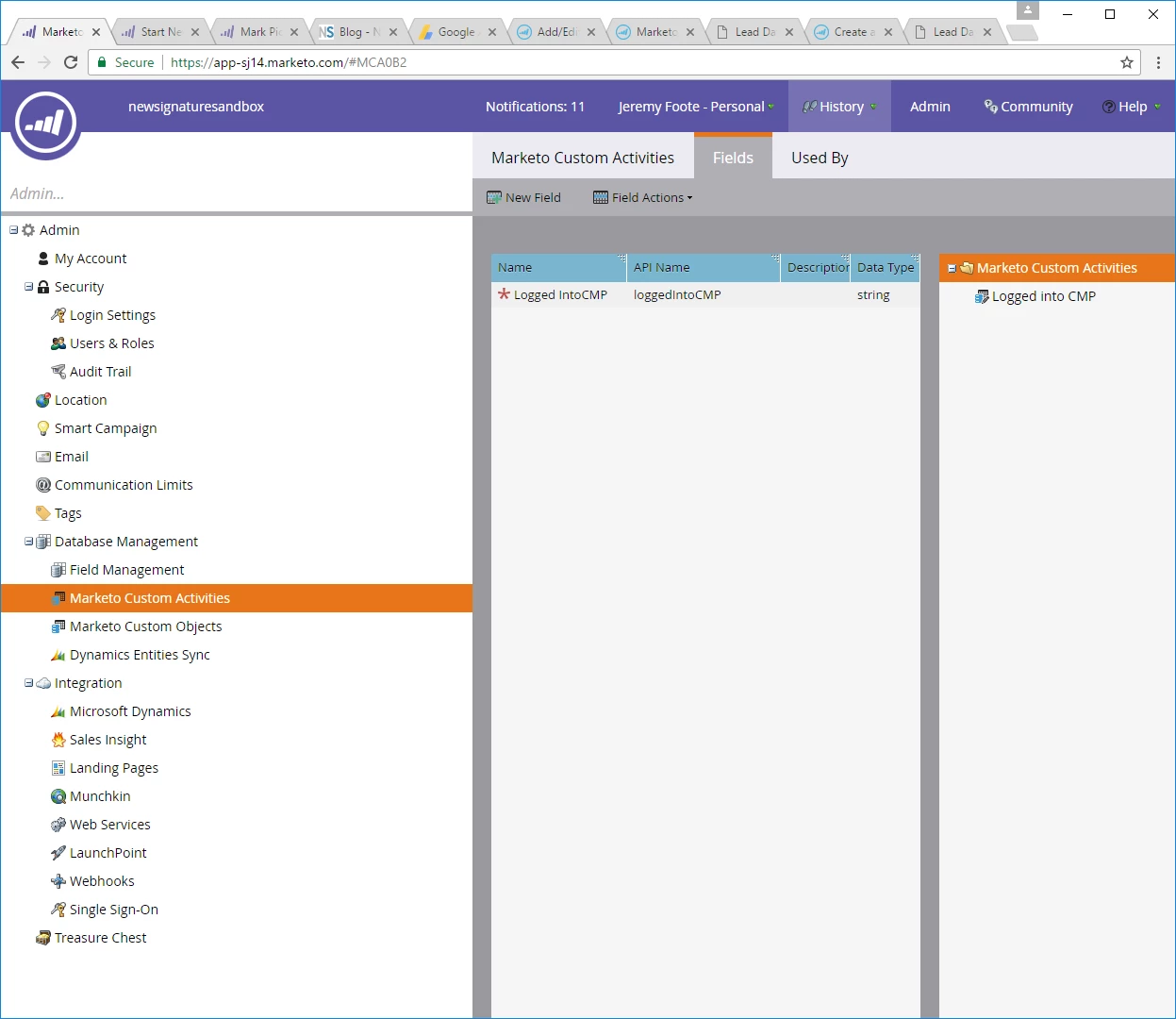
Creating our first custom activity, but the Field values have a red star next to them, anyone have any idea why that could be?
Thanks,
JF
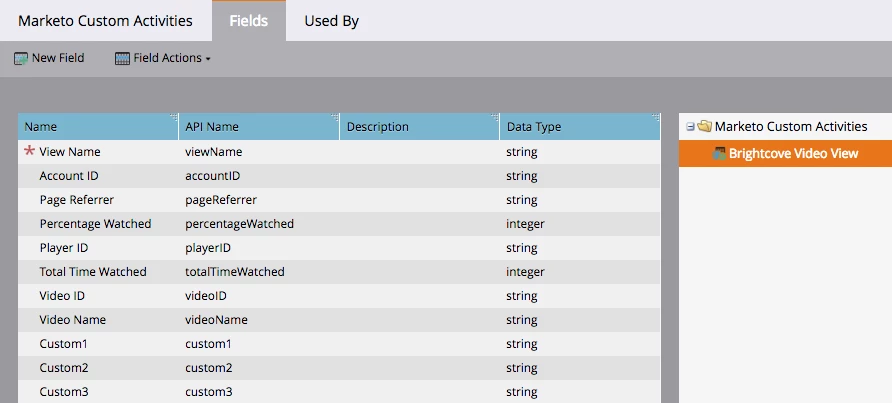
That's to indicate your custom activity's primary field. For example, this is how the custom activity looks for our Brightcove video views:
Enter your E-mail address. We'll send you an e-mail with instructions to reset your password.