Custom Tokens not displaying values | Community
Skip to main content
New Participant
September 5, 2023
Solved

Custom Tokens not displaying values

  • September 5, 2023
  • 2 replies
  • 3086 views

Greetings, 

We have an email set to go out to our members who received incorrect information over the weekend. We have a newly created "Has Rewards Checking Last Month Final" CO that was created in Marketo with the correct data sources and information. However, when we apply the tokens accordingly, and preview a member who qualified. None of the data is displaying correctly.

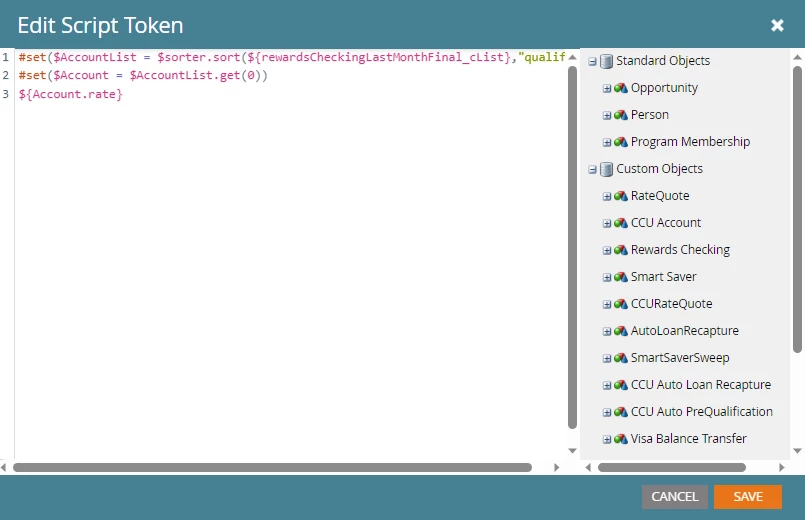
I will use the custom token rate as an example. The code for this is here:

#set($AccountList = $sorter.sort(${rewardsChecking_cList},"qualificationBeginDate:desc")) #set($Account = $AccountList.get(0)) ${Account.rate}

Now, the valid data sources for the custom object are selected:
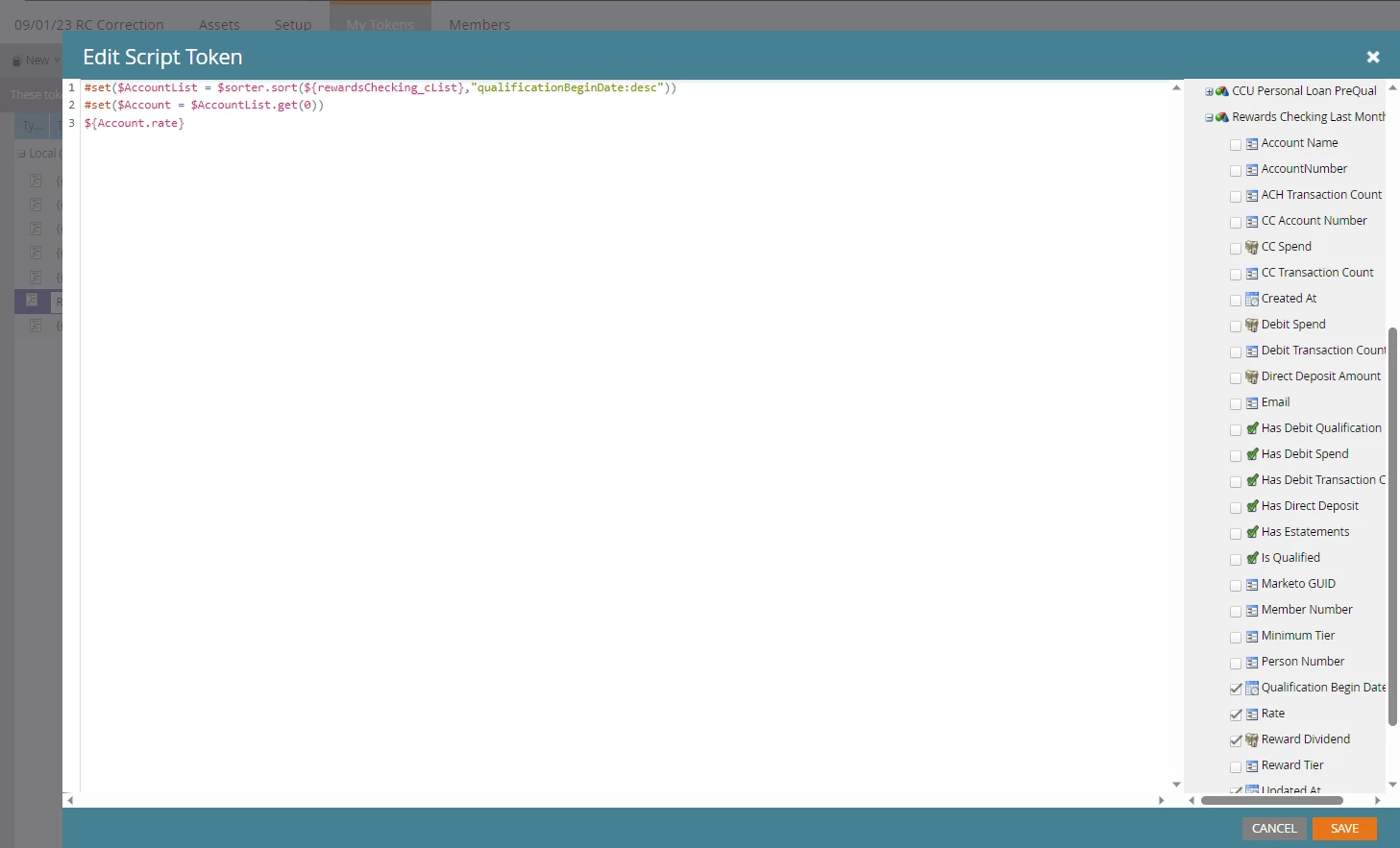
But when I preview the test email using a qualified member's email, it doesn't show any data.
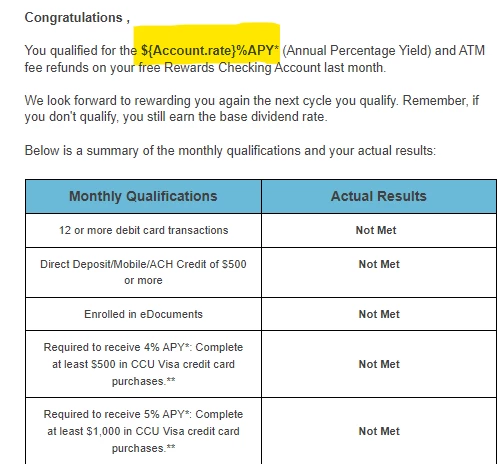

Not sure why this could be happening with not just the highlighted, but also the tokens in the "Actual Results" columns. Any help from the community would be greatly appreciated. Thanks.

Best,

Lucas



This post is no longer active and is closed to new replies. Need help? Start a new post to ask your question.
Best answer by SanfordWhiteman

Hi Sandford,

I think I discovered the issue. So, we have two different CO's that have the same fields. 
Rewards Checking and Rewards Checking Last Month Final.
I looked at the coding careful and saw that it was pulling API data sources from the "Rewards Checking" CO, and not from "Rewards Checking Last Month Final". I changed the API name in line 1 of the coding and it's pulling the rates correctly.


Apologies for not catching this early on, but this scripting was built long before I came aboard. Thanks again to yourself and Darshil.

Best,

Lucas


OK. The takeaway remains that if $sorter.sort returns null (for any reason, including the field you’re sorting on being null) the behavior is expected!

2 replies

SanfordWhiteman
New Participant
September 5, 2023

If the field qualificationBeginDate is null for any record in the list, your sort will not be functional, leading to this behavior.

LCENTENOAuthor
New Participant
September 5, 2023

Hi Sandford,

I'm not sure I understand your reply. Not sure how a field would display if it were "Null" but here is a record that qualifies and the date is there. 

Should I uncheck "QualificationBeginDate" in the source coding (see below)?

Not sure if unchecking this would effect the coding.


Darshil_Shah1
Community Manager
September 5, 2023

Well, what Sandy meant is that if any of the custom object records associated with the person record you've pulled up in the snapshot has a null (empty) value for the Qualification Begin Date ($qualificationBeginDate) field, then the sort will fail, leading to this behavior. Do not uncheck the fields you want to use in the velocity. If you print the list ${rewardsChecking_cList}, do you see null values for the Qualification Begin Date field in any of the CO records for this person?

Darshil_Shah1
Community Manager
September 5, 2023

Why not directly print data from the sorted $AccountList variable? Also, you don't really need {} around a variable unless you're displaying data (getting {} out of code wherever not required makes the code easier to read!) Could you try the below code instead?


#set($AccountList = $sorter.sort($rewardsChecking_cList,"qualificationBeginDate:desc")) ${AccountList.get(0).rate}


LCENTENOAuthor
New Participant
September 5, 2023

Hi Darshil,
I applied the code, and the result is below.