Dynamic tokens not displaying correctly in email when using segmentation :{ | Community
Skip to main content
New Participant
May 6, 2022
Question

Dynamic tokens not displaying correctly in email when using segmentation :{

  • May 6, 2022
  • 2 replies
  • 3449 views

Hello,


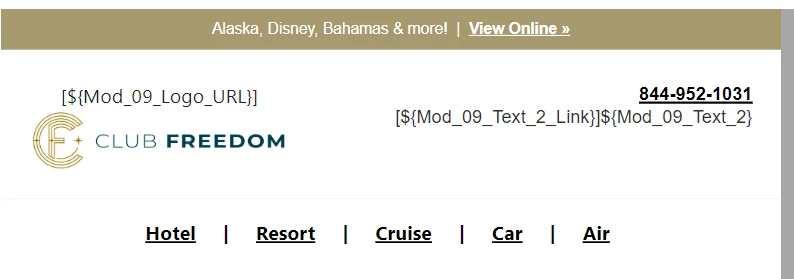
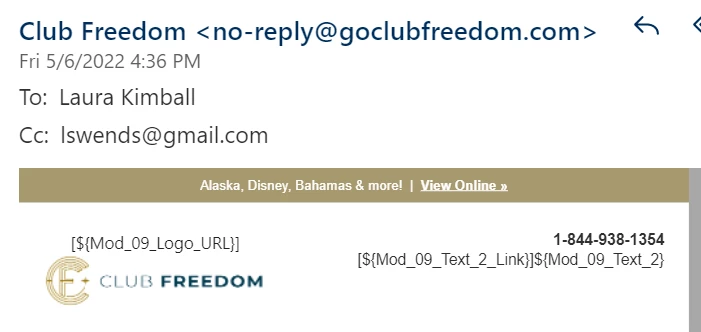
We have an email scheduled to send this weekend and this is what we are seeing in the web version of Outlook Office 365.


The link URLs that use tokens are appearing as shown below:


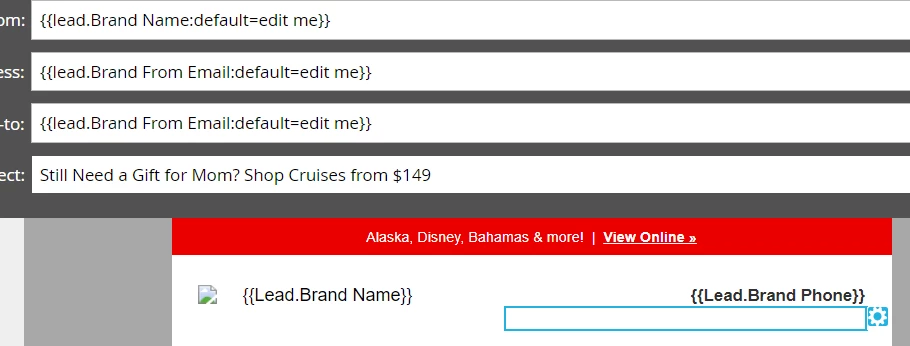
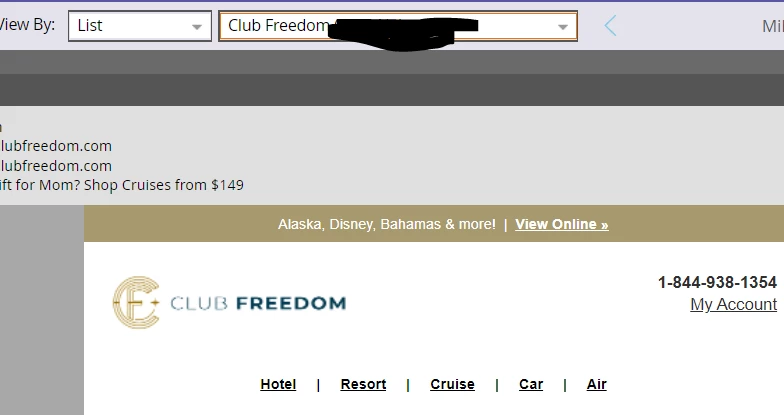
Here is how the module should and does appear in the Marketo email preview:

 

Here are the steps to reproduce.


Drag over navigation module.
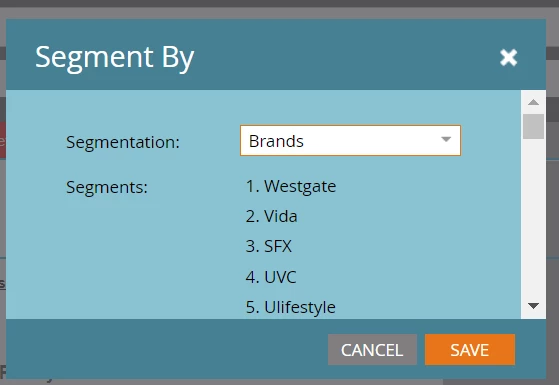
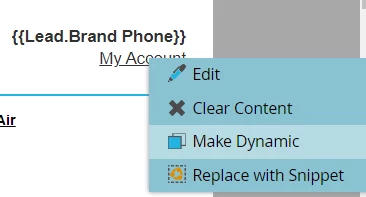
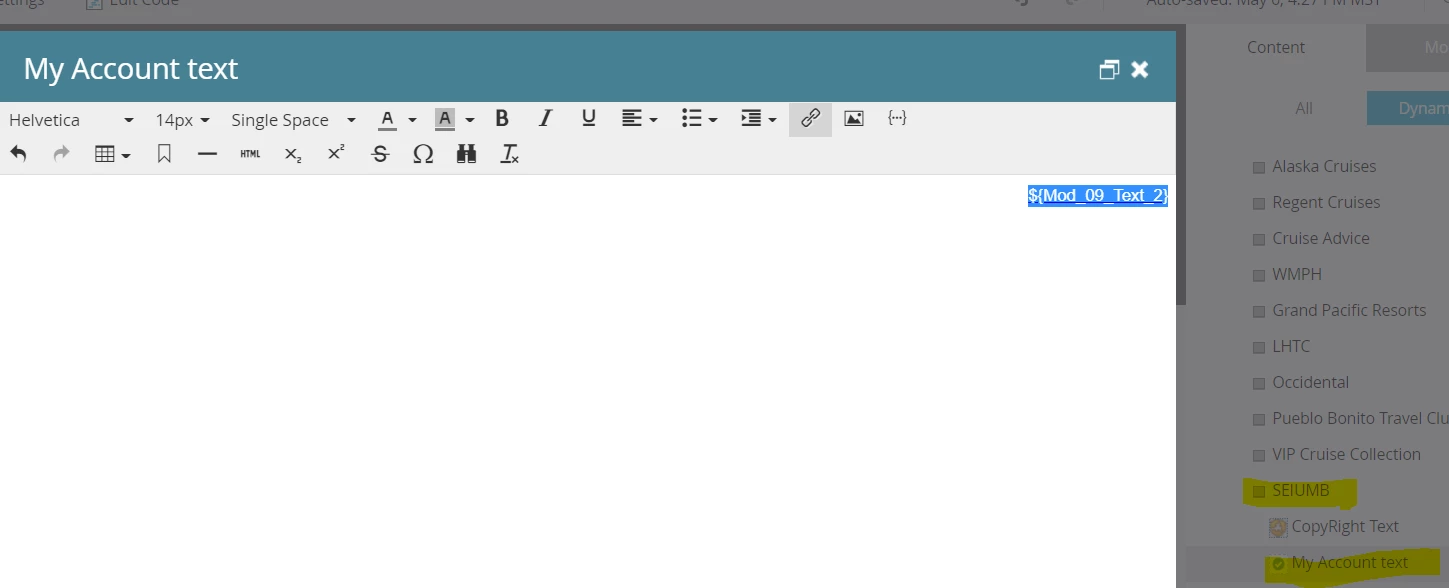
Make "My Account" link Dynamic by Brand:
Go to Brand and delete link from RTE


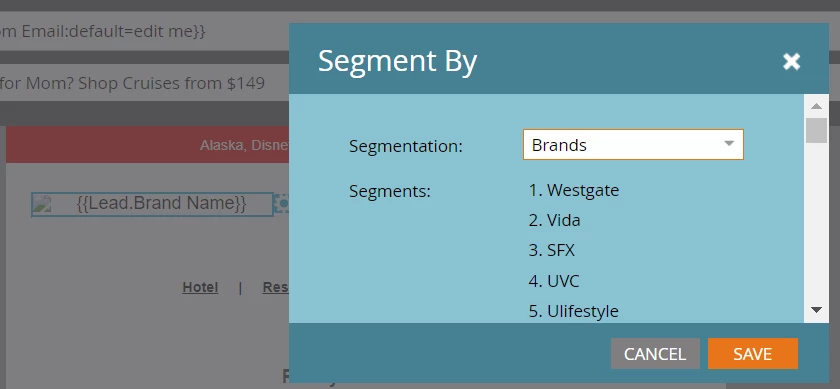
Make {{Lead.Brand Name}} dynamic by Brand:
Employ hack to swap out LINK URL:
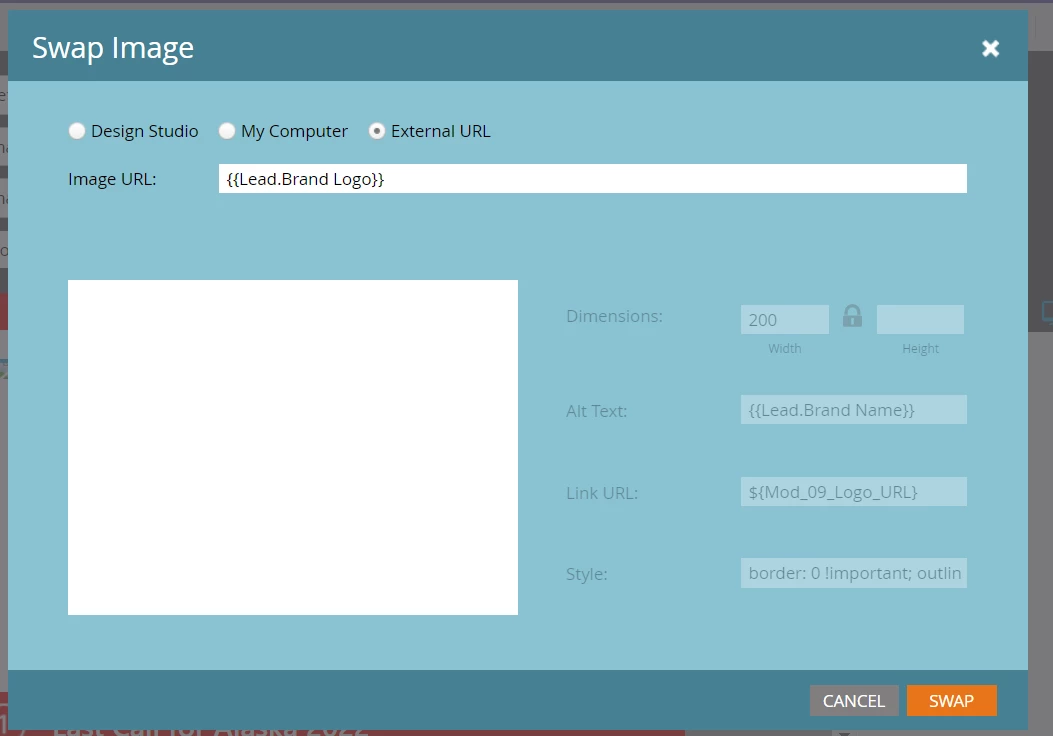

Hack Step 1: Insert External Image URL in place of {{Lead.Brand Logo}} token

Hack Step 2: Change Link URL
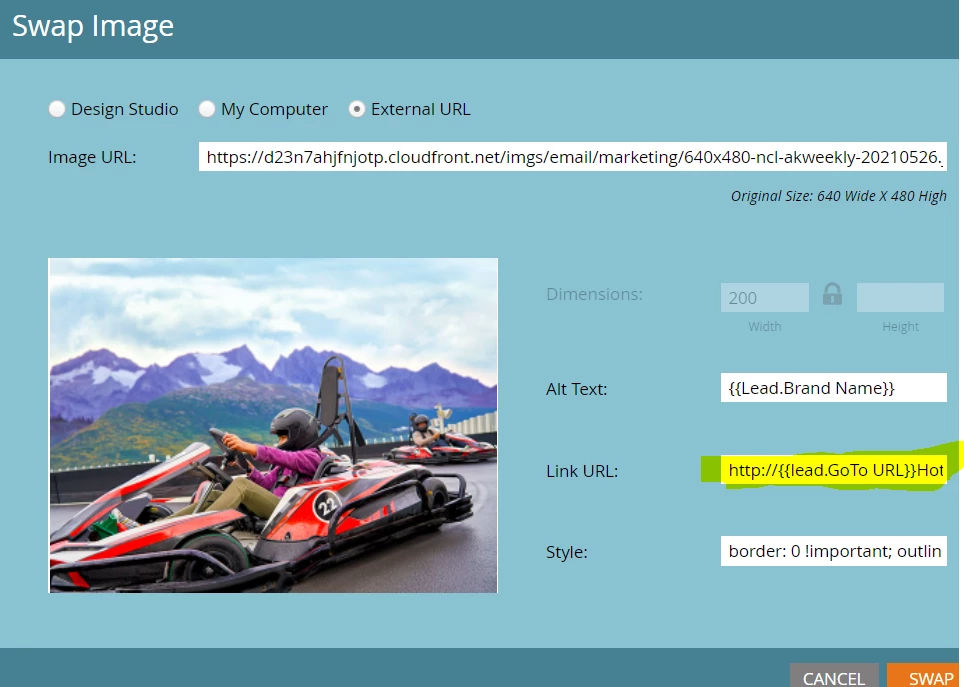
Hack Step 3: Replace External Image URL with {{Lead.Brand Logo}}:
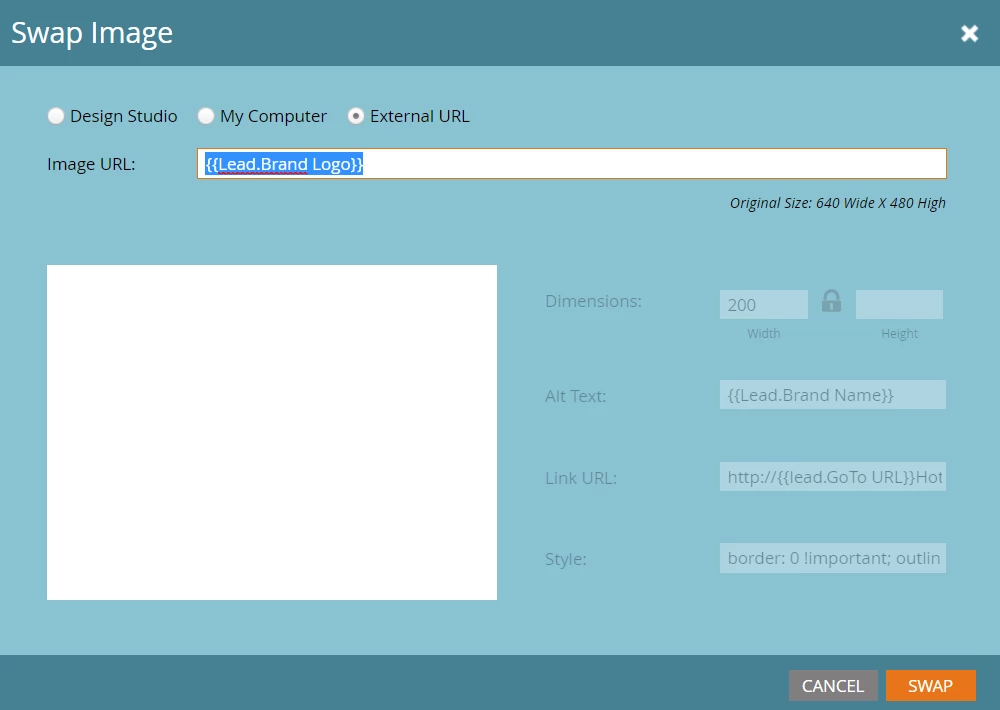
Click SWAP button

Go to PREVIEW and select List:
Send email sample using List contact and email account associated with Outlook.

View email test in Outlook for web.
You can also view a video of these steps here: https://www.awesomescreenshot.com/video/8778753?key=bab101be8dc59a91ae3ef92d12dd5af0 


Has anyone seen this issue before and/or have an idea why this might be happening?


I understand that Outlook recently made security updates to their web version, so I'm thinking this could be associated with that update.


Help would be appreciated.


Thank you,

LK


This post is no longer active and is closed to new replies. Need help? Start a new post to ask your question.

2 replies

Jo_Pitts1
Community Manager
May 7, 2022

@guitarrista82,

Is this happening for all segments, or just one? 

Does it happen on the internal preview if you select people you know fall into different segments?


Cheers

Jo

New Participant
May 9, 2022

Hi Jo,


The issue doesn't appear in the internal preview when testing all the segments. But it does appear when sending a test email for all of the segments.


For example, I tested a bunch of different test accounts for each of our brands and the issue is appearing for all of them in Outlook online:


And in Gmail, it just happens with the My Account link that was made dynamic, not with the logo that was made dynamic:


One thing to note is that the marketer did not set any content for the other brand segments because they just want the default {{Lead.Brand Logo}} token and the default variable that shows the "My Account" text to be used.


So, if we don't set different content for the other segments, does that mean the underlying variables will appear in email?


Thanks,

LK


New Participant
May 6, 2022

Now I am actually seeing this happening in my Gmail account:


Darshil_Shah1
Community Manager
May 9, 2022

I hope you would have cleared/add the apt content in the the My Account text for all the segments.


Well, as an fyi - the local variables in the emails cannot  be made dynamic using the segmentation like the content defined within the editable elements (section wrapped with an "mktEditable"/"mktoText" class), however you can use the tokens in the local variable, so you can likely make them dynamic using lead/velocity tokens if you wish.


New Participant
May 9, 2022

Hi Darshil,


The marketer did not set any content for the other brand segments because they just want the default {{Lead.Brand Logo}} token and the default variable that shows the "My Account" text to be used.


If we don't set different content for the other segments, does that mean the underlying variables will appear in email? 


Thank you,

LK