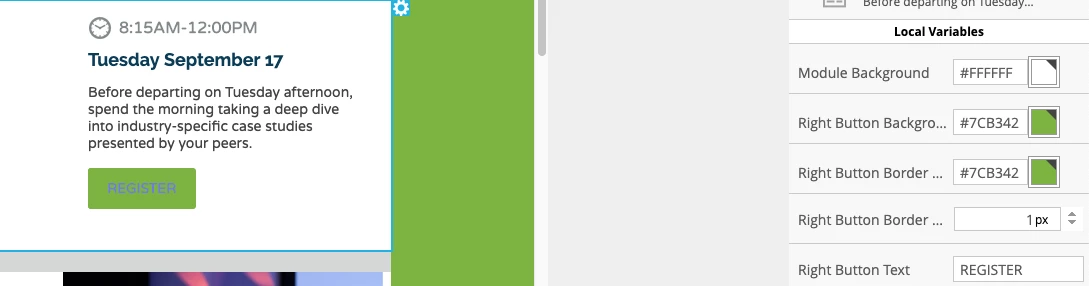
Hey Tim, it's time to get scrappy! This came up once before and I was able to work with Christina to get an update in play to solve for this issue. Here's a link to that post: https://nation.marketo.com/message/199844-re-email-templates-color-of-the-text-in-the-buttons?commentID=199844#comment-199844
The idea here is to leverage one of the other variables that's writing styles to the button and use that to tack on a style for the font color.
Here's a look at something you could try to enter into the "Right Button Border" variable:
#7cb342; color:#FFFFFF
This will keep your border green (the first value) and 'tack-on' a new rule to color the text white. You can update the #FFFFFF if you'd like to add a different color instead of the white.
Let me know if that worked for you, happy to help troubleshoot if not -- let me know which template and which module you're using and I'll try and find and download that to tinker on my end to see if I can find a solution to help out.