Editing Marketo Starter Templates causes -webkit margins to expand
- May 10, 2018
- 2 replies
- 4003 views
Hi,
I was wondering if anybody has had this weird issue when creating emails via Marketo's starter email templates.
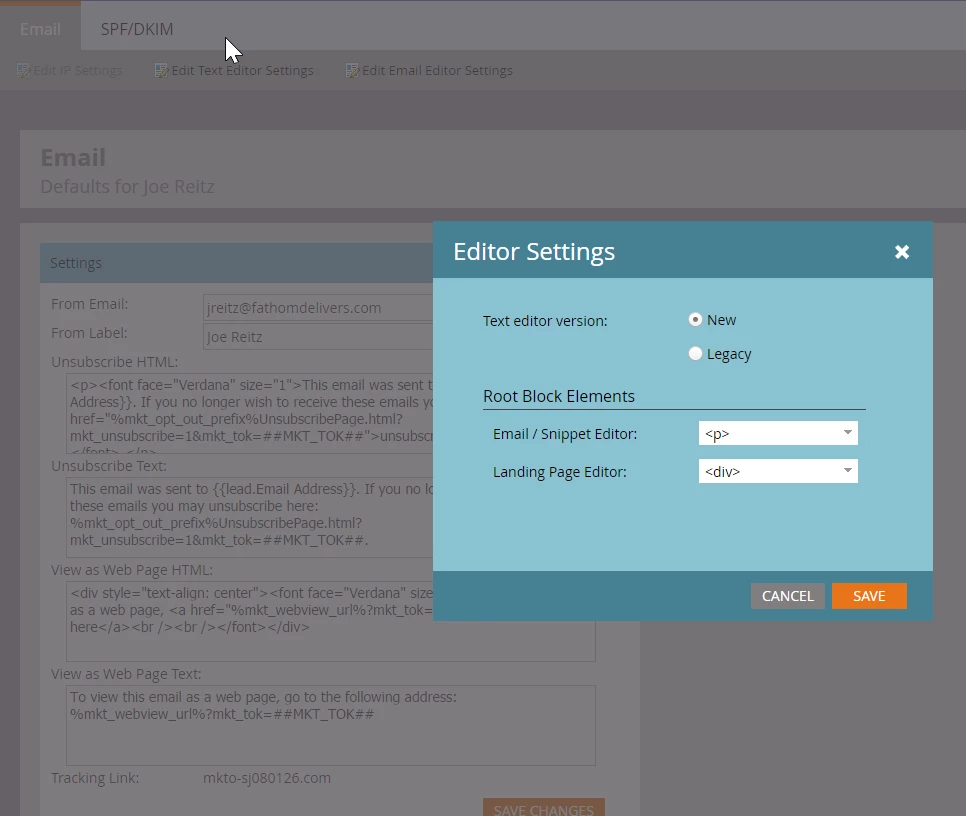
What happens is I try to create an email using a Marketo starter template, then as soon as I edit any text module, the margins before and after module expand by 1em.... I can't edit the top margins and there are no marketo spacer modules above and below them. When I inspect the email in gmail, I notice the user agent stylesheet is giving the following markup to the p tag:
p { display: block;
-webkit-margin-before: 1em;
-webkit-margin-after: 1em;
-webkit-margin-start: 0px;
-webkit-margin-end: 0px;
}
Super annoying as I can't seem to even override the user agent stylesheet either. I'm attaching 2 pics to show the before and after state of editing a module.
Thanks for any insight!