
Solved
Email Audience Export
I want to share a list of people who will receive an email with my Sales/CS team. I would like to send them an excel file of people in the smart list minus the people in the blocked list. Is this possible?
I want to share a list of people who will receive an email with my Sales/CS team. I would like to send them an excel file of people in the smart list minus the people in the blocked list. Is this possible?
Assuming that you're referring to a campaign's SL (and not a stand-alone smart list asset) and to the blocked people in the campaign's setup tab.
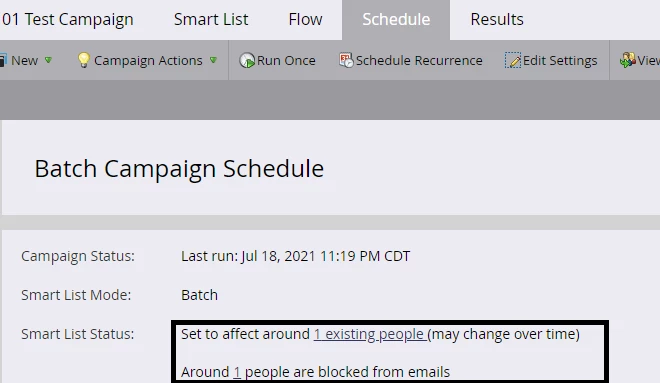
You can create a SL asset, re-add all the filters used in the campaign SL with same logic (since you cannot reference the campaign SL using Member of SL filter), and then add the Marketable SL filters in AND logic to get eligible and Marketable people.
A lead is Marketable if -
1. Email Address is not Empty
2. Unsubscribed is False
3. Marketing Suspended is False
4. Email Invalid is False
5. Block Listed is False
Once you've set up this SL, you can export the qualified people from this SL.
Enter your E-mail address. We'll send you an e-mail with instructions to reset your password.