Email horribly broken in Gmail App on iPhone | Community
Skip to main content
New Participant
March 29, 2022
Solved

Email horribly broken in Gmail App on iPhone

  • March 29, 2022
  • 1 reply
  • 7249 views

Hello Community,


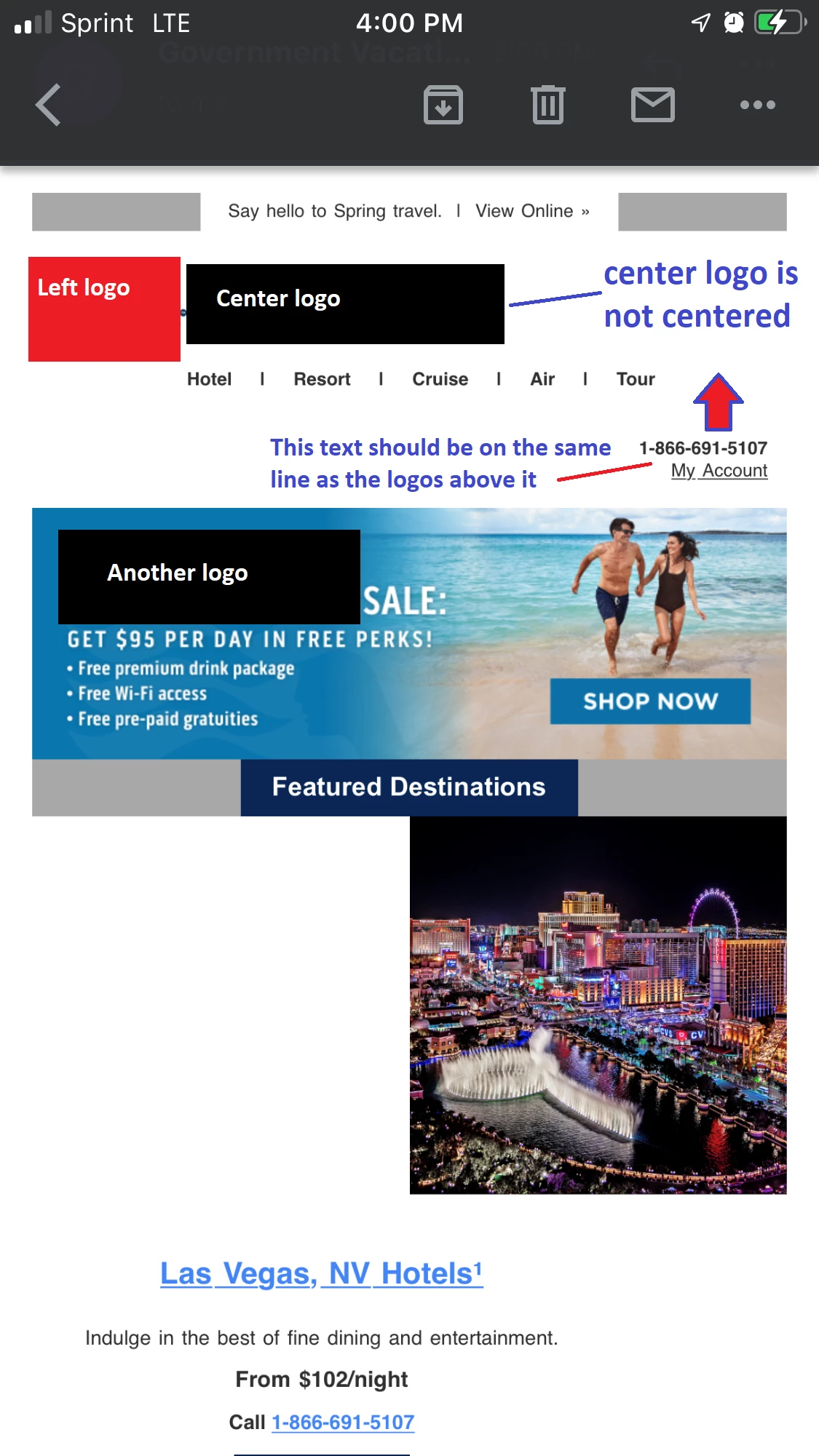
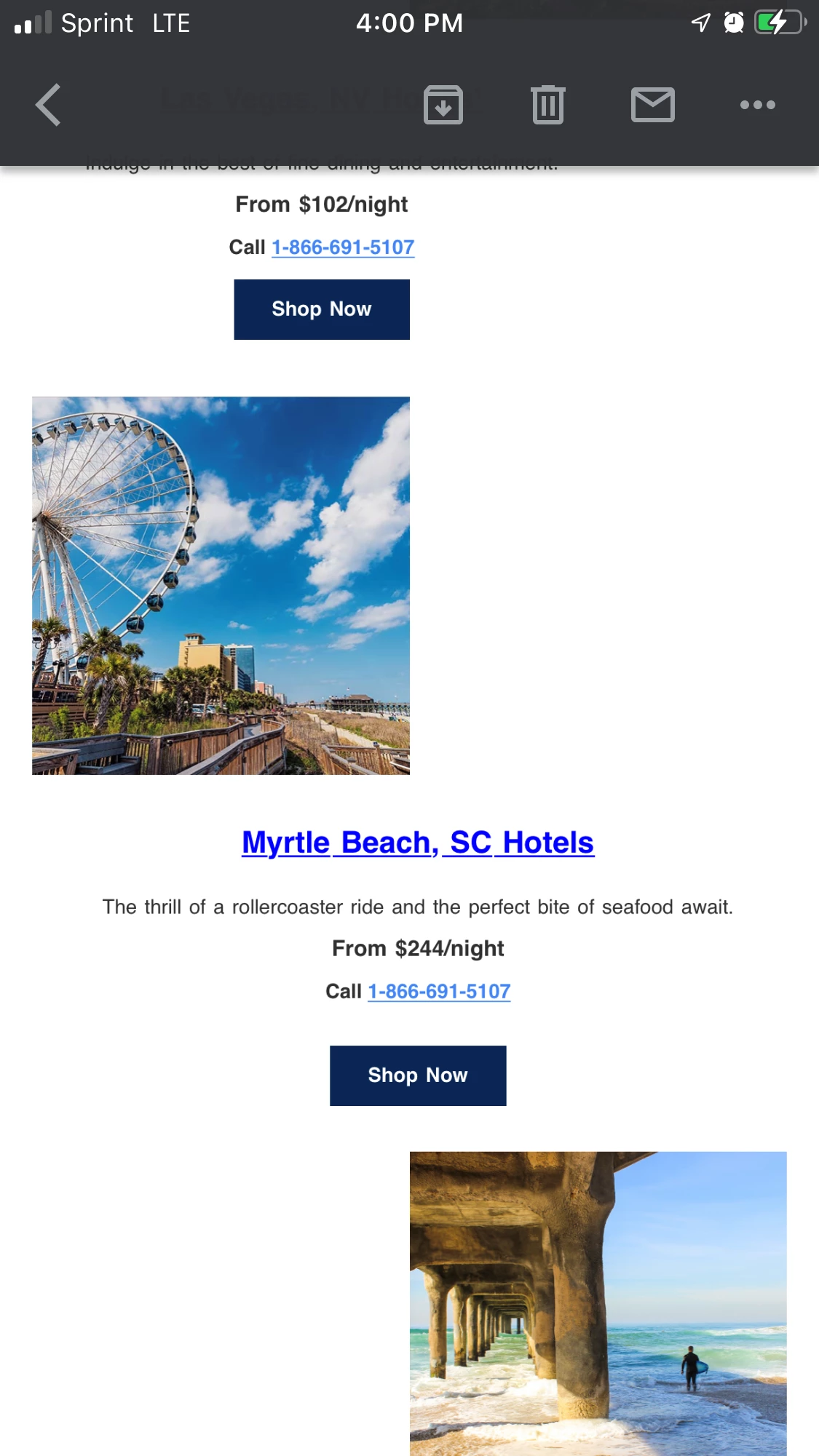
I am dealing with an email issue where the email appears horribly broken in the Gmail app on iPhone.


When viewing the email via my Outlook for Desktop and clicking on the View as Webpage link, the email appears fine (a little long, yes, but not "broken"):



However, when viewing it in my Gmail app on my iPhone (7 Plus), it looks like this:

(FYI, I have hidden the logos)

Top of Email:


Middle of Email:


Bottom of Email:


You can view the webpage version of the email here:  promos.ovstravel.com/index.php/email/emailWebview?mkt_tok=NTEyLUpKUC02MTUAAAGDduB20bbQWy7aOzqeeRByxSwJ0MrvOWa1lJWddAdr68dHfmTFdK31V--t2qyAYK7-1Lslo592rRJBi5b9S52vb0QAo7llau3_UiJK7u2ZfKfLz54-aw&md_id=135493 


Any help would be much appreciated!


LK


Best answer by Guitarrista82

So is there not supposed to be a form of responsive behaviour for the image left/text right and text left/image right blocks?


Hi Jo,


Thanks for your help, again.


So, this was definitely a learning experience for me.


The issue, I discovered, was an extra } just before the </style> tag 😲 😥

1 reply

Jo_Pitts1
Community Manager
March 30, 2022

@guitarrista82 ,

As always, we'll need code to know what's going wrong here.

Out of interest, is this a gmail address you're sending to, or is it a GANGA (Gmail App for Non Google Accounts); i.e. an outlook account in gmail?


Cheers

New Participant
March 30, 2022

Hi Jo,


Yes, I am sending to my Gmail address directly.


I was trying to share the code, but got the message below.


So, I've uploaded it to my Google Drive here instead.


Please let me know if you are not able to access it. 


Thank you,


LK

Jo_Pitts1
Community Manager
March 30, 2022

How should it be formatting?  Image full width, text underneath?