Emails not displaying properly in Outlook iOS | Community
Skip to main content
New Participant
March 17, 2020
Question

Emails not displaying properly in Outlook iOS

  • March 17, 2020
  • 1 reply
  • 3463 views

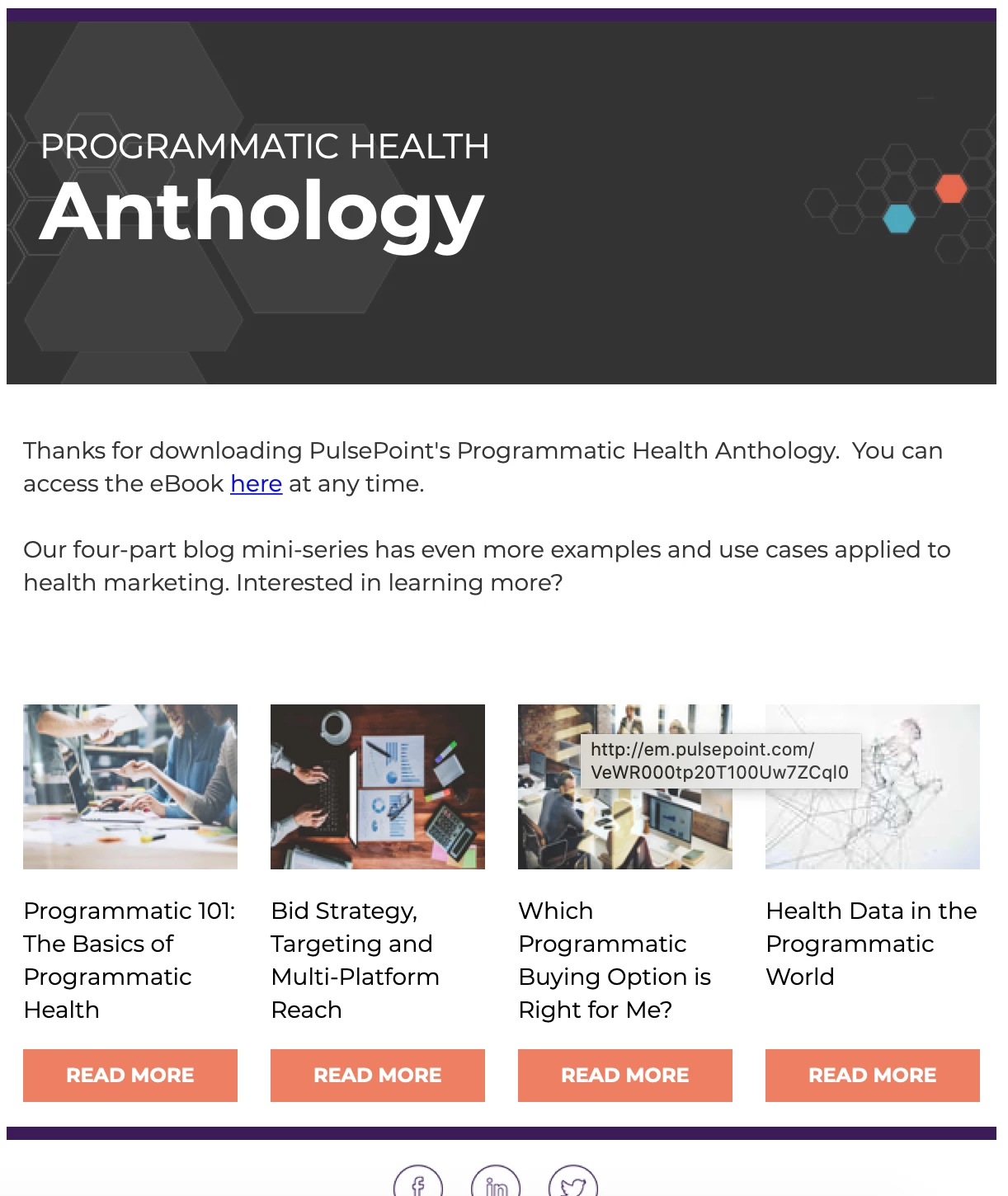
We are using a custom template that a dev company created for us, allowing us to make a number of different layouts with a lot of modular options. The emails look great on desktop. 
 

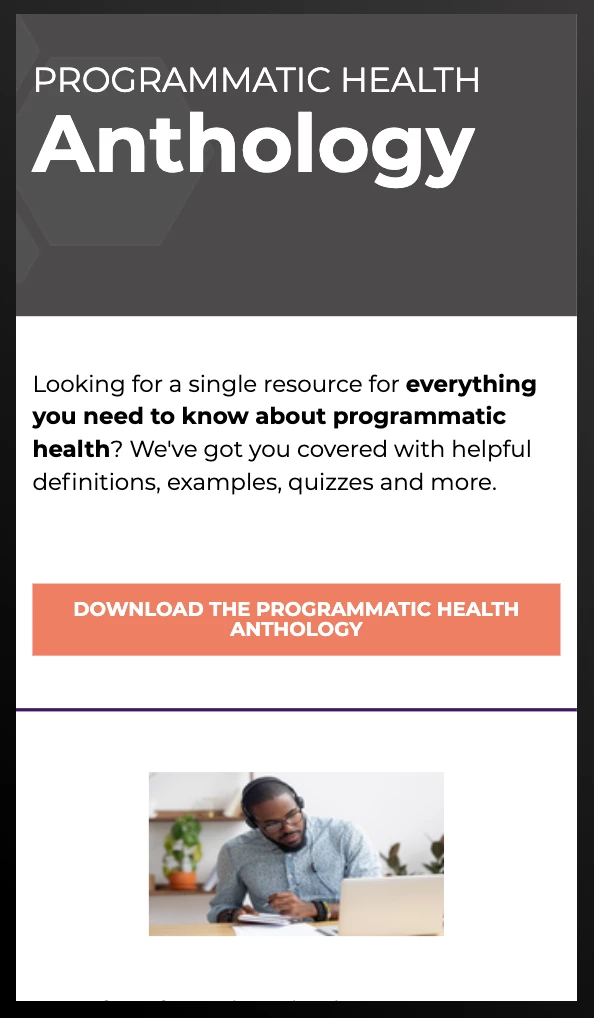
And they look fine in the mobile preview.


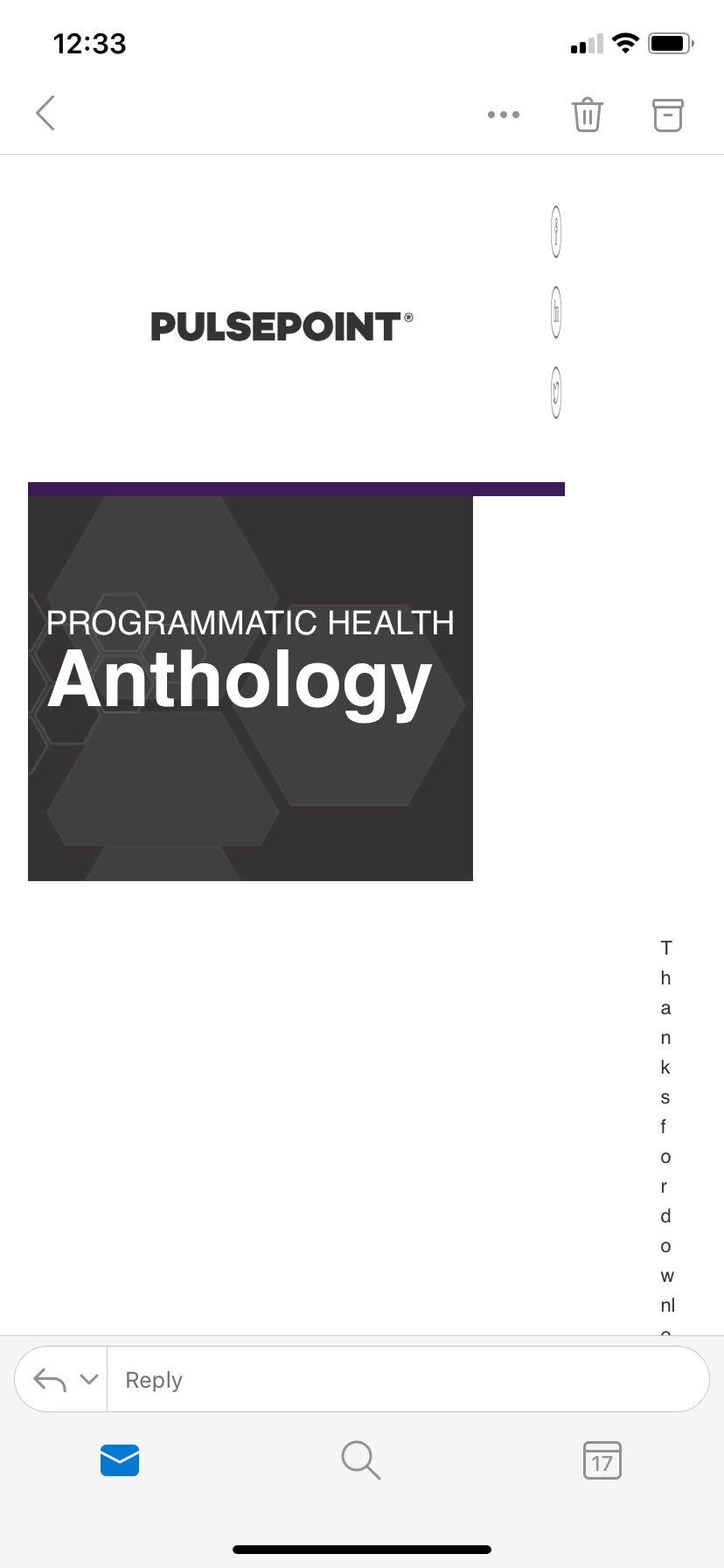
But in Outlook iOS, it's completely broken.
 

Has anyone else experienced this?


This post is no longer active and is closed to new replies. Need help? Start a new post to ask your question.

1 reply

SanfordWhiteman
New Participant
March 17, 2020

Let me ask this first: if a company was paid to create the template, and they claimed to be competent email designers (which isn't the same as web designers, at all) then are you also asking them to fix their incomplete job?

ebaldwinAuthor
New Participant
March 17, 2020

Yup - they have also been contacted to look into this. It's a new hiccup - these templates were made a little over two years ago, and we've only recently moved to using Outlook across the company, so this issue never came up (this isn't to say that they shouldn't have tested for it)


The weirdest thing is that it only happens in the latest iOS version of Outlook. In Email on Acid, the iPhone 7 Outlook render looks fine, in the Apple Mail app it looks fine, and in Outlook on non-Apple devices it also looks fine. So I'm stumped and reaching out to as many outlets as possible.

SanfordWhiteman
New Participant
March 17, 2020

You'd have to start by providing the full template HTML, highlighted using the Syntax Highlighter.

And also please open a new thread for this in Products: https://nation.marketo.com/t5/Products/ct-p/products


Then delete the thread here.


"University" is not actually a support space, I just happen to have run across your post.