Error Has Occurred Pop Up | Community
Skip to main content
New Participant
March 28, 2024
Question

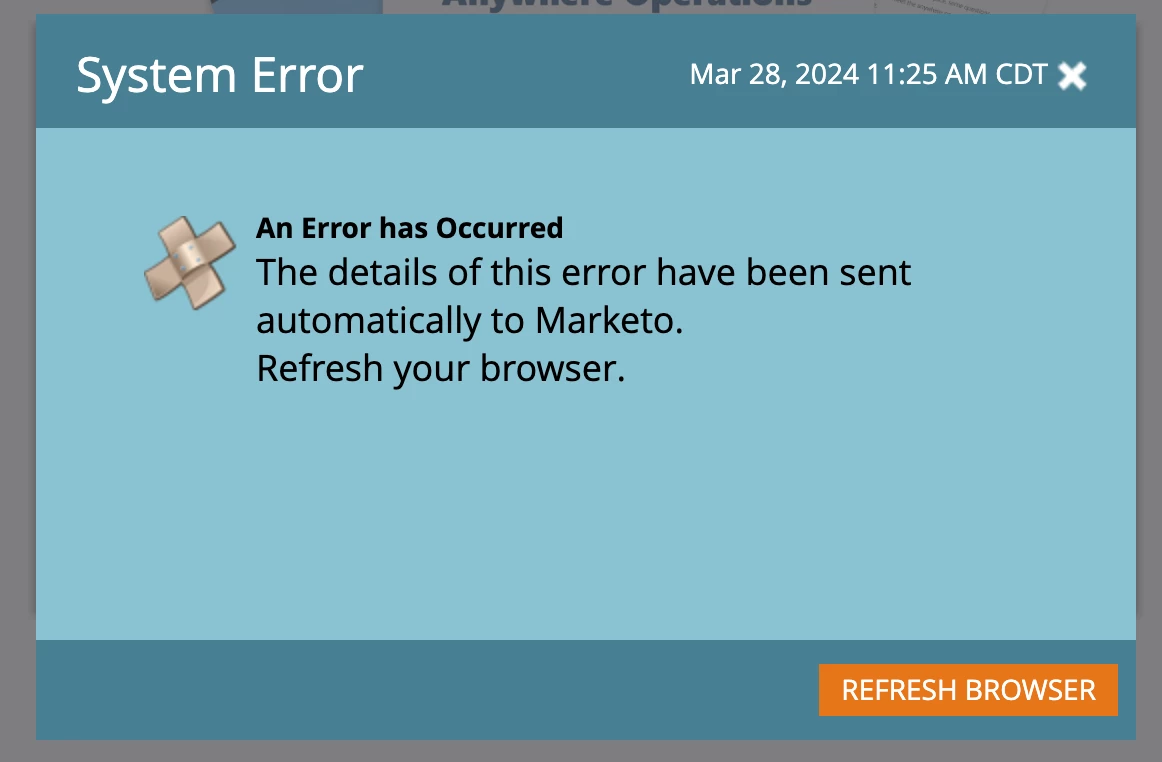
Error Has Occurred Pop Up

  • March 28, 2024
  • 1 reply
  • 1637 views

Hoping someone has had the same issue and figured out a solution.


Every time I log into Marketo, I get a System Error saying "Error Has Occurred - The details of this error have been sent automatically to Marketo. Refresh your browser." but not matter what I do, it comes up every time. I contacted support and they said it was temporary issue that would resolve and I'm still getting it daily, a month later. 


Any ideas?
This post is no longer active and is closed to new replies. Need help? Start a new post to ask your question.

1 reply

Jo_Pitts1
Community Manager
March 28, 2024

@jinawatson,

wildly frustrating isn't it when stuff like that happens.


What pod are you on?  


Do you swap between multiple instances within the same browser profile?


Have you tried the usual suggestions such as:

  • Clear cookies and cache
  • Try it in incognito
  • Try a different browser

Cheers

Jo

New Participant
March 28, 2024

I've tried all of the above but still no dice. I get the pop up on my Mac as well as my Dell in Safari, Chrome, Edge, etc. Not sure what's going on.

New Participant
March 28, 2024

Interesting development - when I switch my internet connection to my hotspot, the issue stops. So I'm guessing it has something to do with my internet but not sure exactly what I need to do there.