Solved
Fix form checkbox styling
Hi - I am adding a checkbox to a form for a Marketo landing page template. Something in the landing page template CSS is causing the checkbox styling to put the text and the checkbox field in separate columns.
We can't change the CSS that the landing page is referencing.
1. Is there a way to override this in the form CSS when adding the text as rich text and removing the field label in the form. When selecting Label to right - the label is still on the left.
or
2. Is there a way to add HTML links to the display label text (which shows correctly)
Page link Landing Page (lonza.com)
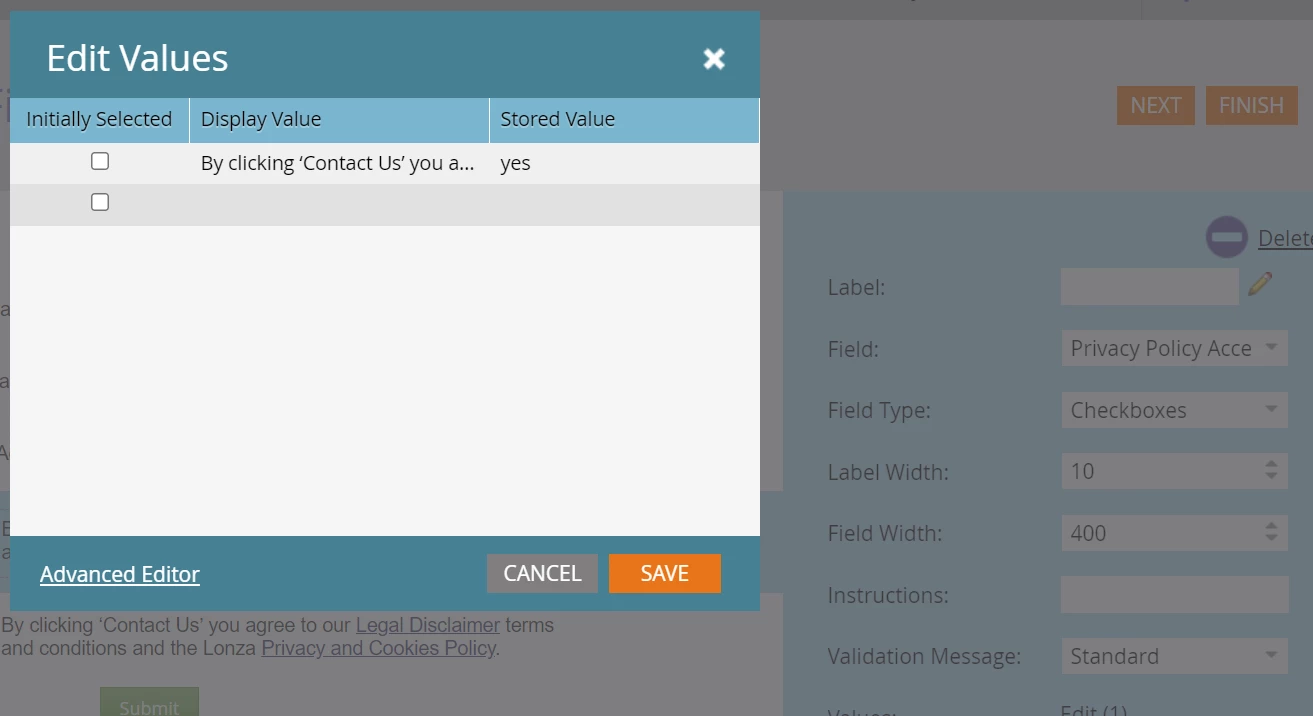
Form settings: Checkbox with blank field label and text in the Display Value