Forwarding an email renders both desktop and mobile headers | Community
Skip to main content
New Participant
August 23, 2021
Solved

Forwarding an email renders both desktop and mobile headers

  • August 23, 2021
  • 2 replies
  • 2342 views

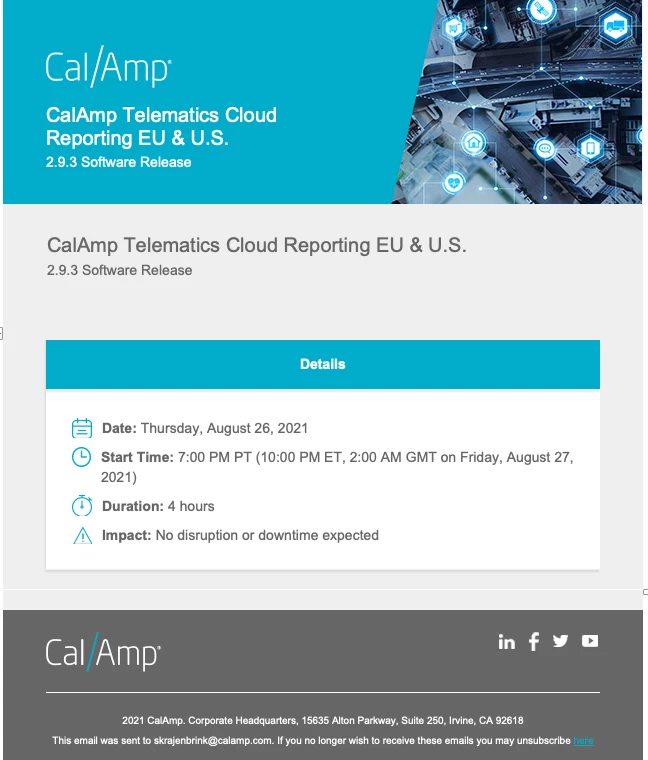
When forwarding an email in outlook it renders both desktop and mobile headers. It looks like the email references both snippets of code when forwarding. Anyone know the fix? 
This post is no longer active and is closed to new replies. Need help? Start a new post to ask your question.
Best answer by SanfordWhiteman
You simply can’t rely on a forwarded email keeping your formatting (unless the email is forwarded as an EML/MSG attachment).

Once the original MIME structure is broken everything else is up for grabs.

2 replies

Katja_Keesom
Community Manager
August 24, 2021

Unfortunately @sanfordwhiteman  is right. Especially Outlook does entirely its own thing when forwarding an email. I have seen hidden variables reappear but many other changes too.

New Participant
August 24, 2021

Yes, right Outlook does entirely its own thing when forwarding an email.


We have one solution for this, if we will create our email templates in the <TR> structure instead of <table> then our email looks better when forwarding.


However, it will not work 100% but looks better,  you can check it if it can help.


SanfordWhiteman
SanfordWhitemanAccepted solution
New Participant
August 23, 2021
You simply can’t rely on a forwarded email keeping your formatting (unless the email is forwarded as an EML/MSG attachment).

Once the original MIME structure is broken everything else is up for grabs.
