Gotowebinar token is not populated | Community
Skip to main content
David_Mezkiriz
New Participant
January 17, 2020
Solved

Gotowebinar token is not populated

  • January 17, 2020
  • 4 replies
  • 3114 views

 Hi,

I don't know why this token {{member.webinar url}} "Gotowebinar token" is not populated if I insert it into an email  directly. However if I insert this token  {{member.webinar url}} into the "My tokens" section of my program inside a calendar file token it is populated. 

This calendar file token has this content under the description section and it works if I put it into an email:

Access URL: {{member.webinar url}} 

{{my.AgendarToken}} token content "calendar file token"
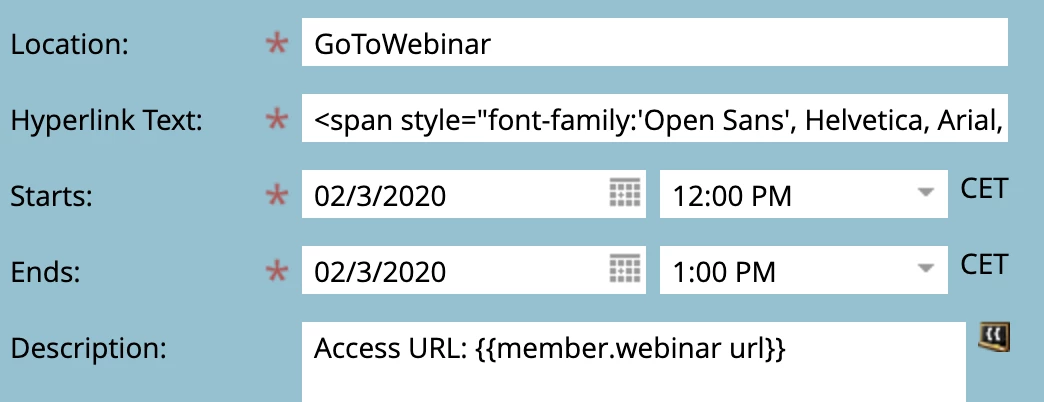
This is the email template we are sending ... the "{{my.AgendarToken}}" which has the above content has a token this token {{member.webinar url}} into it and works.

However, if this token {{member.webinar url}}} is placed exactly inside the same email it does not work. Is there anything wrong I'm doing?
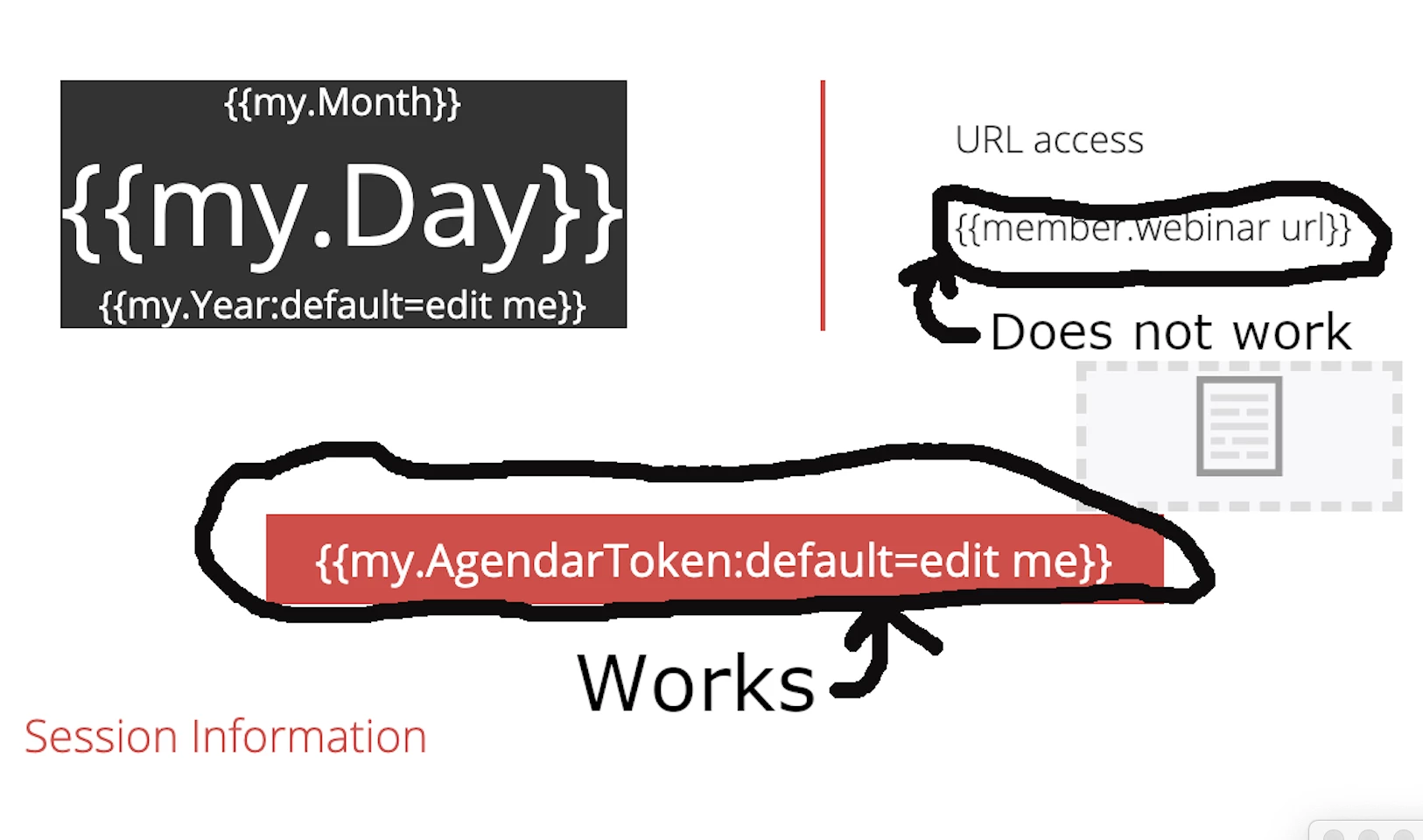
Result of email 
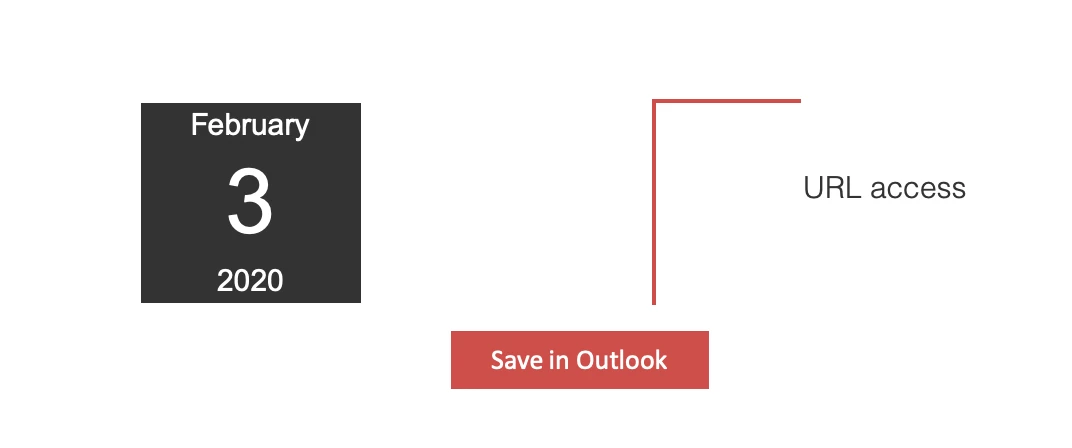
If I edit the Save in Outlook button, the member.webinar url is populated.

Thank you for your help!!

Best answer by SanfordWhiteman

Again, the ICS file is generated on the server. It is not contained in the email. So there is a time delay between when you send the email and when you fetch the ICS file from Marketo. There is no such delay with the token as inserted within the email. This must be available immediately or it will be blank.

4 replies

SanfordWhiteman
SanfordWhitemanAccepted solution
New Participant
January 17, 2020

Again, the ICS file is generated on the server. It is not contained in the email. So there is a time delay between when you send the email and when you fetch the ICS file from Marketo. There is no such delay with the token as inserted within the email. This must be available immediately or it will be blank.

David_Mezkiriz
New Participant
January 17, 2020

Ok, great!! I understand, thank you so much for you clarification Sandord,

David_Mezkiriz
New Participant
January 17, 2020

Hi Sandord,


I understand your solution, thanks, if this does not work I’ll do as you suggested. However, sorry for my ignorance, but I don’t understand why if it’s a timing issue, the token {{member.webinar url}} inserted inside the calendar file token called in my case {{my.AgendarToken}} is populated, and the same token {{member.webinar url}} inserted directly in the same email template is not populated. They should be populated at the same time, shouldn’t they?. Might it be a timing issue?. I also put a wait timer of 10 minutes before sending the email but it happens the same, the token {{my.AgendarToken}} inserted directly is not populated, however the one inside the calendar token {{my.AgendarToken}}  is populated.


BEGIN:VCALENDAR

VERSION:2.0

METHOD:PUBLISH

PRODID:-//Microsoft Corporation//Outlook 11.0 MIMEDIR//EN

BEGIN:VEVENT

UID:156585e21a5fa51d35

DTSTAMP:20200117T121802Z

DTSTART:20200203T110000Z

DTEND:20200203T120000Z

SUMMARY:summary text

LOCATION:GoToWebinar

DESCRIPTION:Access URL: xxx.gotowebinar.com/join/xxxxxxxxxxxxx/xxxxxxxxxxx\n\

END:VEVENT

END:VCALENDAR


Thank you so much for your help!!!

SanfordWhiteman
New Participant
January 17, 2020

I actually should not have answered here as you posted to the wrong space. Please move the thread to Products‌ (Move link will be at the right) to continue.

SanfordWhiteman
New Participant
January 17, 2020

The ICS token is filled in *on the server side* when clicked. You most likely have a timing issue. See https://nation.marketo.com/community/product_and_support/blog/2018/09/29/you-dont-really-need-to-wait-for-memberwebinar-url