How do I make background images editable on landing page?
Hi Community,
I was attempting to enable editability on two background images on a custom-built landing page template.
I changed the code for these images from the following:
<meta class="mktoString" id="sec1_bg_image" mktoName="Section-1 BG Image" default="http://promos.ovstravel.com/rs/512-JJP-615/images/AdobeStock_213835443_Preview.jpeg">

<meta class="mktoString" id="sec3_bg_image" mktoName="Section-3 BG Image" default="http://promos.ovstravel.com/rs/512-JJP-615/images/AdobeStock_154151287_Preview.jpeg">
To the below: (changed meta class to mktoImg and added mtkoModuleScope="true")
<meta class="mktoImg" id="sec1_bg_image" mktoName="Section-1 BG Image" default="http://promos.ovstravel.com/rs/512-JJP-615/images/AdobeStock_213835443_Preview.jpeg" mktoModuleScope="true">

<meta class="mktoImg" id="sec3_bg_image" mktoName="Section-3 BG Image" default="http://promos.ovstravel.com/rs/512-JJP-615/images/AdobeStock_154151287_Preview.jpeg" mktoModuleScope="true">
Below is how the images appear without adding the ModuleScope and changing the meta classes to mktoImg:
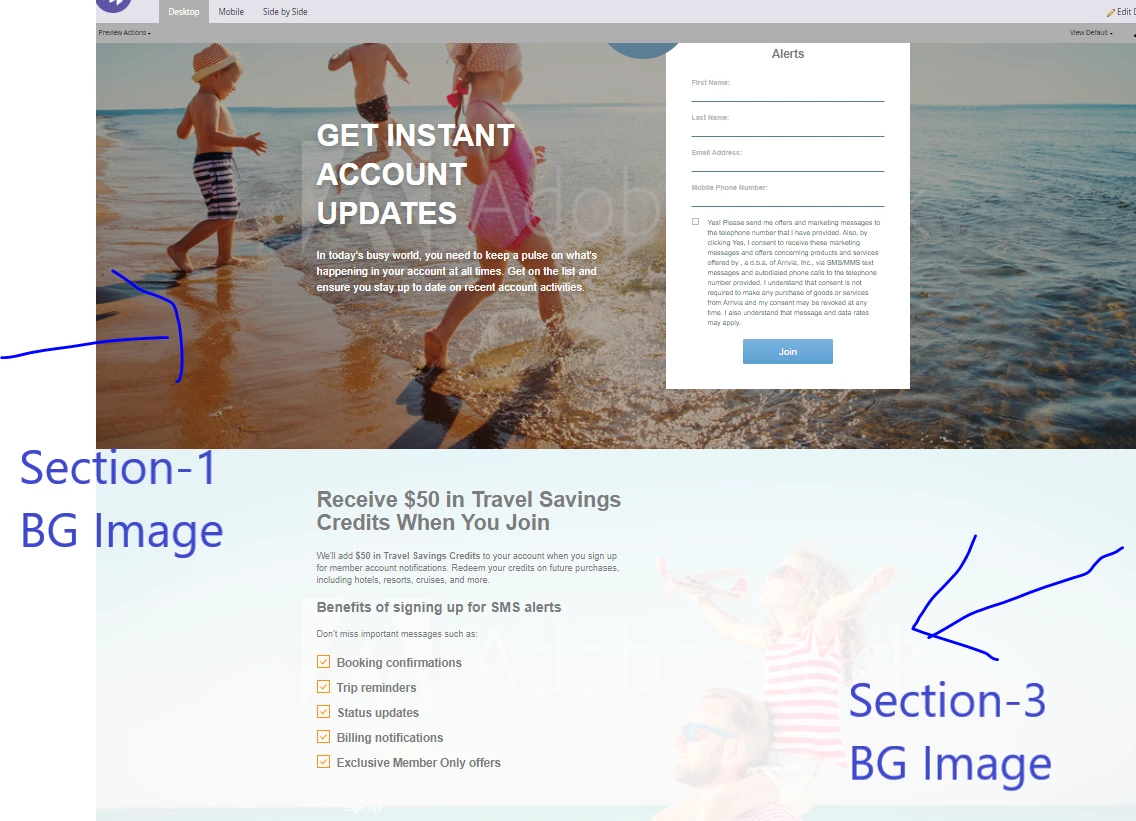
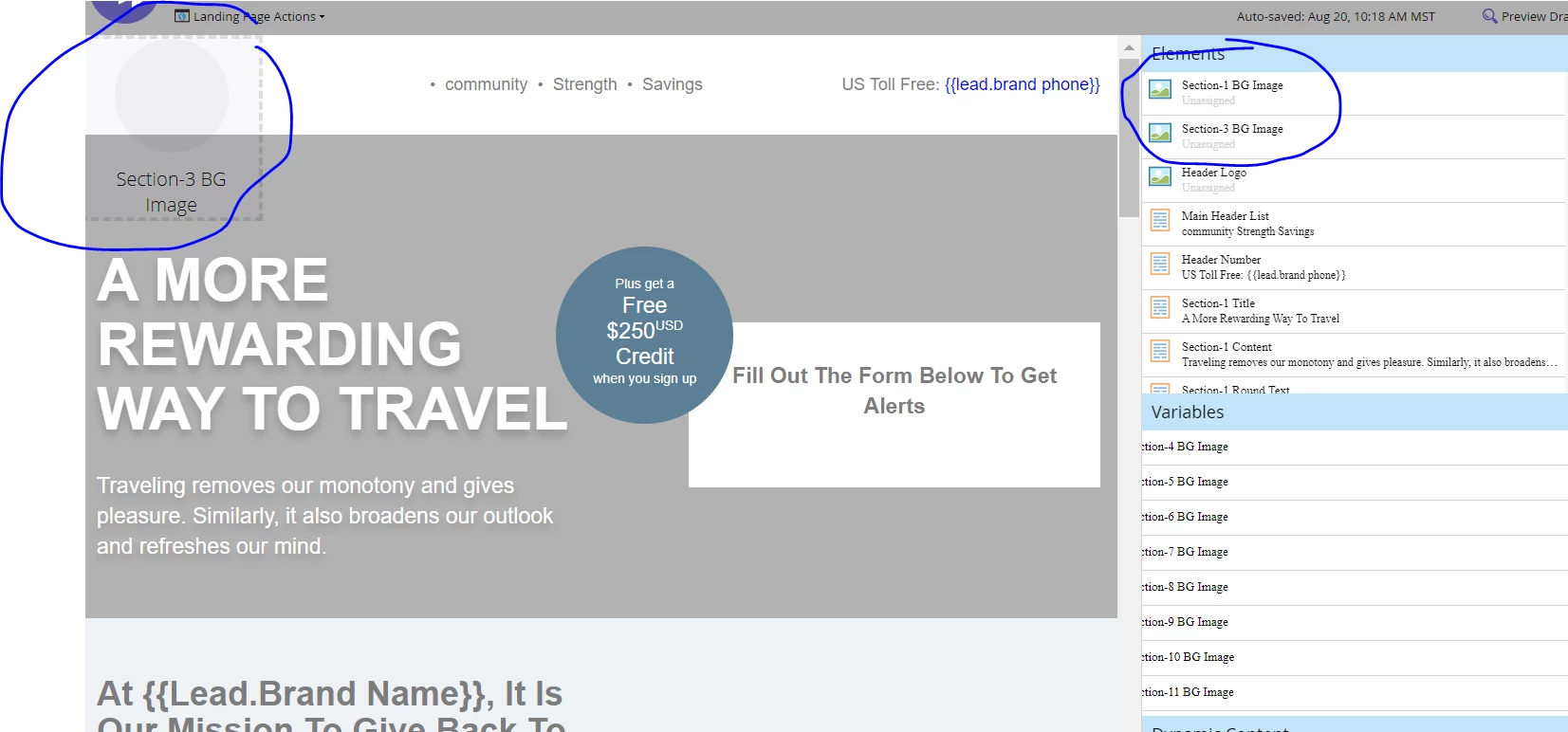
This is how the landing page appears when adding the modulescope and changing the meta classes.
The Section-3-BG block appears but in the wrong place and the Section-1-BG block doesn't show at all.
When I add images to the landing page and preview the page, both images appear at the top instead of in the places they would ordinarily appear.
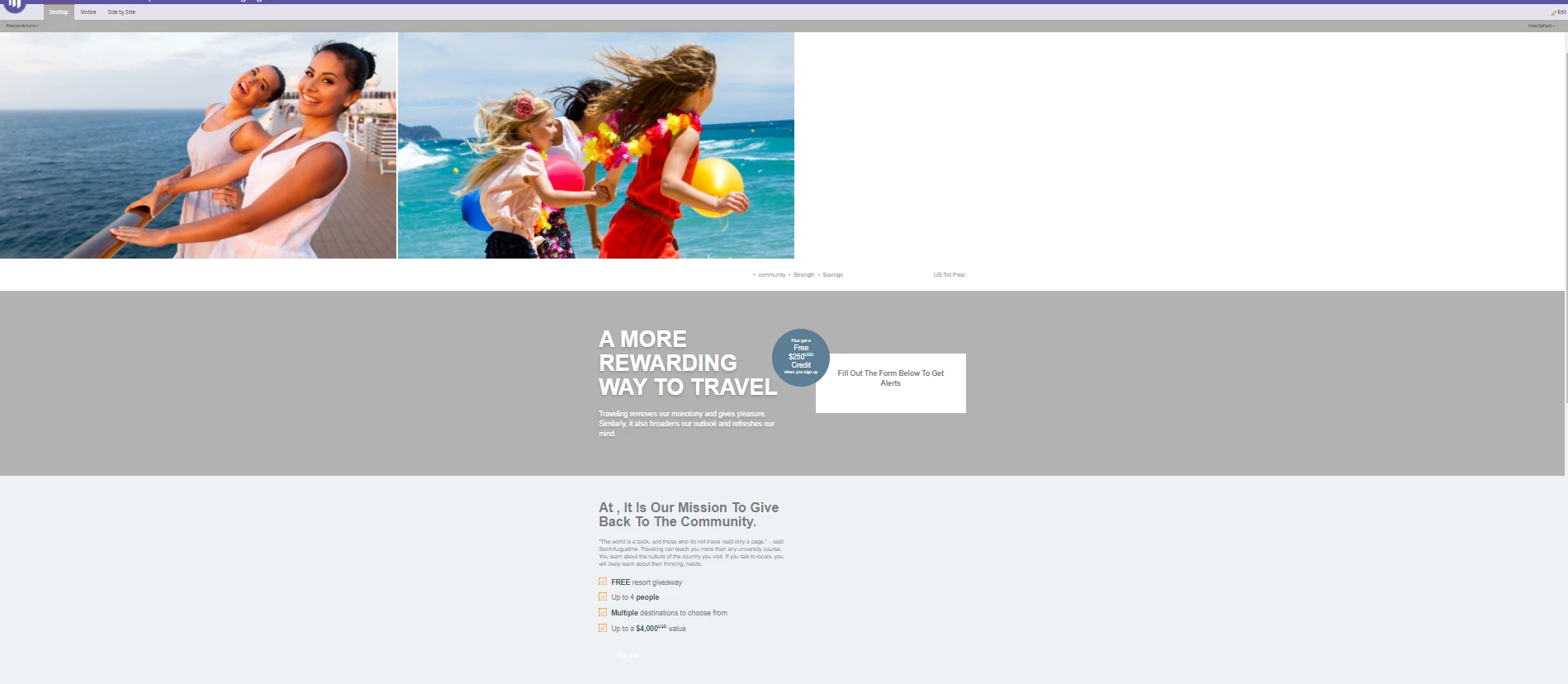
Any idea what I'm doing wrong?
There is some external styling for this page, but I'm not sure if that would affect the appearance since I haven't changed anything but updating the code to be able to edit the images.
Link to LP:
http://promos.ovstravel.com/SMS-Multi-Branded-General-Acquisition_SMS-Test-Landing-Page-2.html
Thank you,
LK
