How to achieve this form | Community
Skip to main content
February 18, 2016
Solved

How to achieve this form
  • February 18, 2016
  • 1 reply
  • 1131 views

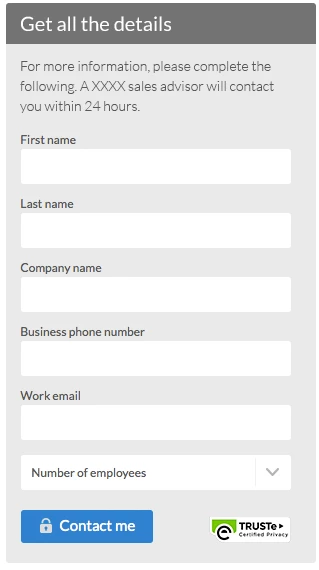
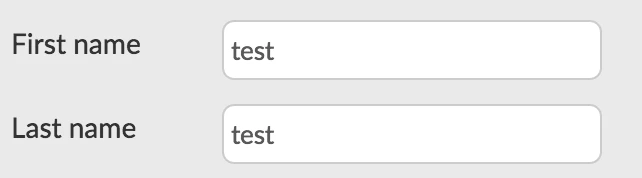
Right now my form label is on the left side of the text please see below. How do I place on top of the text field? Just like the first screenshot on top.
This post is no longer active and is closed to new replies. Need help? Start a new post to ask your question.
Best answer by Frank_Breen2

You need to first Add a Rich Text Box to your form: Add a Rich Text to a Form - Marketo Docs - Product Docs

Then change the labels to Above: Change Form Label Position - Marketo Docs - Product Docs

1 reply

Frank_Breen2
Frank_Breen2Accepted solution
New Participant
February 18, 2016

You need to first Add a Rich Text Box to your form: Add a Rich Text to a Form - Marketo Docs - Product Docs

Then change the labels to Above: Change Form Label Position - Marketo Docs - Product Docs

February 18, 2016

Thanks, didn't realize it was all on the settings.