
Solved
How to activate a cloned smart list for an email send
Hi All,
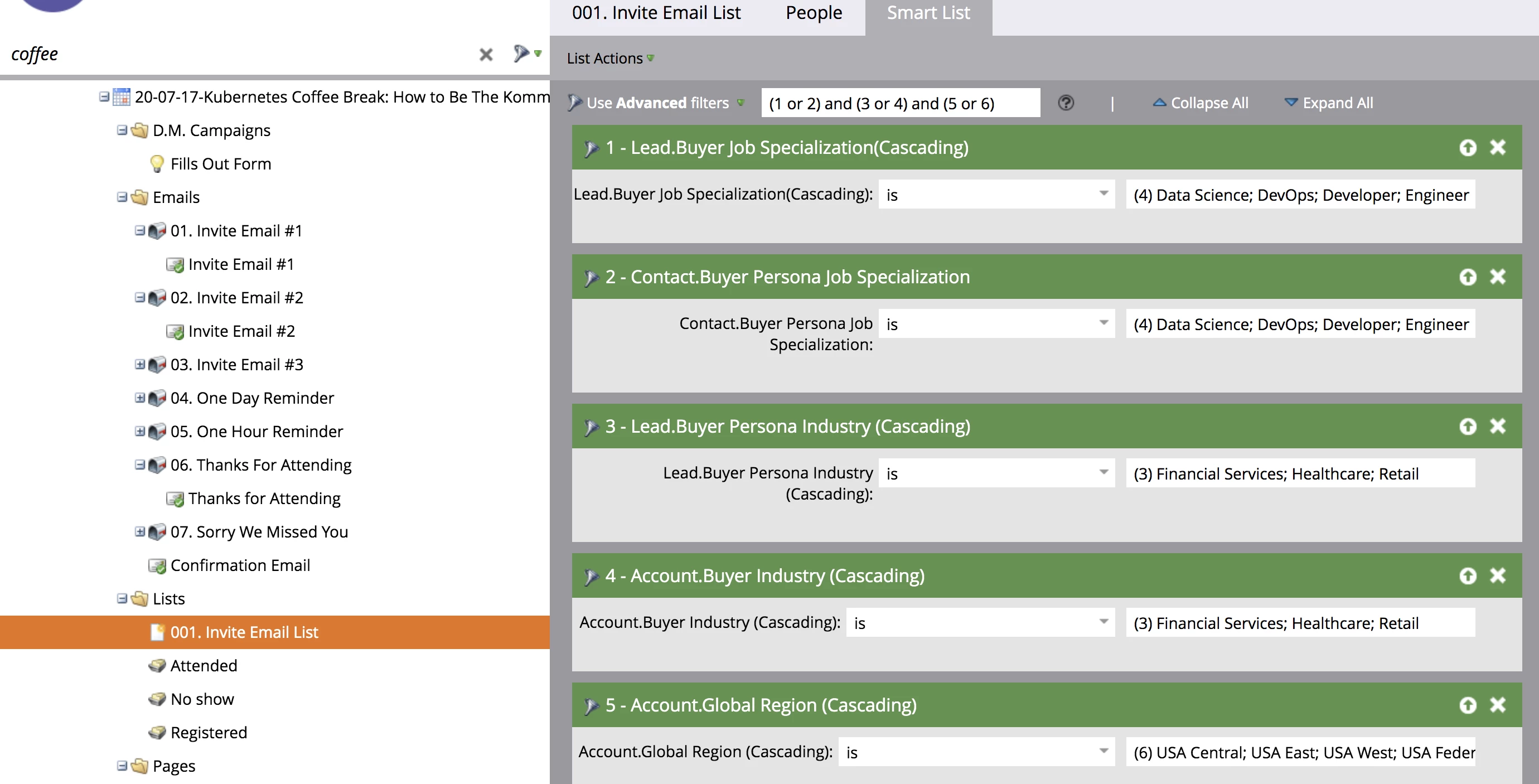
I've cloned a previously used smart list into my new campaign but do not know how to link it to my Invite Email #1. Can someone tell me how to add this?
Hi All,
I've cloned a previously used smart list into my new campaign but do not know how to link it to my Invite Email #1. Can someone tell me how to add this?
Hi,
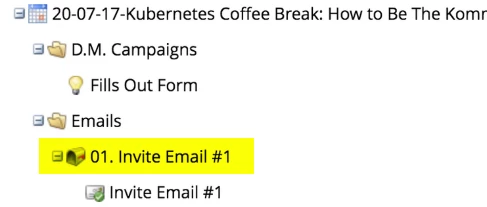
You can click where highlighted
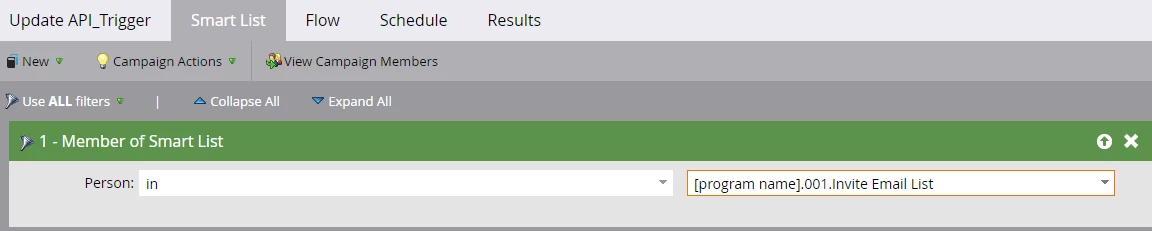
Then find the "Smart list" tab. Inside it, use "Member of Smart List" as filter like below and choose your list from the drop down
Enter your E-mail address. We'll send you an e-mail with instructions to reset your password.