Solved
How to add member status count in Revenue Explorer
Hi,
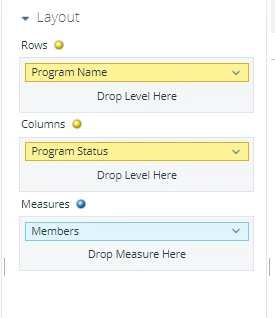
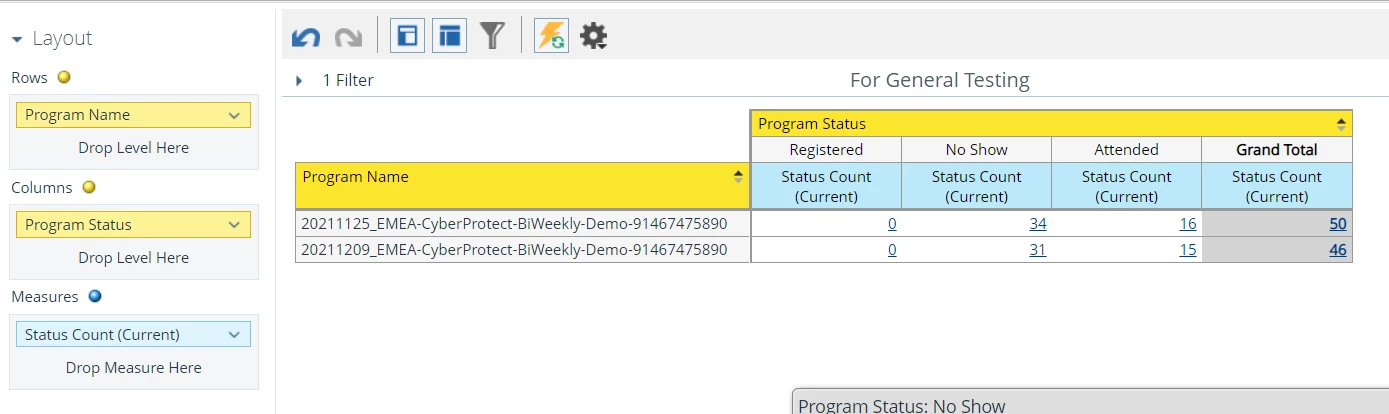
I'm trying out Revenue Explorer and can't seem to figure out how to add the count for both "No Show" and "Attended" status below to appear under "Registered". This was done using Report Type "Program Membership Analysis".
Creating a User Defined Measure doesn't work for me as ideally I would like the number for "Registered" below to appear as 50 (34 + 16) for example.
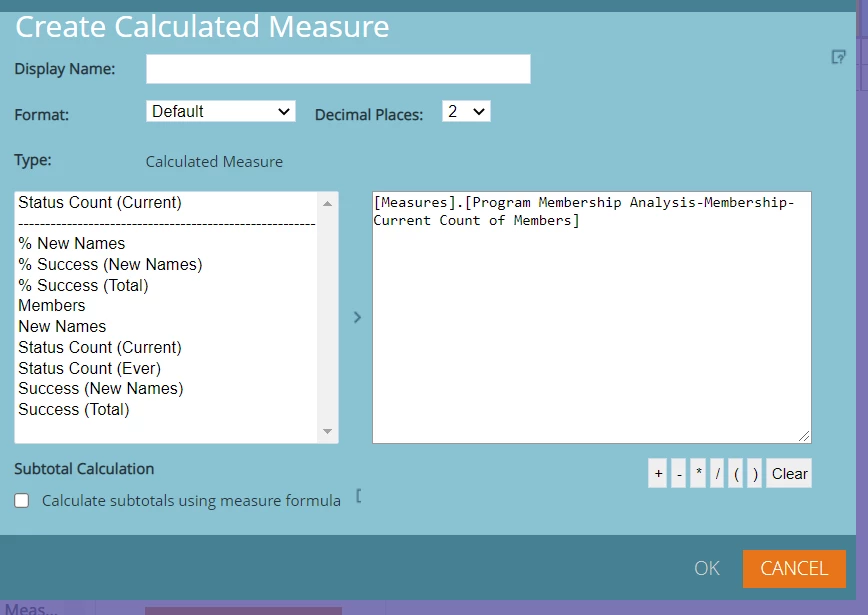
On a separate note, I also tried playing around with Formulas but can't seem to find a syntax that allows me to sum the count according to program status.
Would really appreciate the help here.
Thank you.