How to change from Registered to Attended status | Community
Skip to main content
New Participant
January 28, 2022
Solved

How to change from Registered to Attended status

  • January 28, 2022
  • 1 reply
  • 1512 views

Hello,

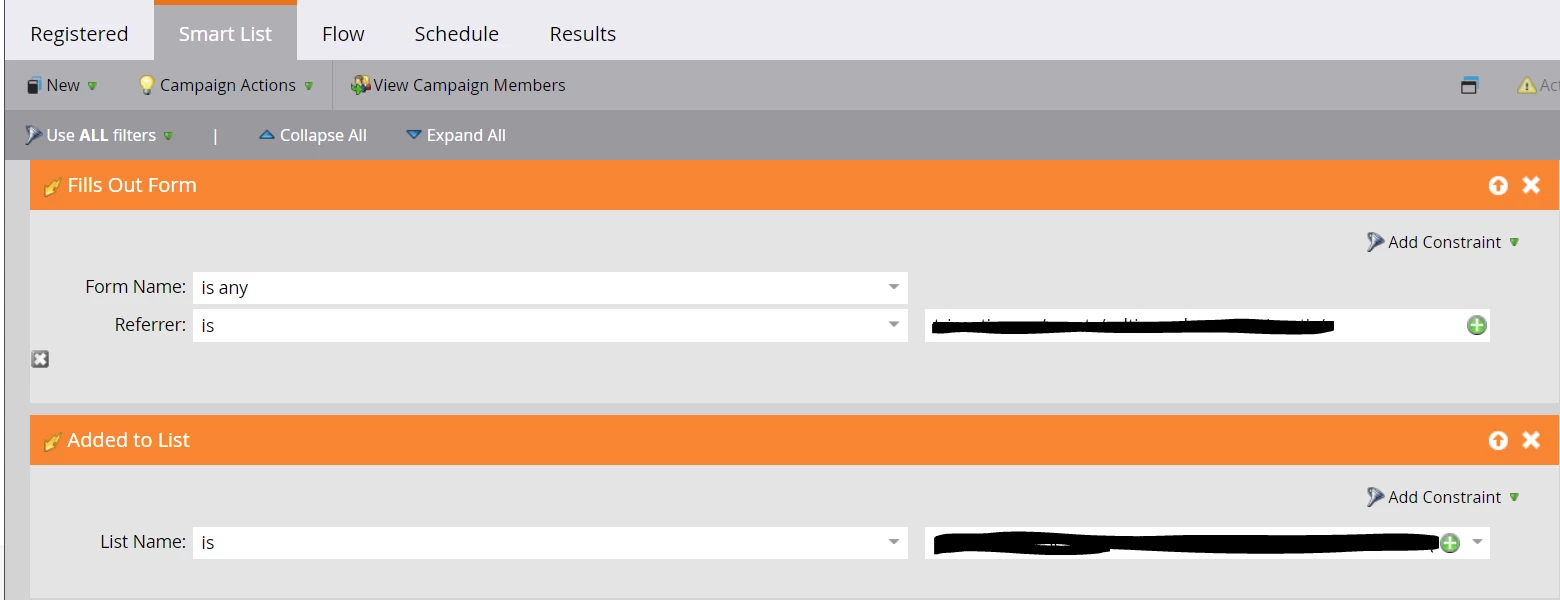
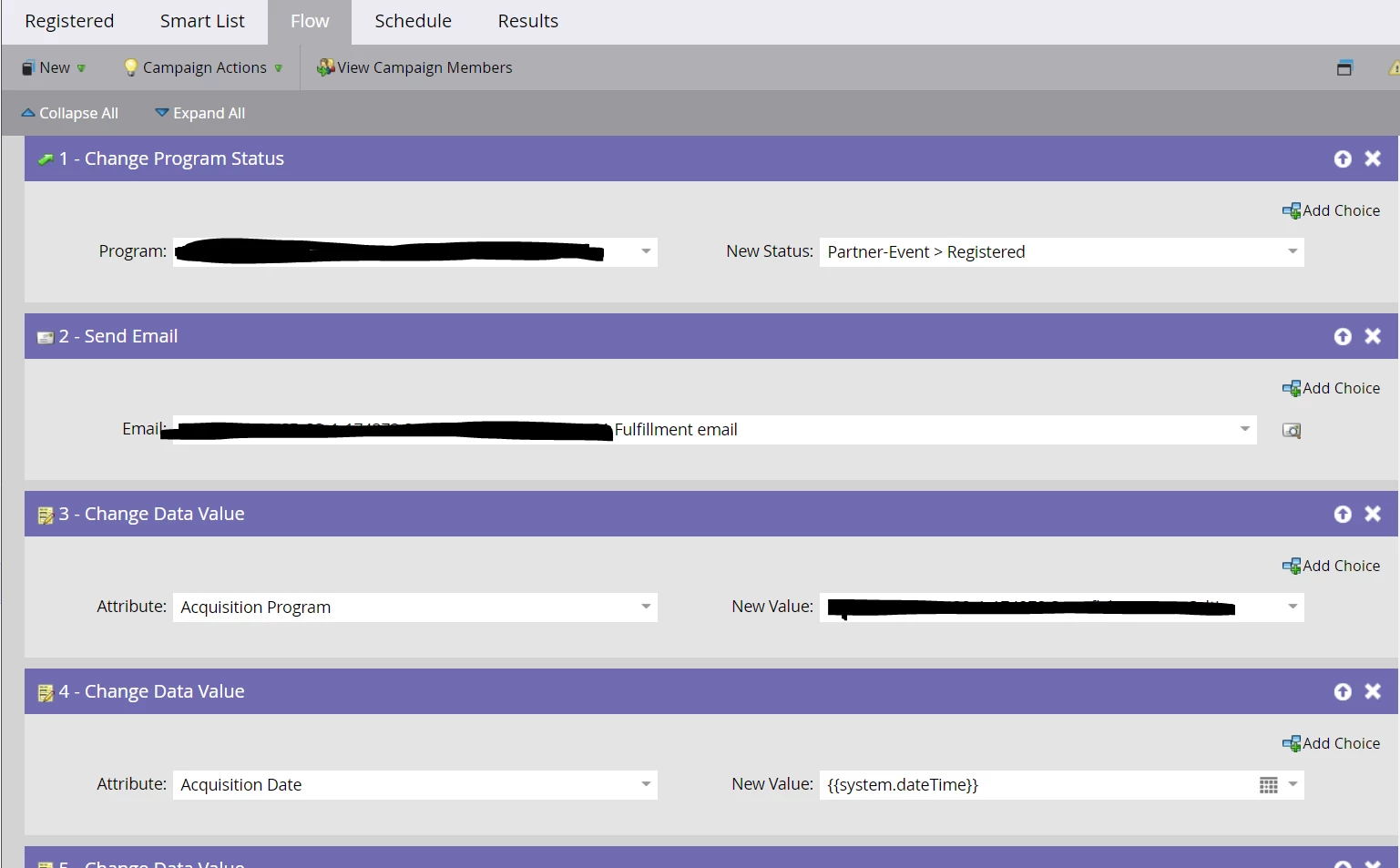
Marketo trigger campaign is set up such that anyone who fills out a specific form is considered Registered, which syncs to Salesforce.

We had 100% attendance. So now we want to update the status from Registered to Attended. 

What is the best way to set up the smart list and flow steps to attain this? 

How to go about this so that the status also syncs to Salesforce?

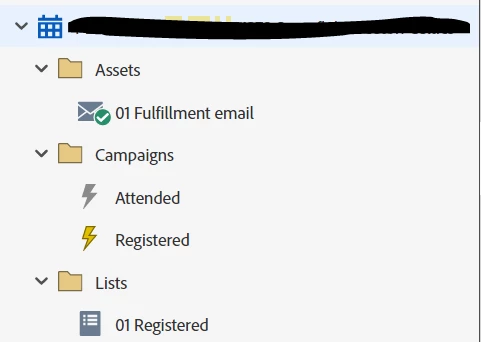
The current program setup looks like this:
Trigger smart list:
Flow step:
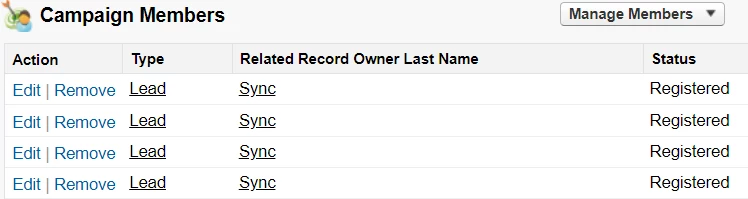
Salesforce campaign members status = Registered. 
Thank you!!



This post is no longer active and is closed to new replies. Need help? Start a new post to ask your question.
Best answer by Katja_Keesom

I'd say that is an easy one. If all people with status Registered actually attended, you create a new smart campaign with the filter program status = Registered and a flow step to update the program status to Attended. If the program is properly associated with the SFDC campaign, statuses should automatically be kept in sync, so you should not have to do anything extra there.

1 reply

Katja_Keesom
Katja_KeesomAccepted solution
Community Manager
January 28, 2022

I'd say that is an easy one. If all people with status Registered actually attended, you create a new smart campaign with the filter program status = Registered and a flow step to update the program status to Attended. If the program is properly associated with the SFDC campaign, statuses should automatically be kept in sync, so you should not have to do anything extra there.