Solved
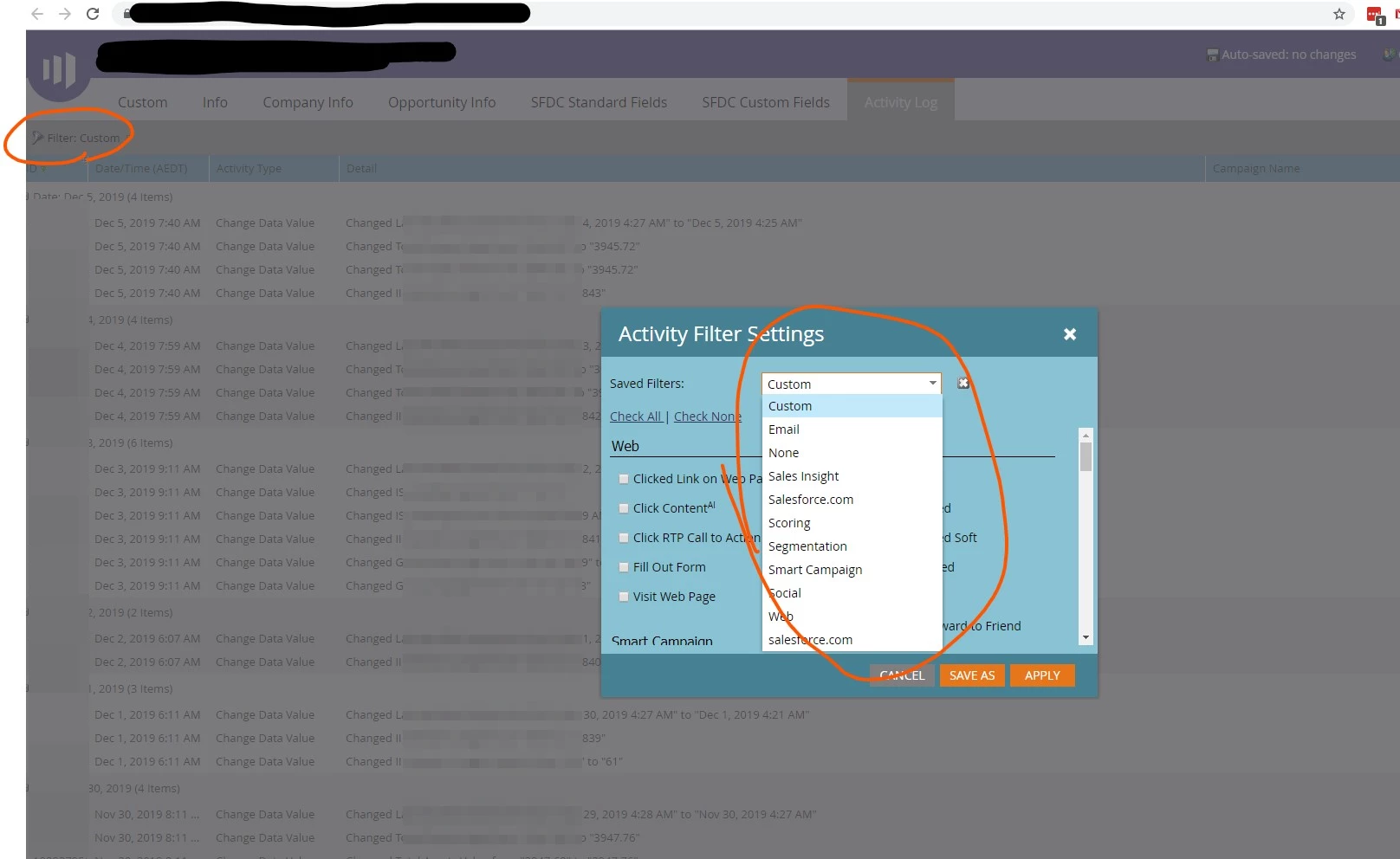
How to create a new custom Activity Filter? Within Activity Log
I'd like to create a new activity filter and name it say Filter1 which contains only
Change Data Value and Add to List checked.
It would be nice if I can save it as Filter1 and then create another with Filter2 with say Email Delivered and Visit Web Page checked and then be able to easily switch between Filter1 and Filter2
Is this possible? Currently, the only way I'm able to achieve this functionality by using the Custom filter which gets annoying very quickly.
I can see filters such as "Email, None, Sales Insight, Segmentation etc", how did they get there?
Thanks