How to Create CTA Padding That Persists in PC and Macs? | Community
Skip to main content
September 4, 2018
Solved

How to Create CTA Padding That Persists in PC and Macs?

  • September 4, 2018
  • 1 reply
  • 2956 views

Hello Marketo Community,

I've been working with my teams to ensure our buttons from within our Marketo Emails, have some sufficient padding but for whatever the reason it's inconsistent between PC and Macs. I would like to ask, "Is there a way to make it persist for both?"

Here are some screenshots:

This is the tiny script, I use for the CTA button padding for the text "Read Now."
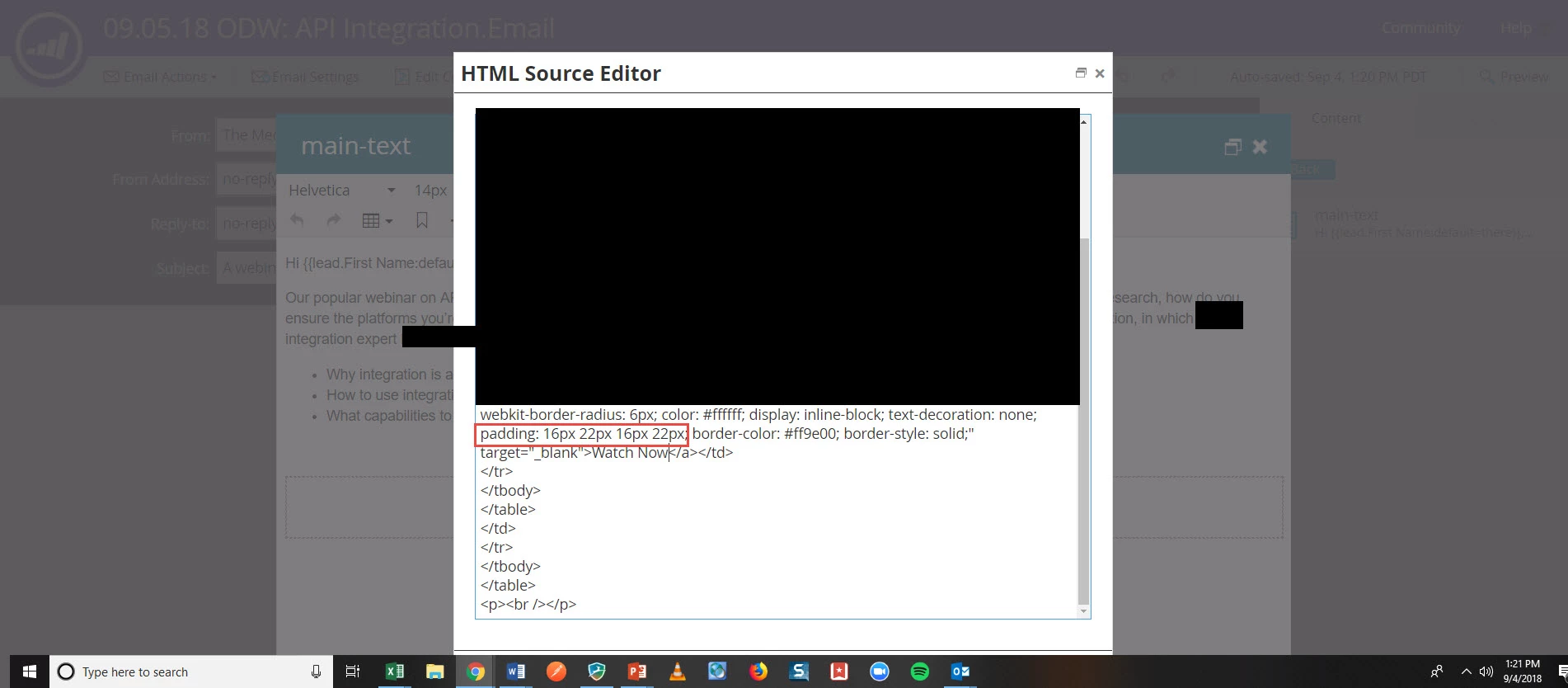
See it works for PCs
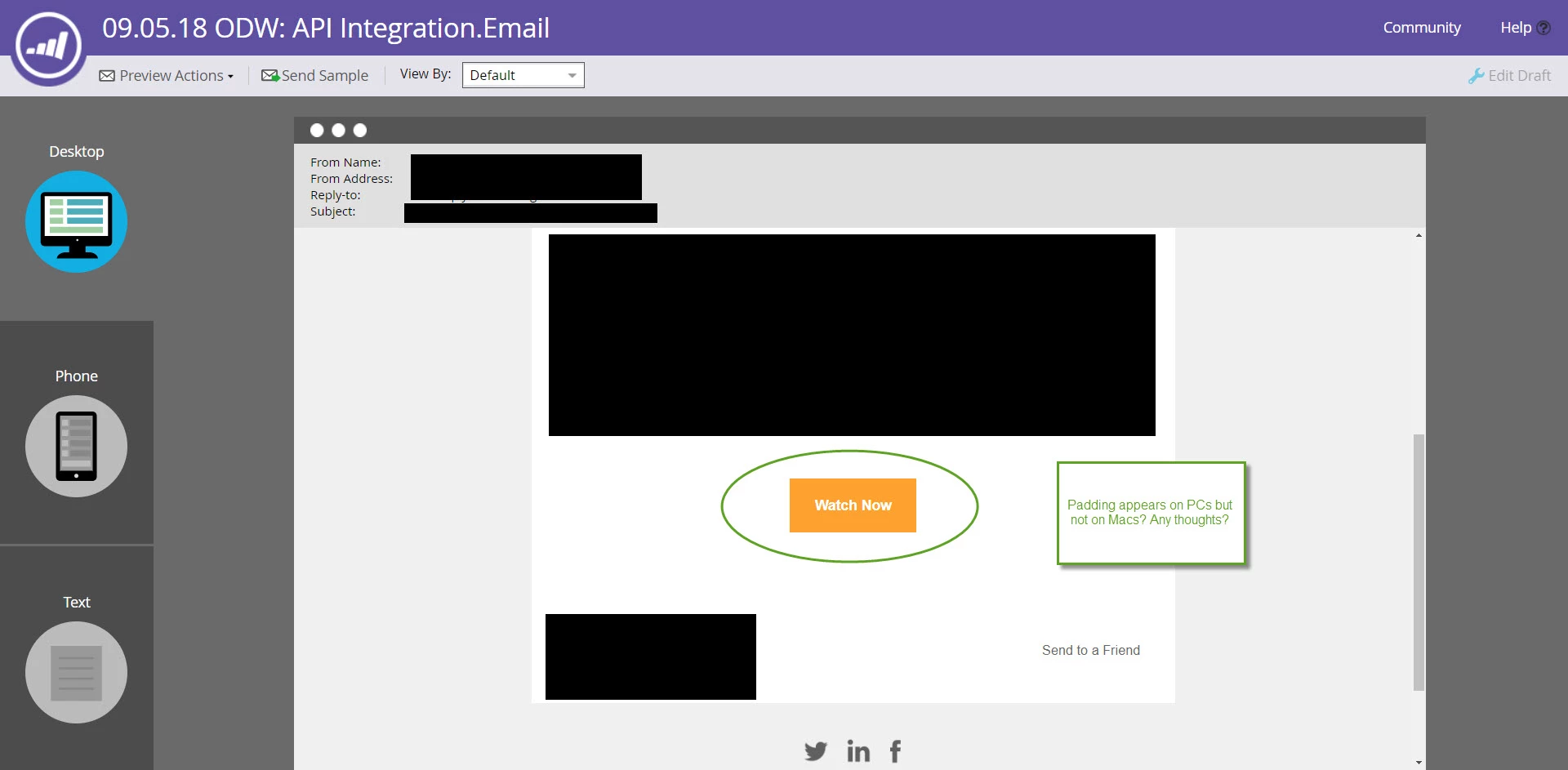
However my colleague who works on Macs does not see these modifications at all.

As always, I appreciate the help and information in advance!

This post is no longer active and is closed to new replies. Need help? Start a new post to ask your question.
Best answer by Grace_Brebner3

Hey Ryan,

Finding a solution that works consistently across PC/Mac would only be looking at a very small part of the real issue - you need a button that works consistently across browsers, the email clients, devices, etc.

There's plenty of good resources online about "bulletproof" buttons - Bulletproof email buttons | Campaign Monitor, The Ultimate Guide to Bulletproof Buttons in Email Design are two examples.

If you haven't already, I'd strongly recommend investing in an email testing tool like Litmus or Email on Acid (personally I have used both and prefer Litmus). It will always be the best way to ensure you're sending out emails that look good.

Hope that helps

1 reply

Grace_Brebner3
Grace_Brebner3Accepted solution
New Participant
September 4, 2018

Hey Ryan,

Finding a solution that works consistently across PC/Mac would only be looking at a very small part of the real issue - you need a button that works consistently across browsers, the email clients, devices, etc.

There's plenty of good resources online about "bulletproof" buttons - Bulletproof email buttons | Campaign Monitor, The Ultimate Guide to Bulletproof Buttons in Email Design are two examples.

If you haven't already, I'd strongly recommend investing in an email testing tool like Litmus or Email on Acid (personally I have used both and prefer Litmus). It will always be the best way to ensure you're sending out emails that look good.

Hope that helps

SanfordWhiteman
New Participant
September 5, 2018

There's plenty of good resources online about "bulletproof" buttons - Bulletproof email buttons | Campaign Monitor

(And if you do use those, you must also read this: Those bulletproof buttons are also *tracking*-proof, though (here's the fix))

September 5, 2018

Thank you for the follow-up Sanford, definitely learned something new about Outlook and its unique properties with these buttons .