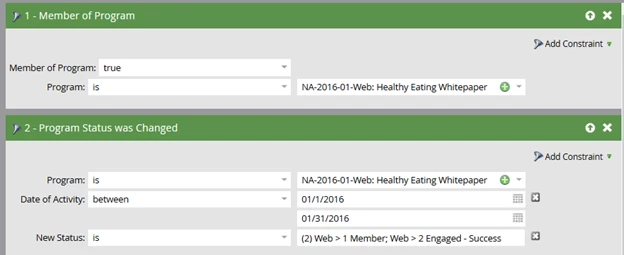
How to Determine Membership and Success for New and Existing Records in a Program
If you have RCE you can use the Program Membership Analysis Report to determine when new and existing records become a member and reach success in a specific program.
Start by filtering if necessary on a specific program or group of programs using the program name or channel.
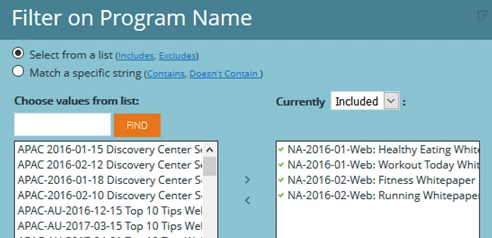
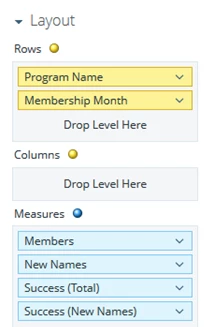
Next add the following filters and metrics to the report.
Here is a sample of what the report will look like by Membership Month. In this example, employees and partners who filled out the form become members but were kept from becoming a success in the program.
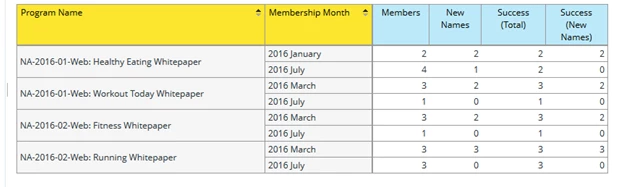
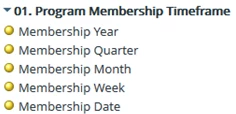
Alternatively, use Membership Date, Week, Quarter and Year instead of Membership Month.
If you don’t have RCE you can pull similar membership information using a smart list..