How to get csv data to import into person token? | Community
Skip to main content
New Participant
February 9, 2021
Question

How to get csv data to import into person token?

  • February 9, 2021
  • 1 reply
  • 2287 views

Hi there,

I have an email that I need to send that has a custom field that needs to display for each person.  I reviewed the answer on this post: https://nation.marketo.com/t5/Product-Discussions/Creating-Custom-Tokens/m-p/199201#M144936 and went into the admin, and created a custom person token "{{lead.Your field name}}.  
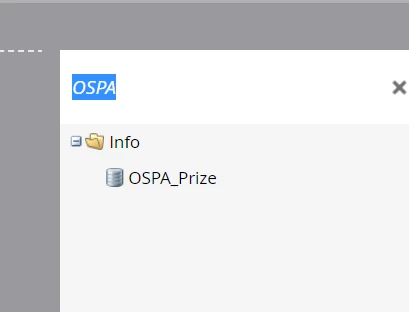
 

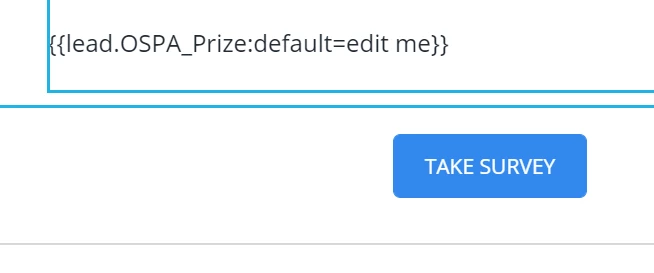
Now, I imported my data, and selected that field name for the import.  I can look at the list and see the data has imported into the correct field, however, when I look at the actual personalization (in the preview), the field is blank.  The default value isn't even showing up (the text I replaced the "edit me" with.


Any idea where I went wrong?


Thanks!

Liz
 

1 reply

Michael_Florin-2
New Participant
February 9, 2021

Are you previewing "by Person"?


And if that doesn't show the token value, does previewername@acme.com have the correct value in OSPA_Prize?

ezipseAuthor
New Participant
February 9, 2021

Yes, I tried previewing by both list, and by person, and the data isn't showing up, even though I see it in the field when I look at the people in my list.

SanfordWhiteman
New Participant
February 9, 2021

Pretty strange symptoms. Are you sure you didn't accidentally make the field invisible (like in an HTML comment or due to broken HTML tags)?  Have you looked in the Text part of the email, where there's no chance (or less chance) of such confusion?