How to Show a Value in Form Drop-Down | Community
Skip to main content
July 18, 2016
Solved

How to Show a Value in Form Drop-Down

  • July 18, 2016
  • 1 reply
  • 1626 views

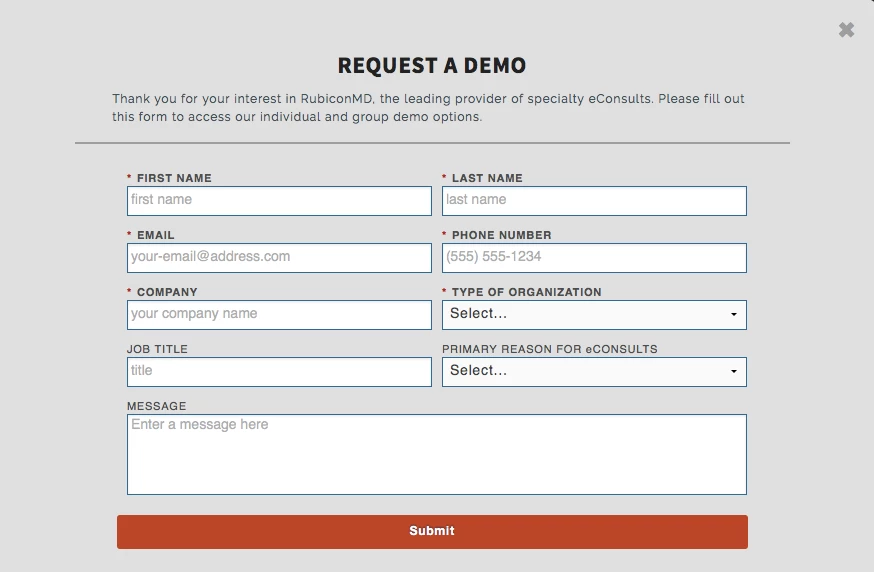
Currently, our picklist fields in our request a demo form (using Marketo form code) show "Select" in the drop-downs (two custom picklist fields). How do I modify the code so that it shows explainer text instead of "Select" (e.g., "select your organization type")?
This post is no longer active and is closed to new replies. Need help? Start a new post to ask your question.
Best answer by Dory_Viscoglio

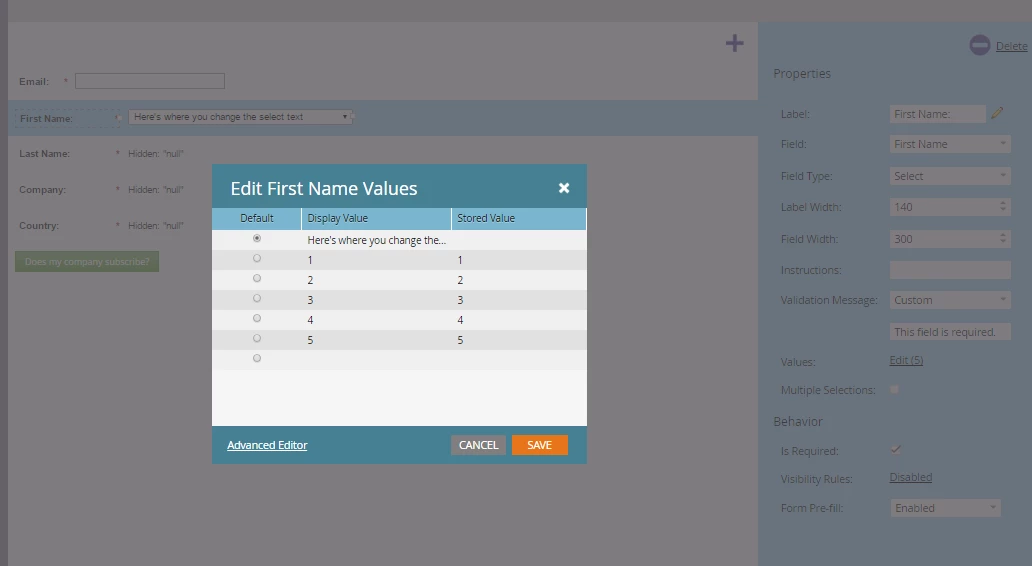
Hey Christine Jacobson​, you can do this in the form designer. See image below

1 reply

Dory_Viscoglio
Dory_ViscoglioAccepted solution
New Participant
July 18, 2016

Hey Christine Jacobson​, you can do this in the form designer. See image below

July 18, 2016

Thank you for the quick response. How do I access that exactly? Having trouble getting to that dialog box.

Dory_Viscoglio
New Participant
July 18, 2016

If you select your select-type field, then go into edit on the right column.