Yes, it’s possible. You need to define what engagement you want to measure. It can be a variety of things - Clicks in Email, Fills out Form and so on.
- Create a smart list to define each type of engagement
- Create a People Performance Report - and add your engagement smart lists as custom columns.
- Group by ‘Registration Source Type’ or ‘Registration Source Info’.
- Filter the reports for people created at specific months.
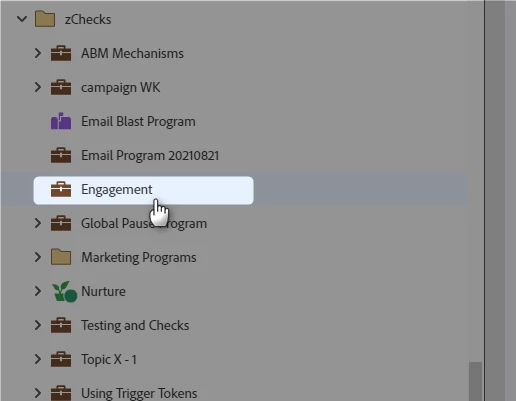
1 - Create a Program for building this up. For example, call it Engagement (Tip : Keep it as short as just 1 character if possible)
2 - Define certain engagements which you want to measure by source, across months. For example, fills out any form in <specific month> once, twice and so on.
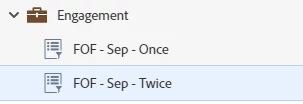
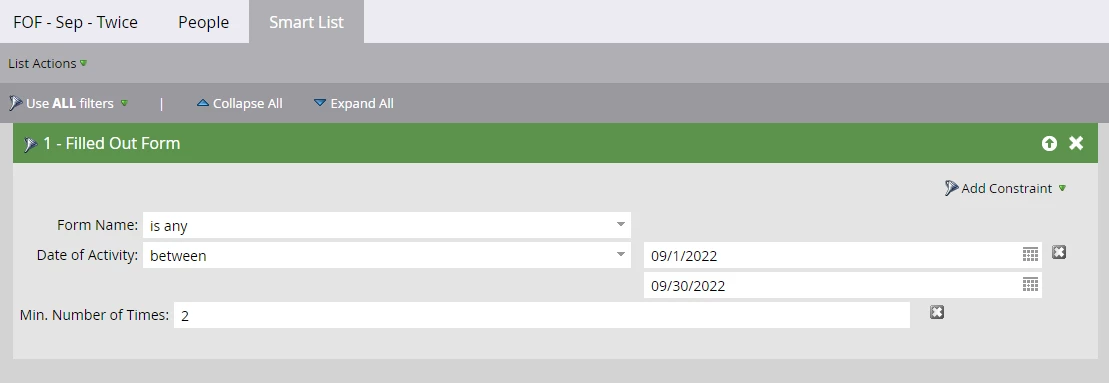
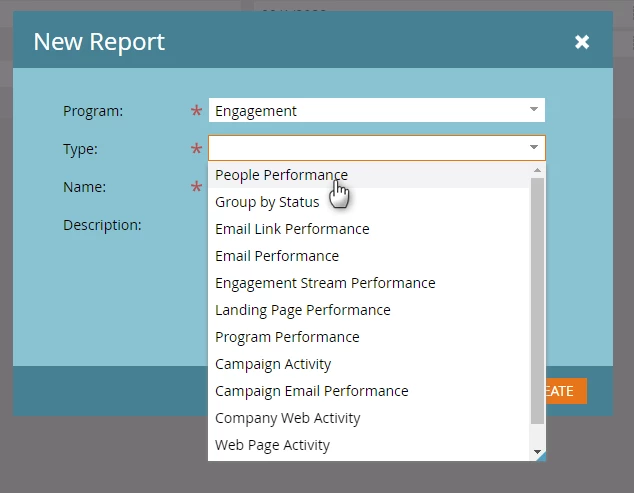
3 - You may create smart lists to define the engagement you want to measure. Now, create a People Performance Report.
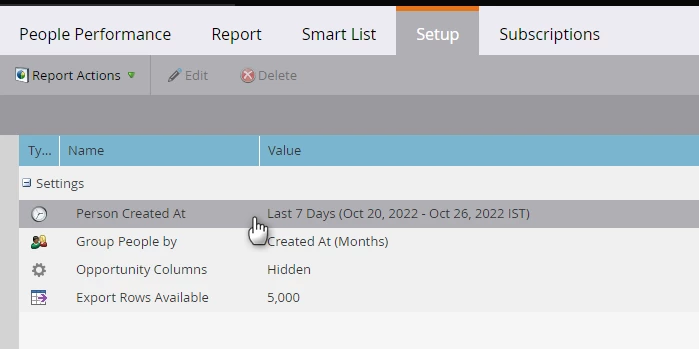
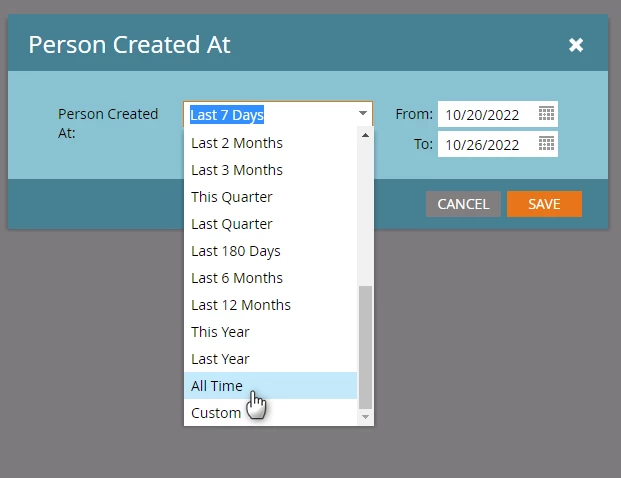
4 - Go to the Setup and change it’s ‘Person Created At’ to ‘All Time’
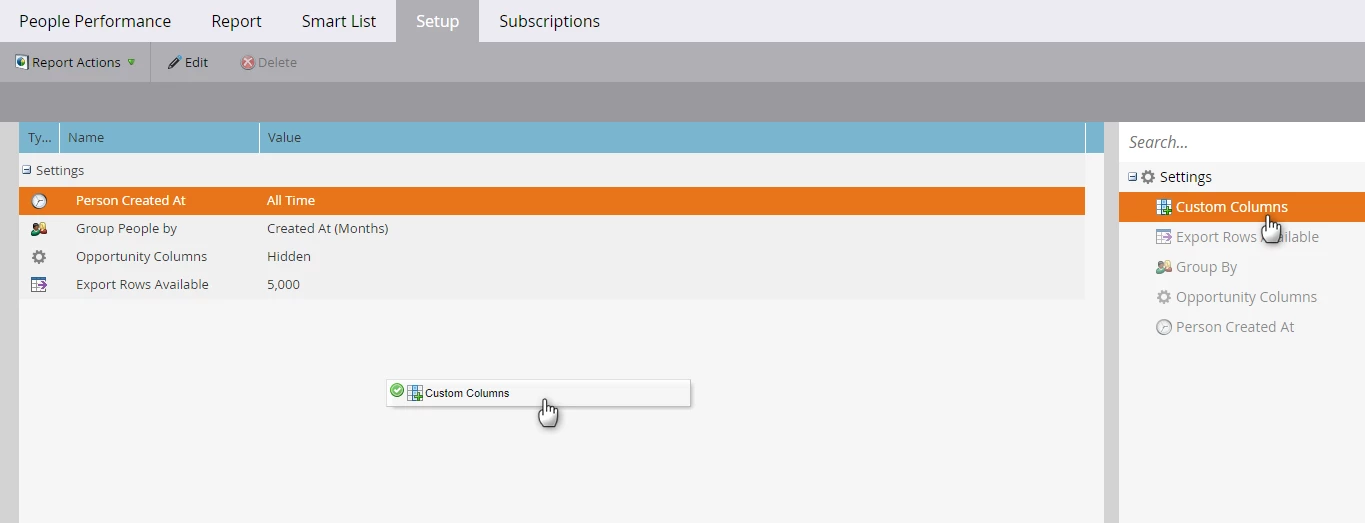
5 - Drag the ‘Custom Columns’ option to the canvas
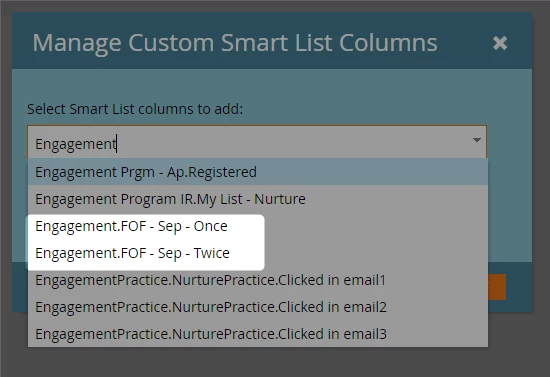
6 - Search for the smart lists you have created, and add them to the custom column option.
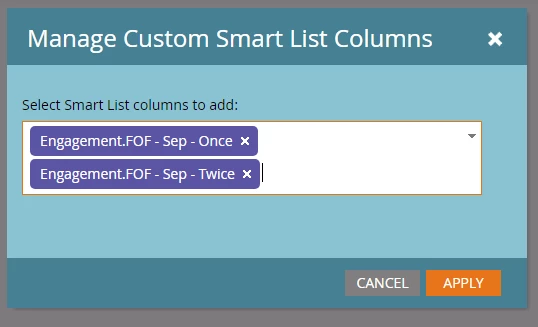
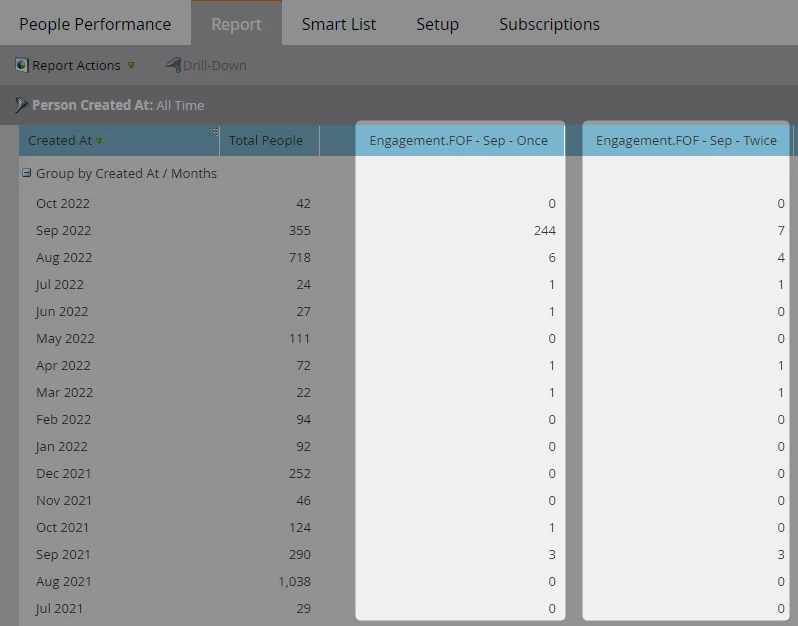
7 - The results of those smart lists shall be added to columns like the following. In the below example, the results are grouped by months - hence, we see 244 people filled out a form once in September & were created in September, and 7 people filled out a form twice & were created in September.
8 - If you group this by your acquisition avenues - for which you can use either of two fields, you will be able to see source and engagement across months.
Registration Source Type, Registration Source Info
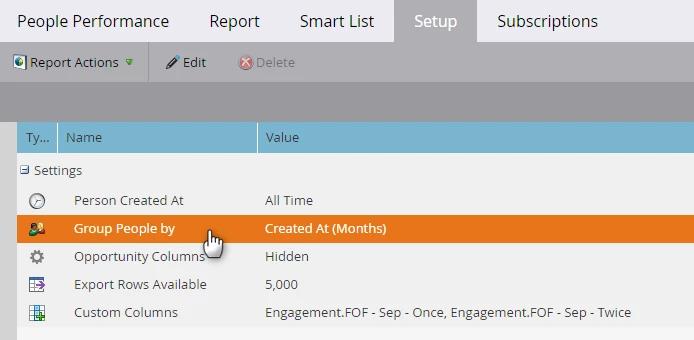
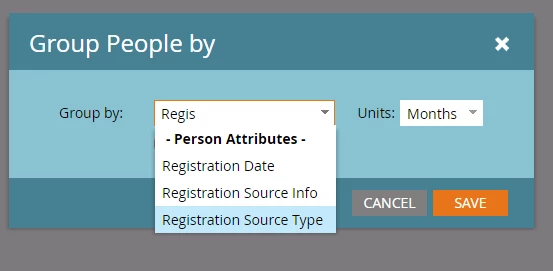
And these will appear like the following -
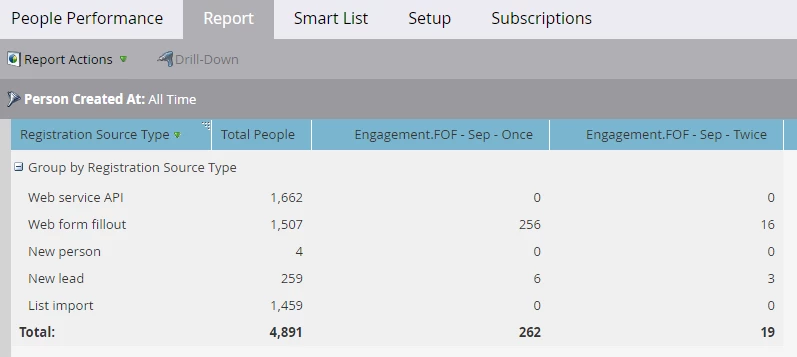
9 - Go to smart list, and use a Created At Date filter, to define the set you want to report on (in this case, you want to look at engagement of people created at specific months, grouped by acquisition avenues (which I am assuming Registration Source Info could help with)
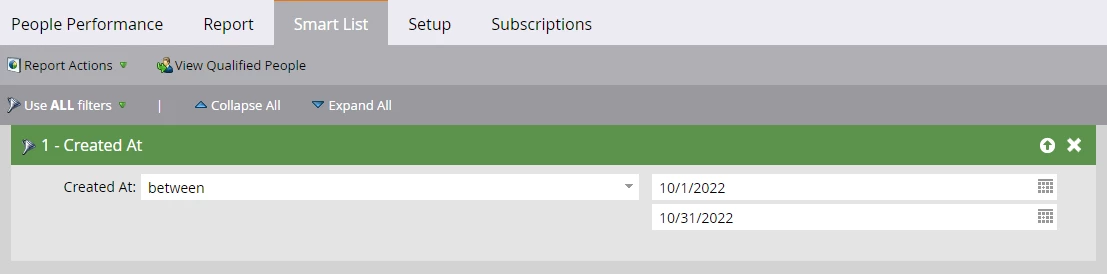
10 - You can create a similar table for each month (i.e. say 12 People Performance Reports for each month)
And you can expand the custom columns to more months, and generate something like the following, to view this matrix for each set of people who were created at a specific month.
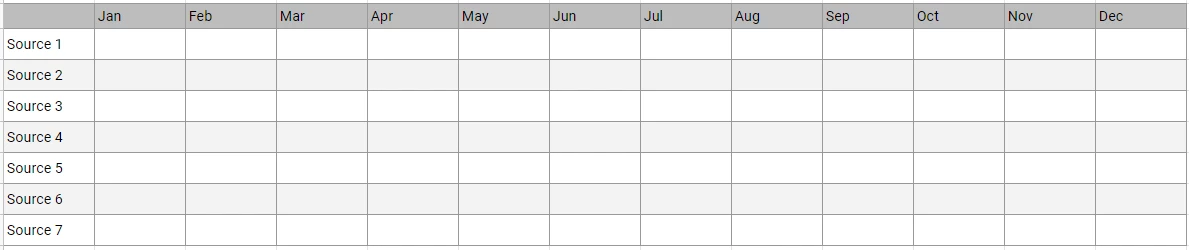
PS - a lot of possibilities here.