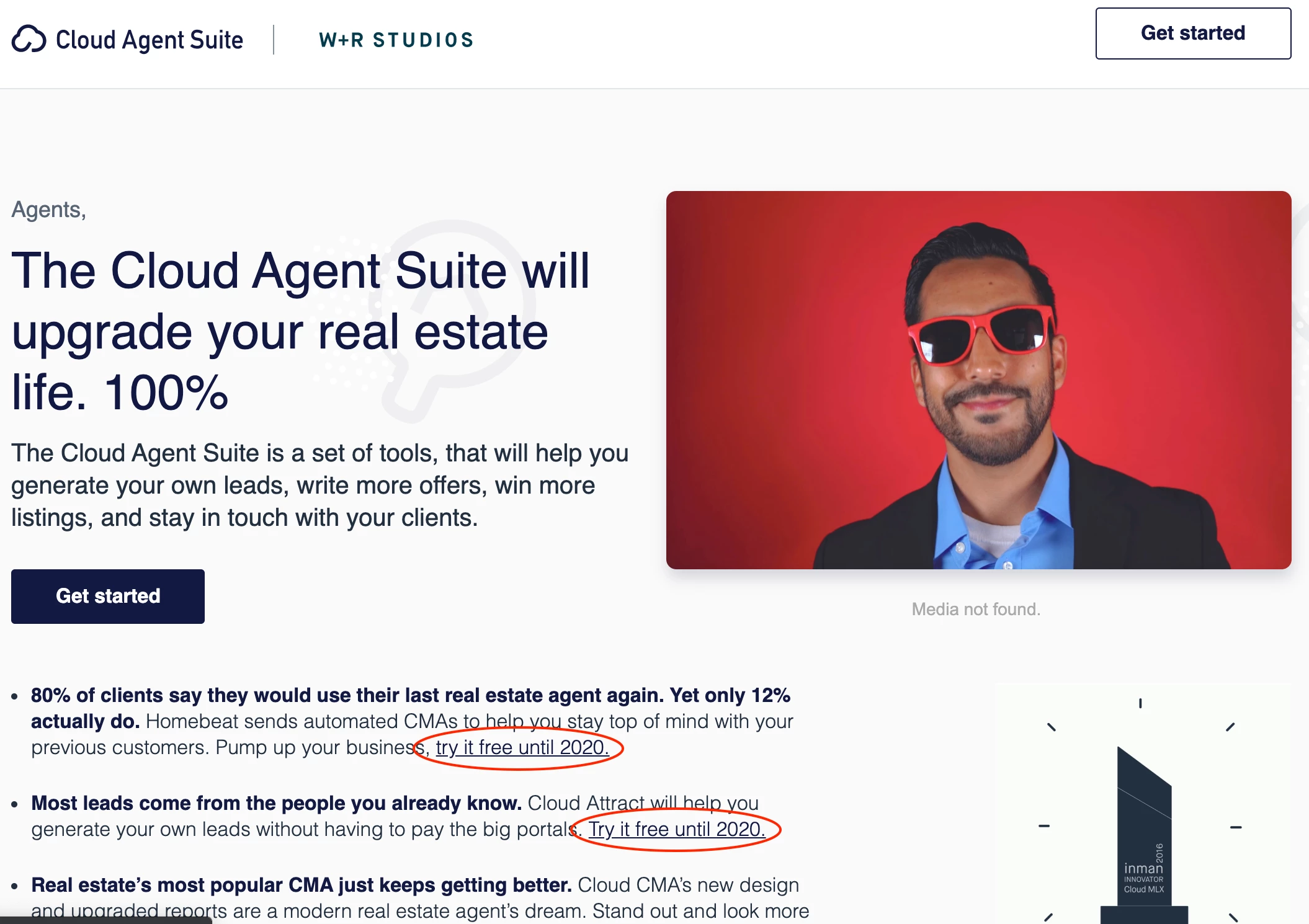
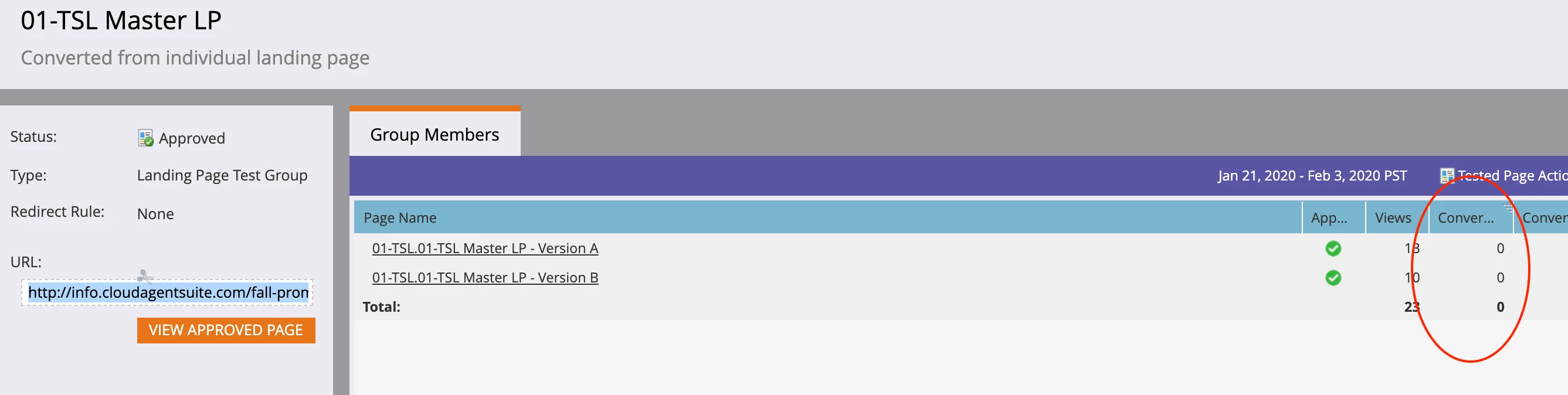
First, you must tag the relevant <a> elements in a recognizable way, so the code knows which ones to link to hidden form conversions.
For example, a special class bind-form and an attribute data-form-id that indicates which Marketo form to post.
<a href="https://cloudagentsuite.com/fastrack/bundle/suite?mls_code=&promo=fall2019tslb" class="bind-form" data-form-id="1234">Try it free until 2020.</a>
You'd create that form 1234 with no fields on the form in Form Editor, then add the form embed to the page, setting its <form> element to display:none;.
Then use some simple JS to bind the interesting links to the form, so a link click results in a form conversion before navigating to the new page:
(function(){

  function bindLinks(){
    var arrayify = getSelection.call.bind([].slice),
        formLinks = arrayify(document.querySelectorAll("a.bind-form"));

    formLinks.forEach(function(formLink){
      formLink.addEventListener("click",function(e){
        e.preventDefault();

        var clickedLink = this,
            boundMktoForm;

        /* failsafe in case you forget to include Forms 2.0 lib and/or form embed */
        try {
           boundMktoForm = MktoForms2.getForm(clickedLink.getAttribute("data-form-id"));
        } catch(e) {
           console.log("MktoForms2 library or related form not found, please fix.");
        }

        if (boundMktoForm) {
           boundMktoForm.onSuccess(resumeNavigation);
           boundMktoForm.submit();
        } else {
           resumeNavigation();
        }

        function resumeNavigation(){
           document.location.href = clickedLink.href;
           return false;
        }
      });
    });
   }

   if (["complete","interactive"].indexOf(document.readyState) != -1) {
     bindLinks();
   } else {
     document.addEventListener("DOMContentLoaded",bindLinks);
   }
})();