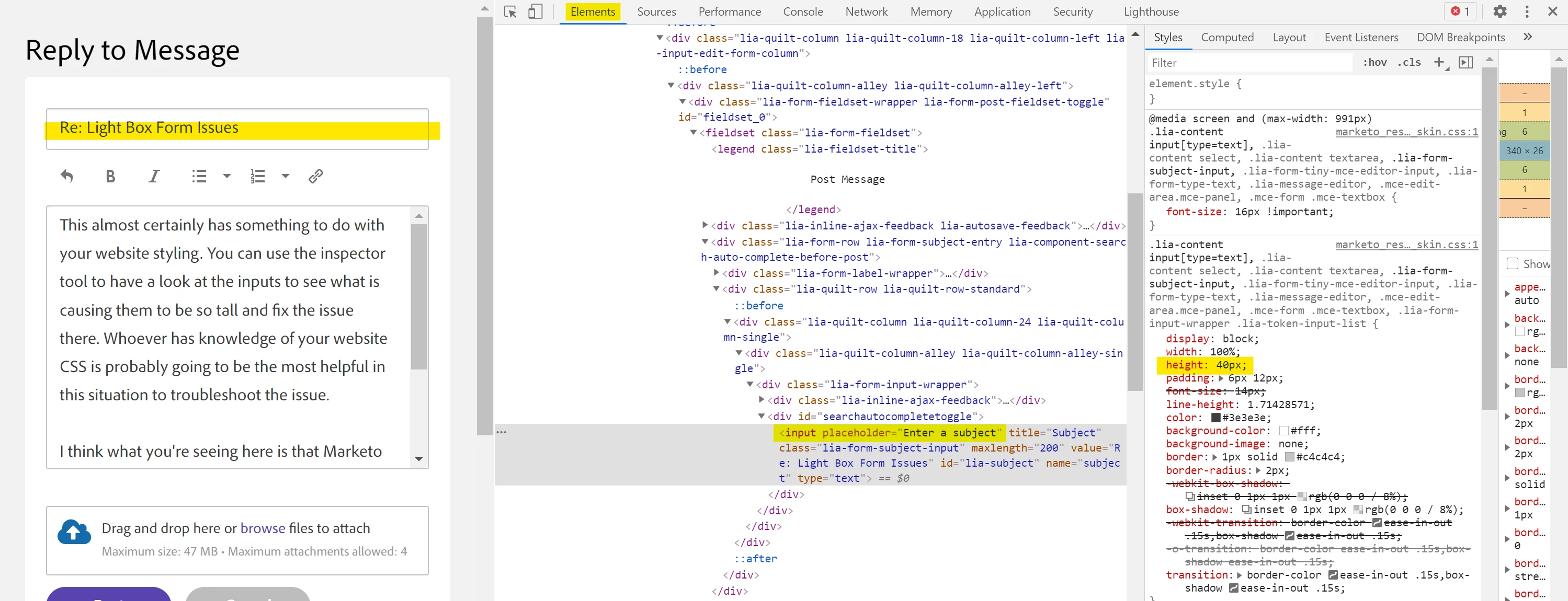
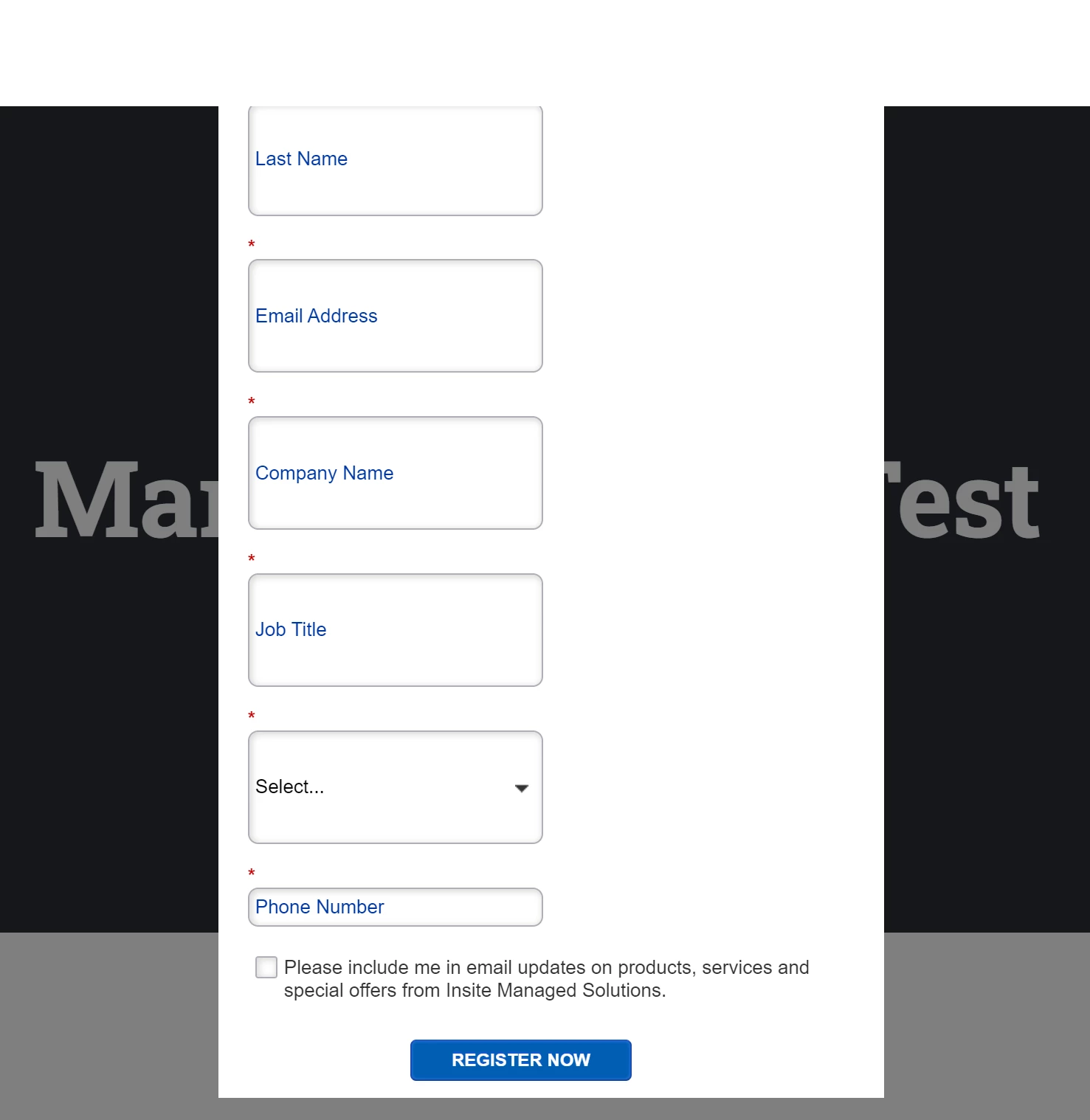
This almost certainly has something to do with your website styling. You can use the inspector tool to have a look at the inputs to see what is causing them to be so tall and fix the issue there. Whoever has knowledge of your website CSS is probably going to be the most helpful in this situation to troubleshoot the issue.
I think what you're seeing here is that Marketo comes with it's own set of styling, but very often when you embed a form on a website there is a conflict with the website stylesheet and the styles from Marketo.
Here's a look for example at this page in the inspector pointing out the CSS for the height of the "Subject" input. There is probably something like this (maybe a "min-height") rule on your webpage that's causing the fields to be so tall.