List who has opened every email that was sent to them but never clicked? | Community
Skip to main content
New Participant
September 23, 2021
Solved

List who has opened every email that was sent to them but never clicked?

  • September 23, 2021
  • 1 reply
  • 3457 views

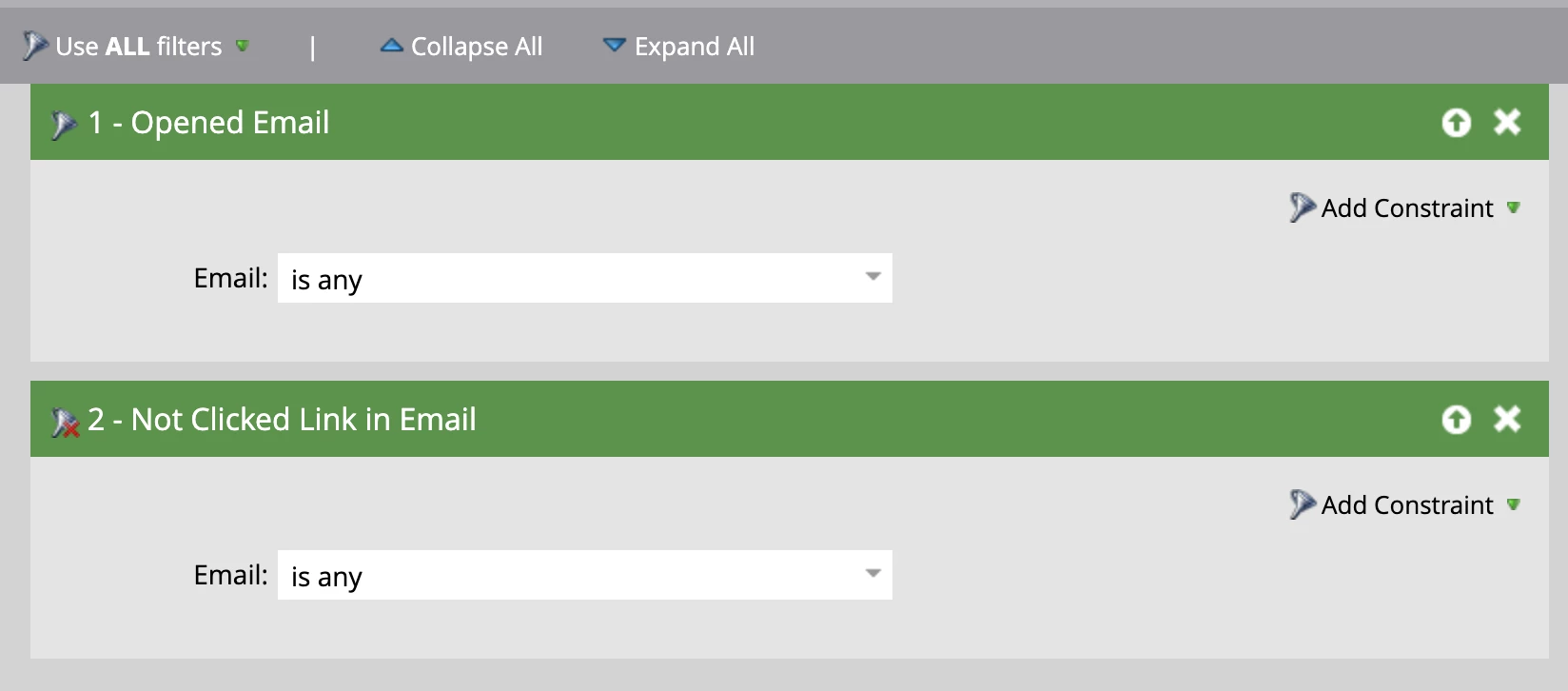
I'd like to try to gain some idea of everyone who has opened every single email but has never clicked on them to get an understanding of who might be an inactive person with an ESP that is auto opening the emails for them. Would this be the right smart list? Doesn't feel right...

 

This post is no longer active and is closed to new replies. Need help? Start a new post to ask your question.
Best answer by LucasMachado

Hello,

I don't think that is the best approach because it is returning you everyone who opened any e-mail and didn't click any link. To do it I'd create actually 3 smart lists:

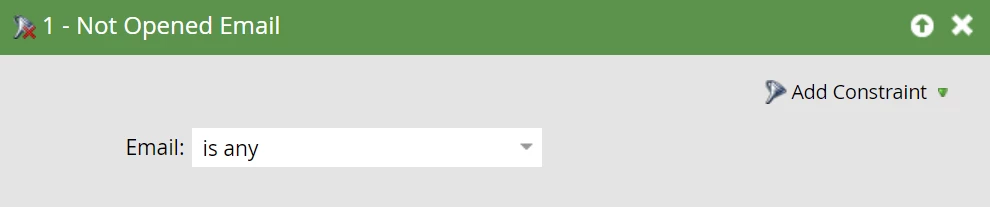
1. People who didn't open any e-mail (if he opened 99 e-mails but didn't open 1 he will be in this smart list)

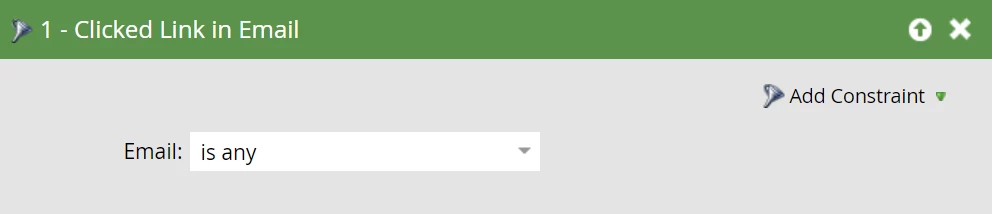
2. People who clicked in at least one e-mail (if he didn't click 99 but clicked 1 he will be in this smart list)

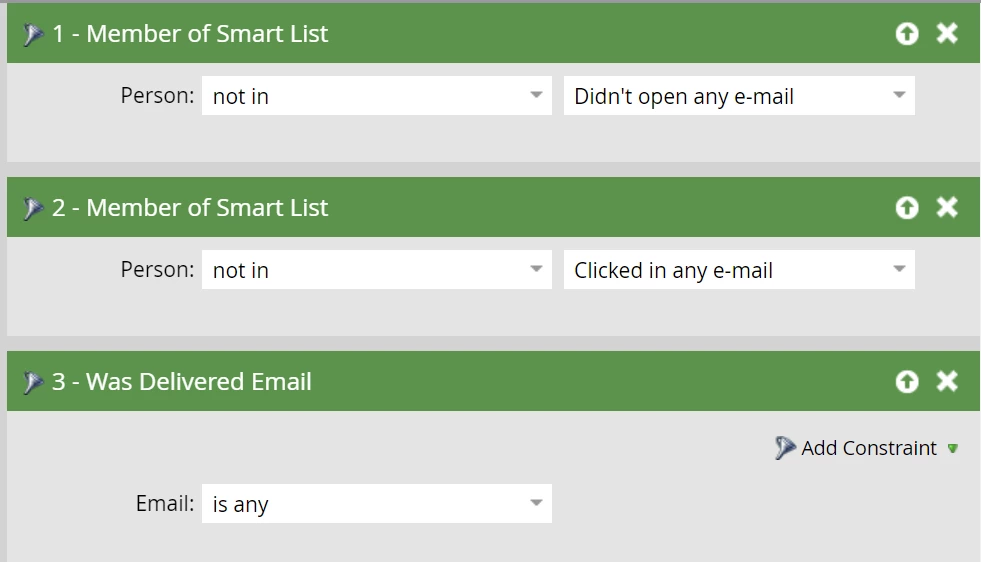
3. People who are not in the smart list 1 (opened every e-mail he received), people who are not in smart list 2 (never clicked in an e-mail link) and was delivered any e-mail:

1 reply

LucasMachado
LucasMachadoAccepted solution
New Participant
September 23, 2021

Hello,

I don't think that is the best approach because it is returning you everyone who opened any e-mail and didn't click any link. To do it I'd create actually 3 smart lists:

1. People who didn't open any e-mail (if he opened 99 e-mails but didn't open 1 he will be in this smart list)

2. People who clicked in at least one e-mail (if he didn't click 99 but clicked 1 he will be in this smart list)

3. People who are not in the smart list 1 (opened every e-mail he received), people who are not in smart list 2 (never clicked in an e-mail link) and was delivered any e-mail:

New Participant
September 24, 2021

This is fantastic. I didn't think to create smart lists and plug those into a separate smart list. This worked!