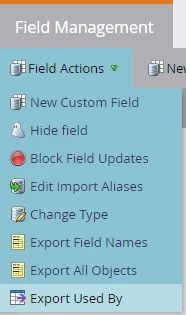
You can also choose to export the Used by details by going to Field Actions > Export Used By:
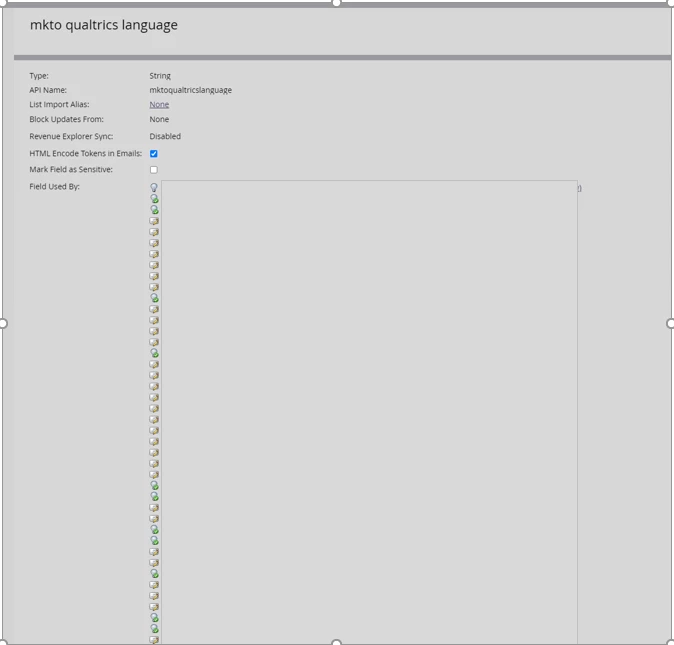
To find out where the field is being used as tokens in email, you can try couple of things mentioned below:
Open in the email in draft, preview the email, select a test person record in the "View by" tab with non-empty field value for the field you're looking for, and wherever the test record's respective field value gets populated in the email preview is where the field is being currently used in the email.
Other way is by searching for "{{lead.<Field Name>" in the "Edit Code" of the email (open the email in draft, select Edit Code from the top), note the section/module where the token is being used in. While exiting the edit code, ensure that you always hit the "Cancel" button, and not Save button, it's worth mentioning that any changes made in the non-editable section here would de-link you email from its original template.
For the smart campaigns, you can go to the respective SC through the linked SC name in the used by tab, and then to where the field is being currently used (Smart List or Flow) of the SC as per what is mentioned in the Used By.