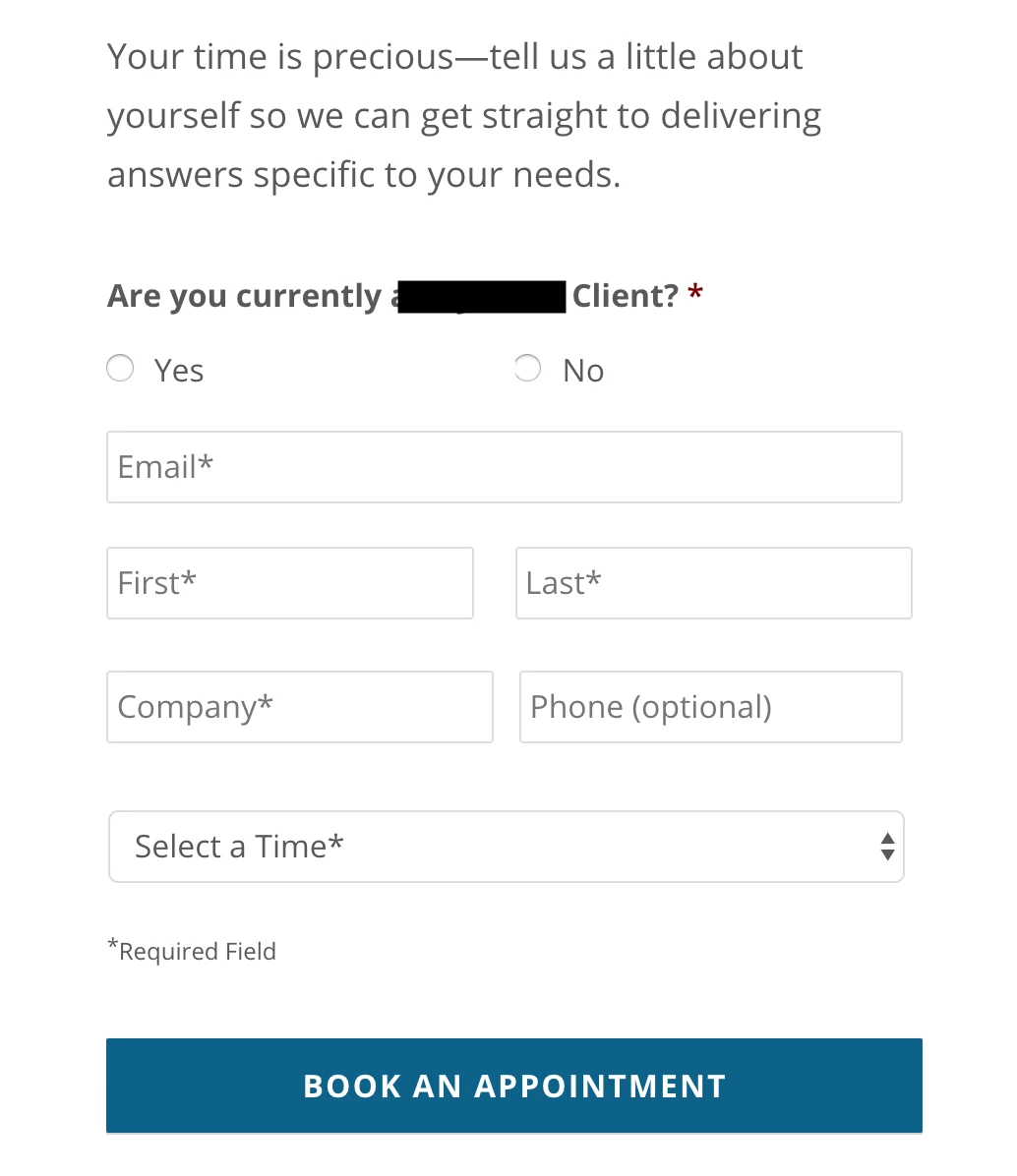
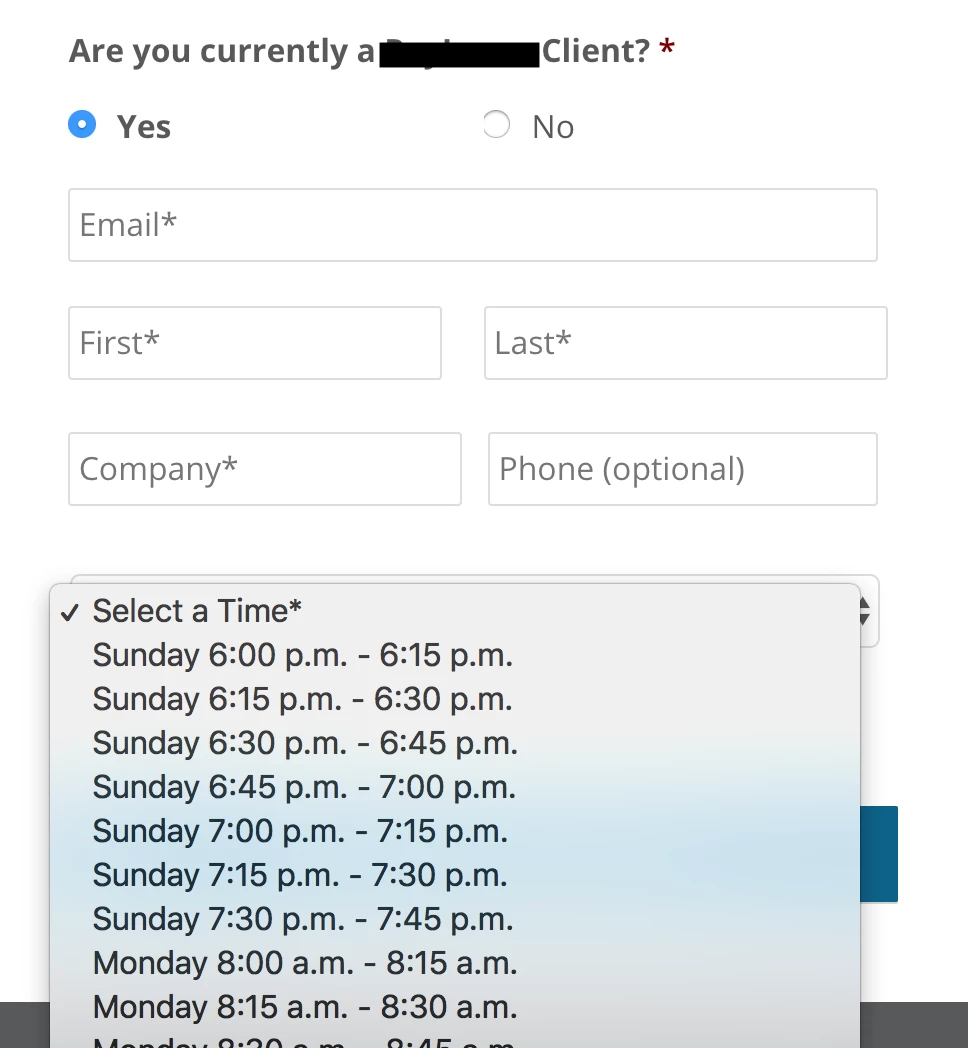
Below are screenshots of exactly how it's set up on my end. The Campaign is Requested trigger allows our WordPress person so see my campaign on her end and map our existing Marketo fields to corresponding fields in WordPress Gravity Form. To be clear, this has worked for our other forms. But now this entire form, including both the radio buttons and the dropdown menu from the form in my original post are not sending over information in either our Alert email, nor is it syncing to the SFDC campaign.
So I'm a bit befuddled.
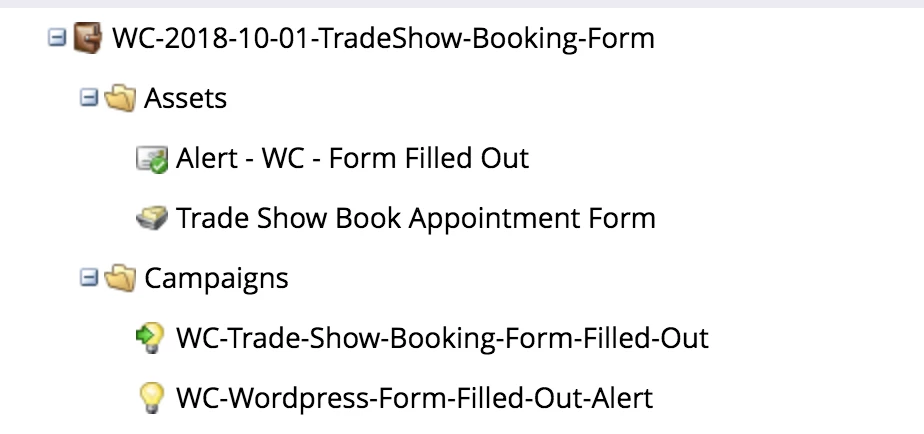
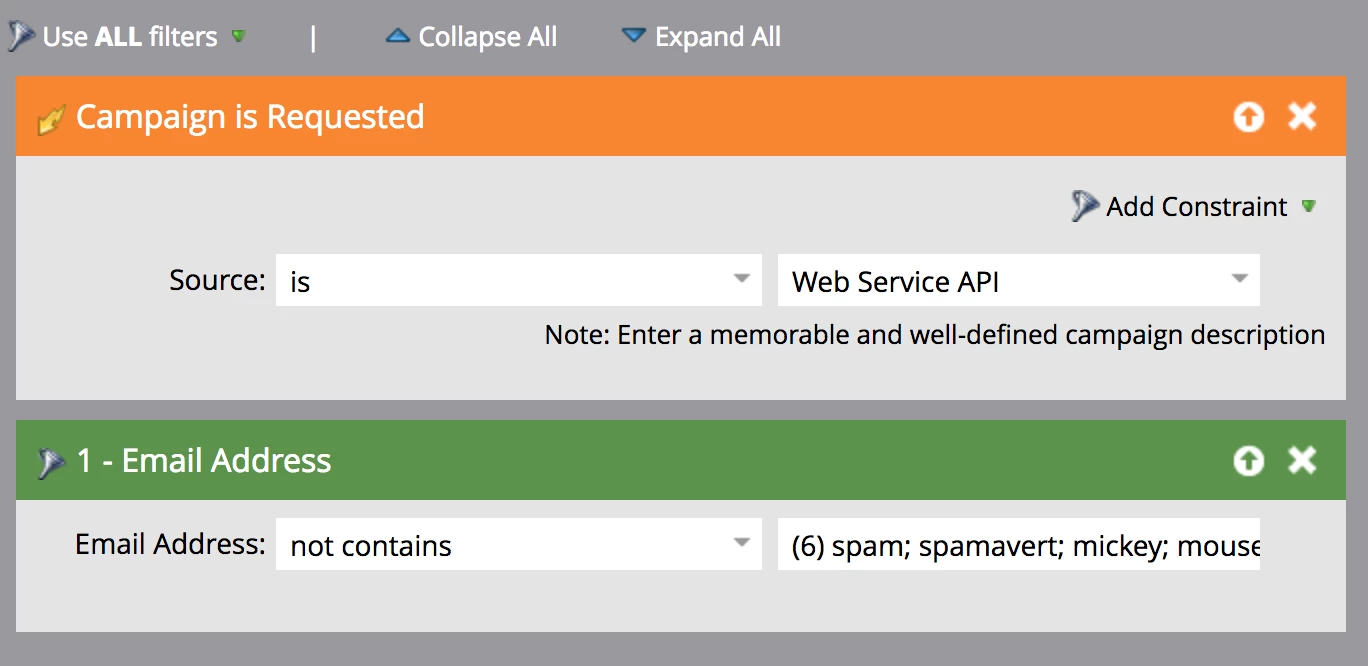
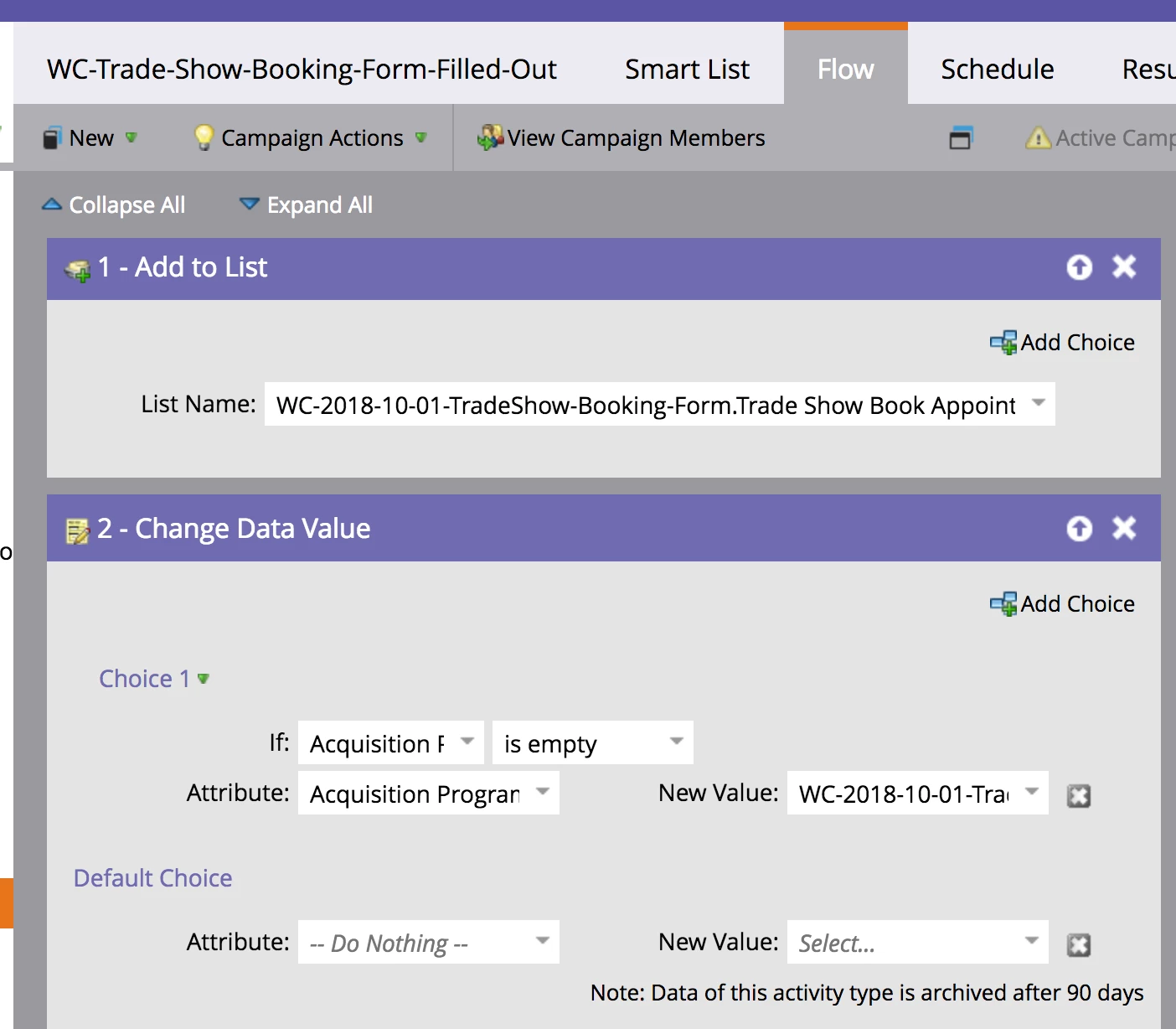
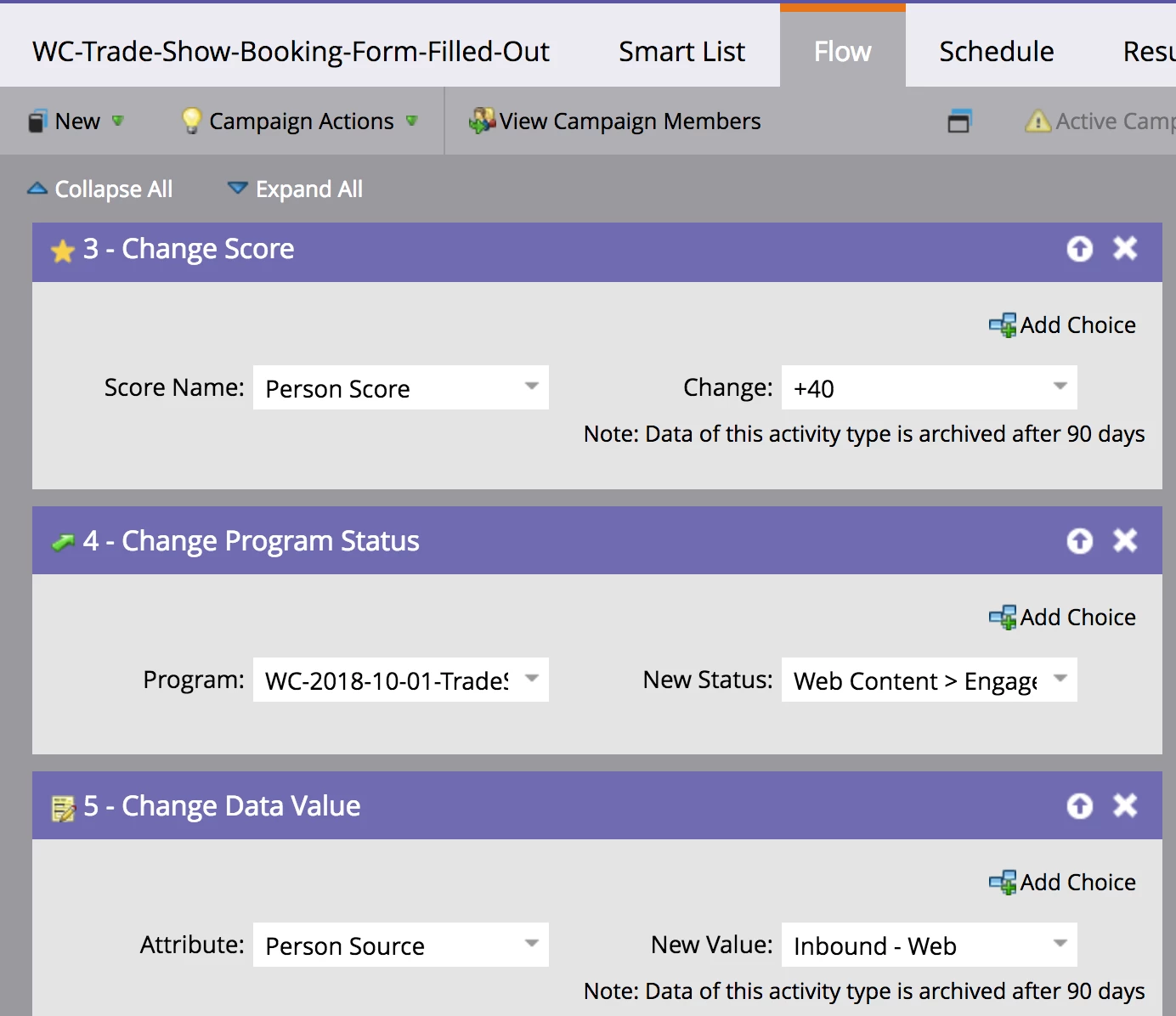
Below are screenshots of exactly how it's set up on my end. The Campaign is Requested trigger allows our WordPress person so see my campaign on her end and map our existing Marketo fields to corresponding fields in WordPress Gravity Form. |
No, that isn't how it works.
First of all: earlier you said "I use a Request Campaign flow step" but in fact in your screenshot you're using a Campaign Is Requested trigger. That's quite the opposite.
This trigger allows a remote application to signal to Marketo that a lead, or set of leads, should run through a predefined campaign. It does not "map" any fields. The fields are updated via a separate API call, and that's where the mappings (form field names vs. API field names ) come into play. Then, after the API call to update fields, the app calls the Request Campaign API endpoint to signal to Marketo that something has been done.
You should be aware that this setup is quite fragile and inevitably opens you to a Denial of Service attack; the end result also falls far short of a Marketo form post's built-in functionality. In any case, if you want additional fields mapped from the Gravity Forms side to their Marketo API equivalents, none of that is happening in the Smart Campaign. The fields are updated in a different API call (which operates whether or not a trigger is listening). Your developer should understand this.