margin-top Adjustments - how to make edits on landing page? | Community
Skip to main content
December 20, 2016
Solved

margin-top Adjustments - how to make edits on landing page?

  • December 20, 2016
  • 1 reply
  • 2186 views

Hello everyone,

I am trying to get rid of the space above the form on the following landing page:

pages.kennasecurity.com/LBForm.html

I think I've identified the problem: margin-top is 70px. I set it to 0px in DevTools and this is what it looks like:
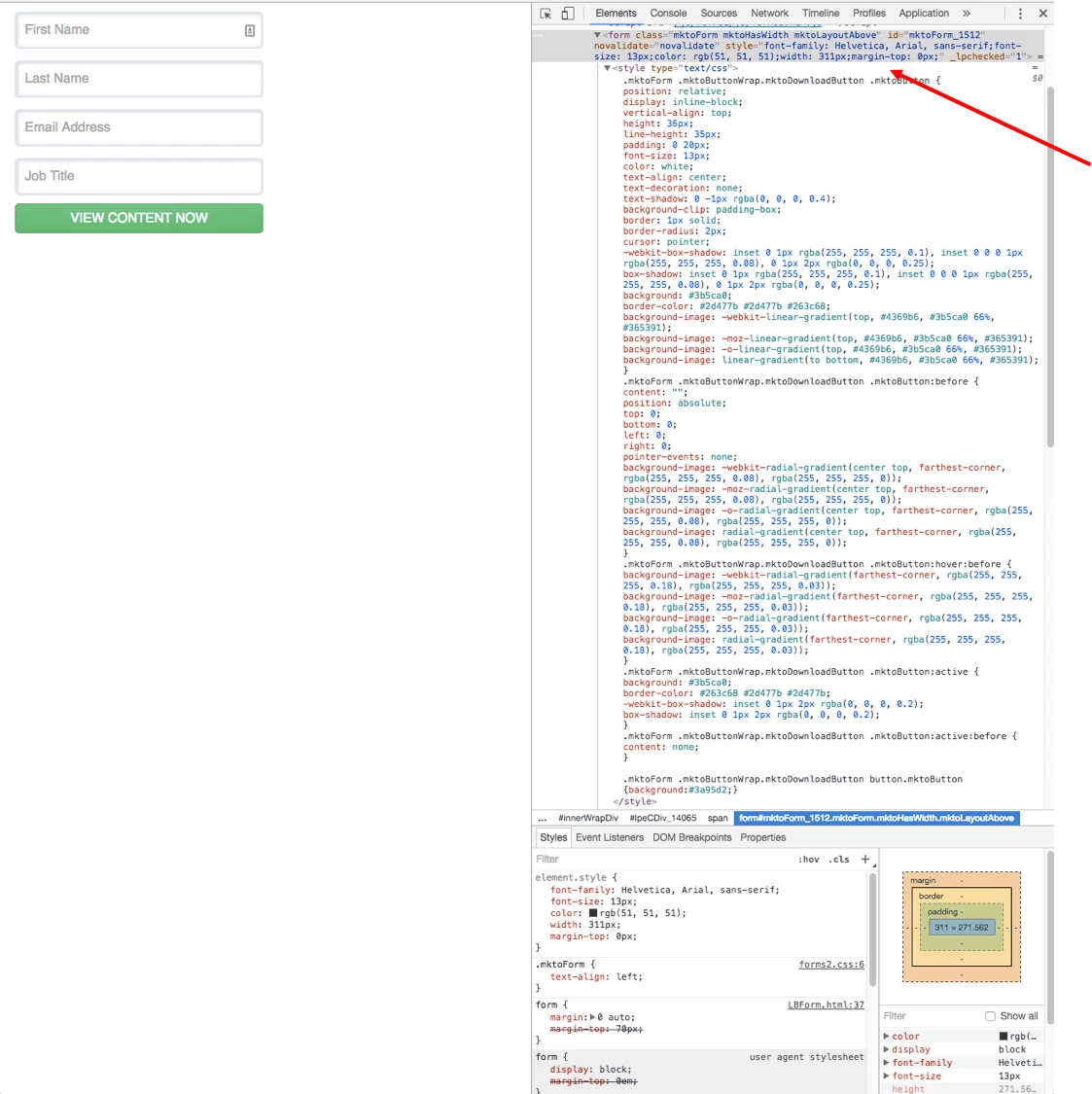
However, I'm unsure how to implement this change in the Marketo landing page. Do I have to go down to the template level?

Let me know if I can provide any additional information that would be helpful.

Thanks,

Dan

This post is no longer active and is closed to new replies. Need help? Start a new post to ask your question.
Best answer by Casey_Grimes2

Hi Dan,

It looks like the 70px top margin is actually coded into your LP template (at line 33). However, if you just want to change this as a one-off instance, you could always do something like #mktoForm_1512 {margin-top: 0 !important;} in your form's actual CSS.

1 reply

Casey_Grimes2
Casey_Grimes2Accepted solution
New Participant
December 20, 2016

Hi Dan,

It looks like the 70px top margin is actually coded into your LP template (at line 33). However, if you just want to change this as a one-off instance, you could always do something like #mktoForm_1512 {margin-top: 0 !important;} in your form's actual CSS.

Justin_Cooperm2
New Participant
December 20, 2016