Marketo latest update - "Copy all HTML to text"
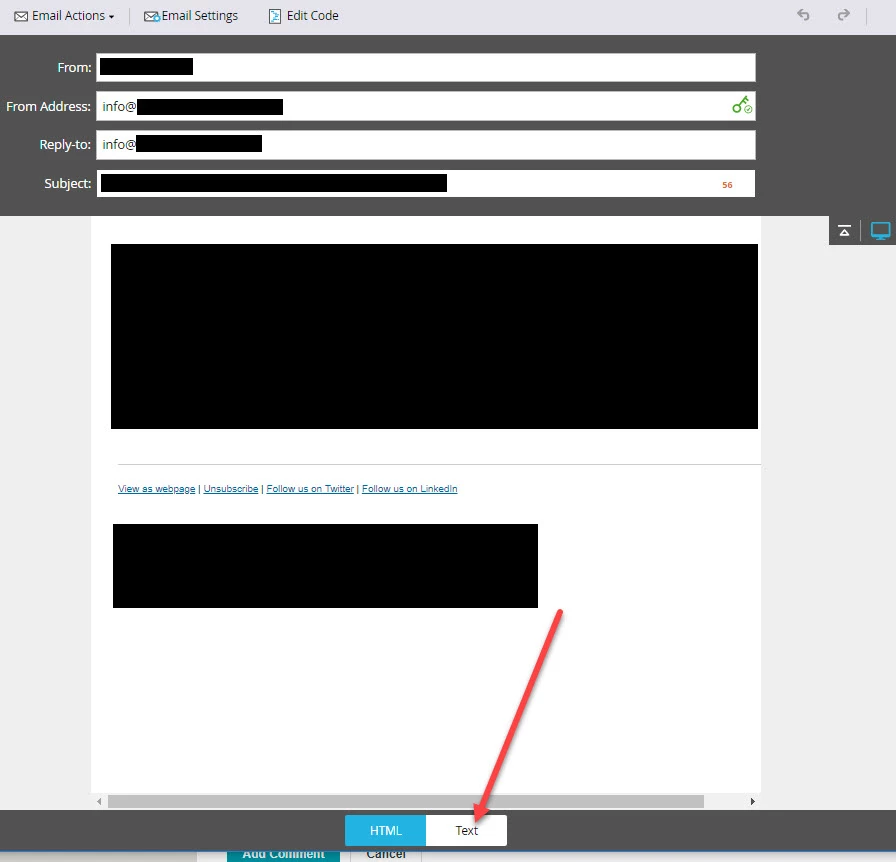
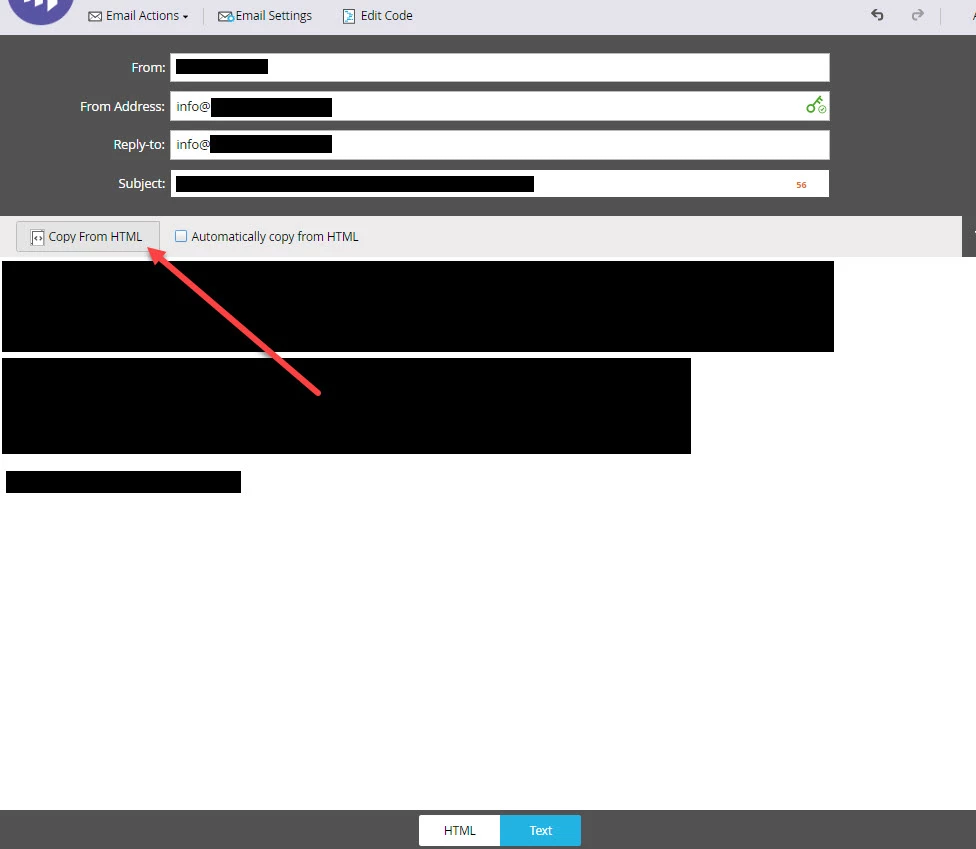
"Copy all HTML to text" is no longer available from the "Email Actions" drop down menu. How do I copy all the HTML text into the text versions for dynamic mails with the new marketo spring update?
Hey Henri,
If you navigate to the Text tab at the bottom of the editor window, Copy from HTML button is available on that tab, and there is also a checkbox to keep the plain text in sync with changes to the HTML version as well to streamline that process. Couple screenshots below for reference!
Thanks!
Chris


Enter your E-mail address. We'll send you an e-mail with instructions to reset your password.