New MKTO Email editor - Where can I select the new template created? | Community
Skip to main content
Sylvain_Turgeon
Level 2
February 5, 2025
Solved

New MKTO Email editor - Where can I select the new template created?

Hi guys,

I'm just wondering where do I find the new Template Email created with the new editor?

They are not appearing in the regular "Email templates"


Do I need to link some how my Adobe account to Marketo Engage?

Do I need a superior MKTO license?


Tks to help

Disha_Goyal6
Disha_Goyal6Accepted solution
Level 6
February 6, 2025

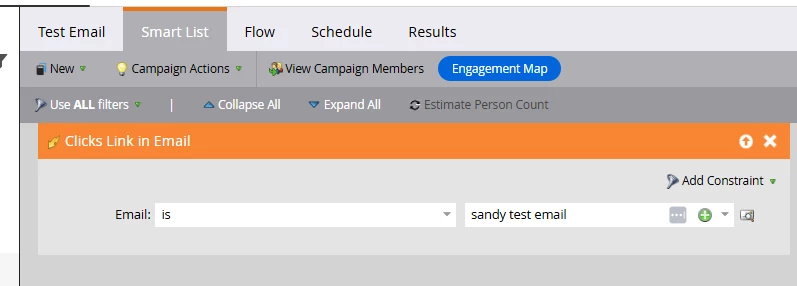
In the Marketing Activities, I always clone an existing email to make another one, how do I select the ones already made in the Studio? Never done that?


Hi @slyall, I think you cannot create the local assets with darg and drop email editor.

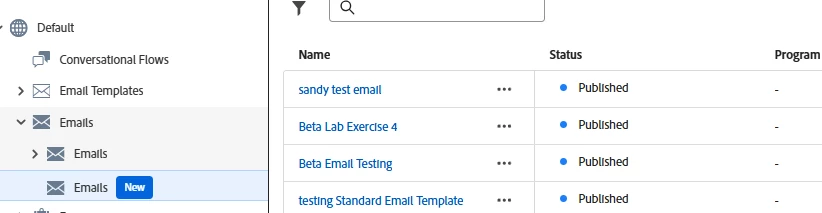
But you can select the same in Marketing activities. 


Here is the Markting activity screenshot


Hope this helps!


Thanks,

Disha

7 replies

Michael_Florin-2
Level 10
February 5, 2025

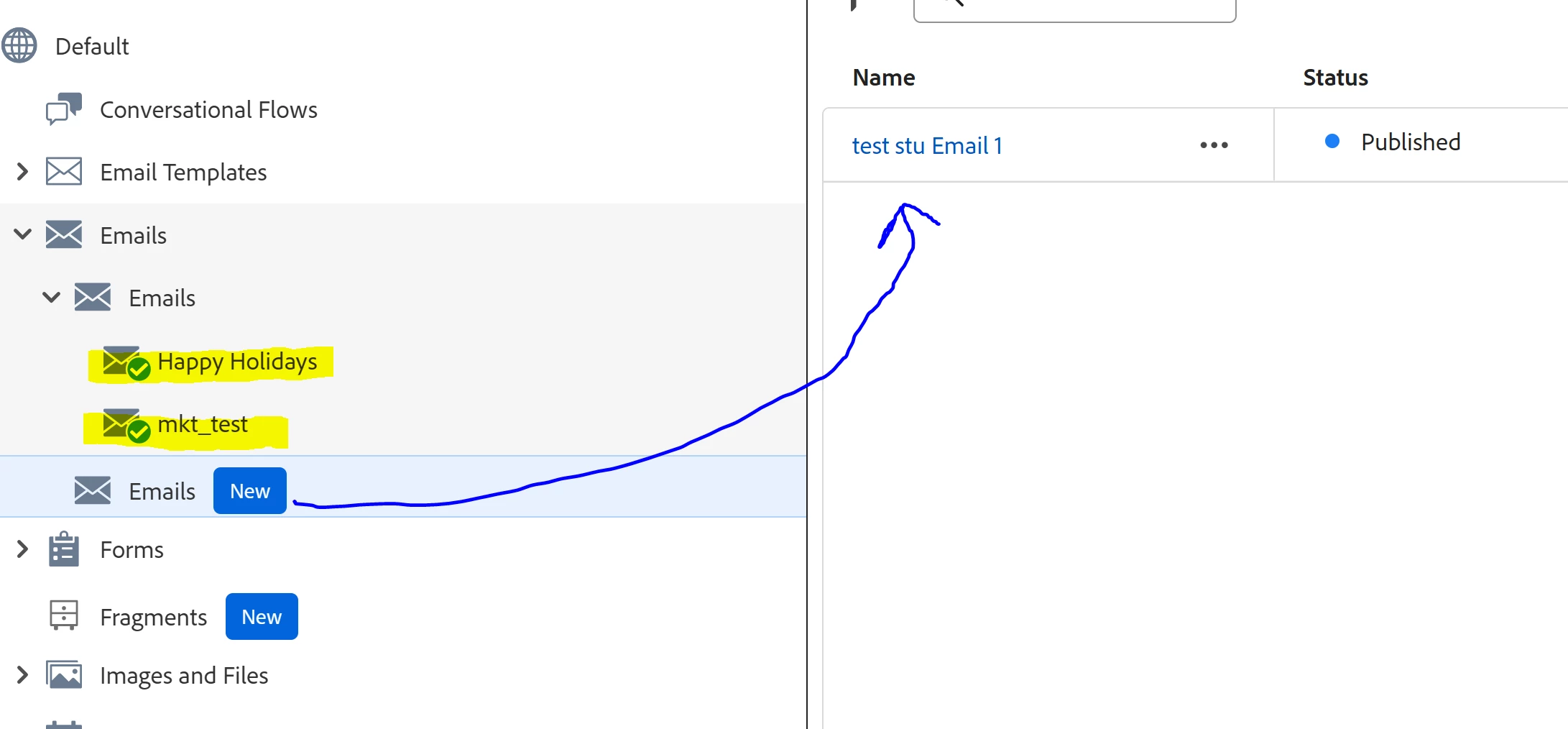
It needs to look like this in your Design Studio:


Translate
Sylvain_Turgeon
Level 2
February 5, 2025

Yes, it's migrated.

I've created an Email see below, but I don't know how to select this email in the Marketo Marketing Activities?

Local assets? Email Templates? Where do I find them once created? to use it?


Translate
Sylvain_Turgeon
Level 2
February 6, 2025

In the Marketing Activities, I always clone an existing email to make another one, how do I select the ones already made in the Studio? Never done that?


Translate
Community Manager
February 5, 2025

You have to have migrated over to IMS. If your instance isn't on that, you won't have the new editor yet.

Translate