EDIT: Wrote this whole thing before I saw Nate's reply, so just going to post anyways :)
Hi James,
There are 2 ways you can do this: with a smart list or with a Lead Performance Report.
For a smart list: Use the filter "clicked link in email" and change the email and the timeframe. You will have to export this list weekly. Being able to add subscriptions to smartlists is a feature we're told Marketo is working on, so hopefully they come out with that soon.
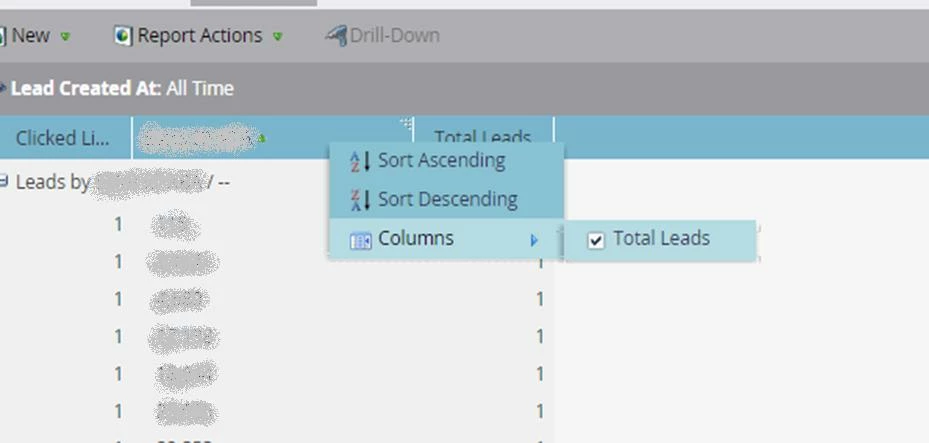
For the lead performance report: Group the leads by email address in the set up tab. In the smart list tab, use the filter, "clicked link in email" and change to the emails and the timeframe to what you want to look at.
To be honest, I prefer manually pulling smart lists than using Lead Reports for email data due to the limited data/complicated set up/slower load times. It depends on how granular the data your sales team is looking for. You can subscribe them to the lead report, though, which is handy. Another option, if they want data for a specific email only, is to use progression statuses, and pull "opened/clicked/unsubscribed" statuses directly from the members tab of a specific email program.