Program to update abbreviated state | Community
Skip to main content
May 10, 2018
Solved

Program to update abbreviated state

  • May 10, 2018
  • 1 reply
  • 4024 views

I am importing lists with an abbreviated state but they do not sync with SalesForce unless spelled out.

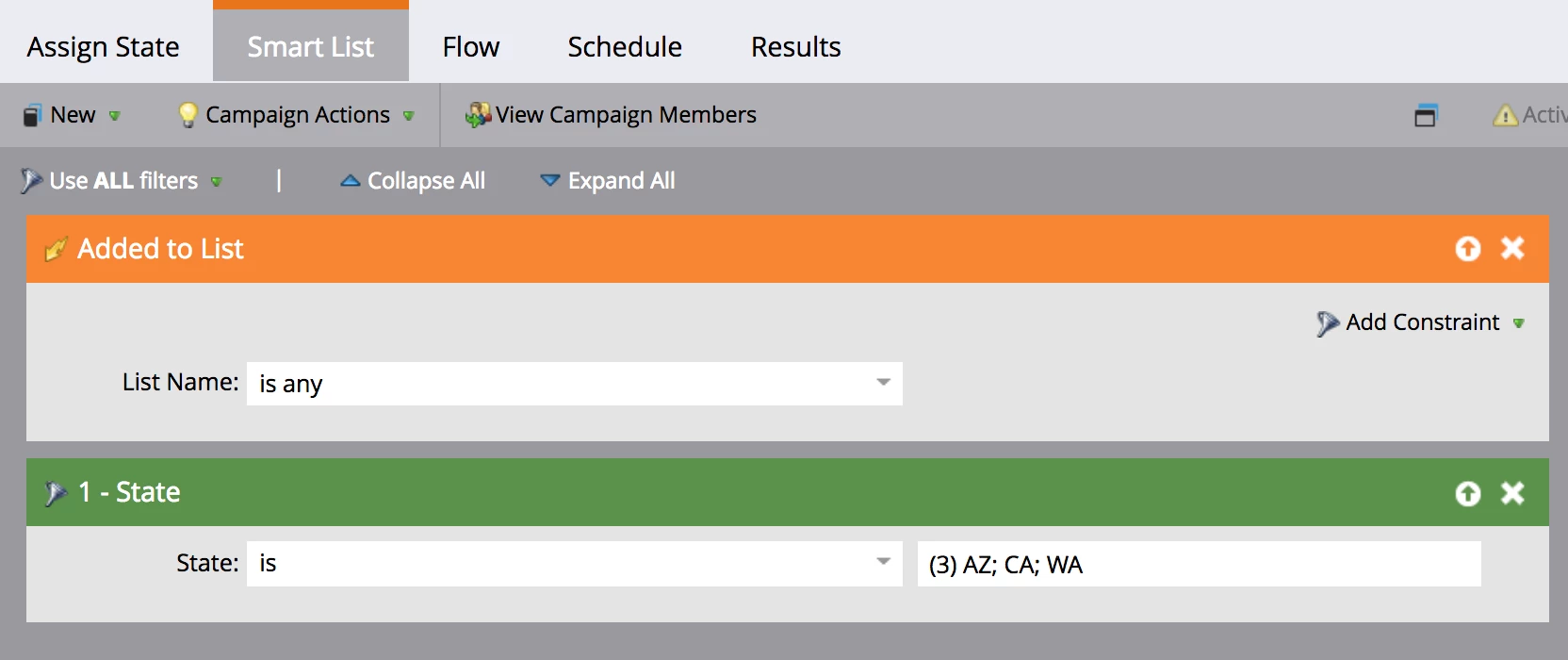
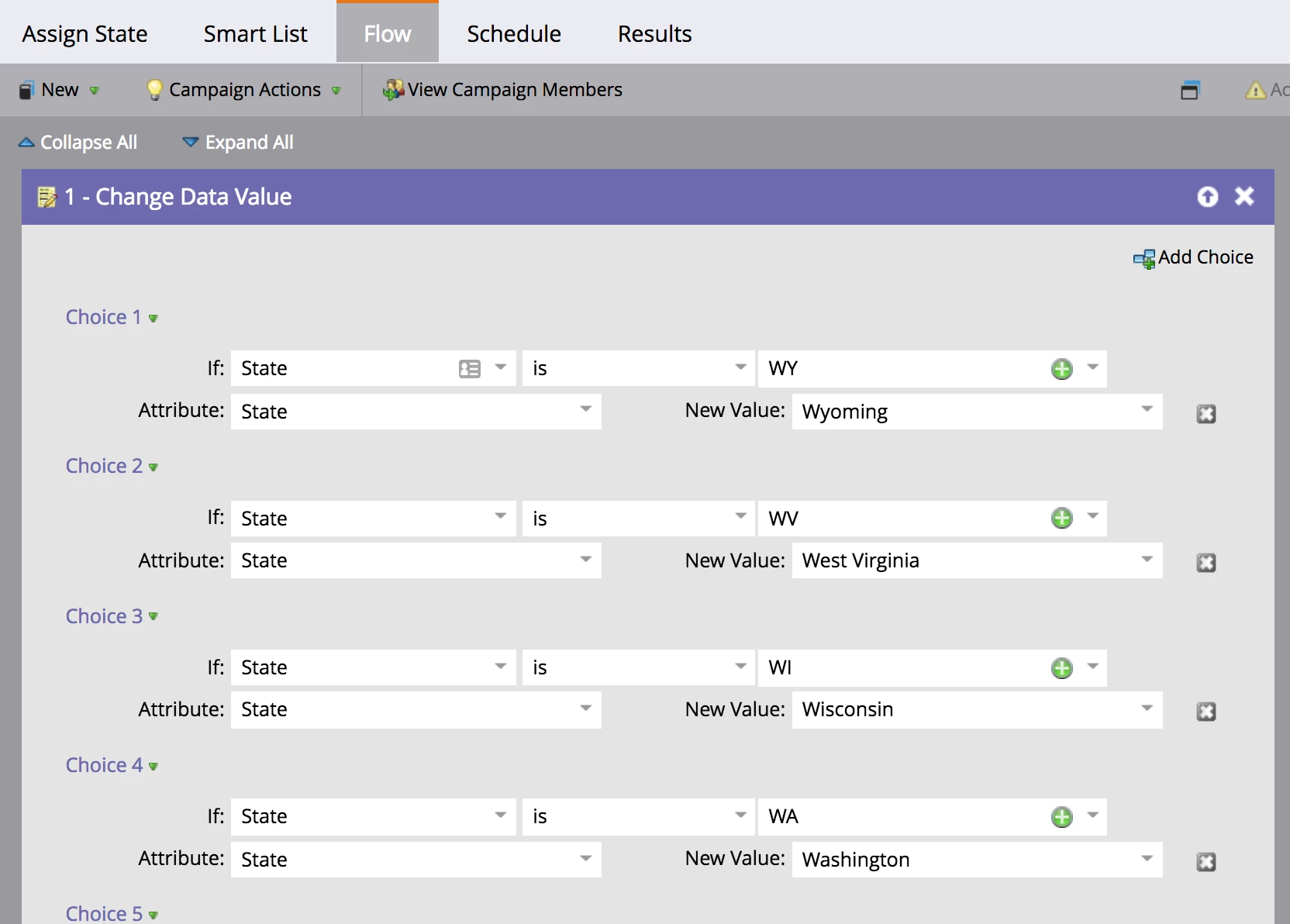
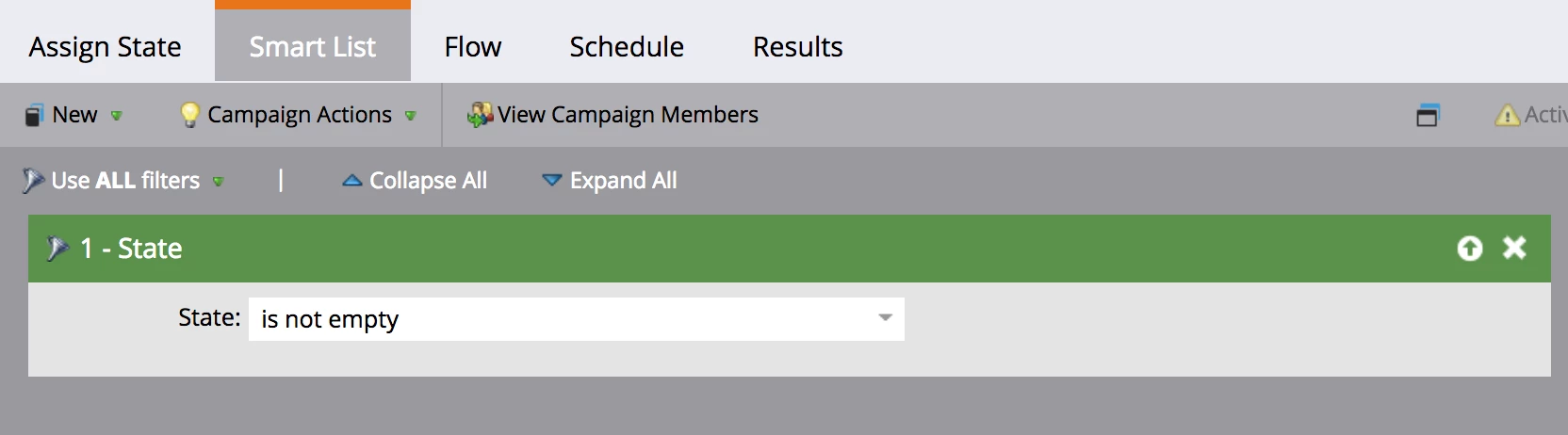
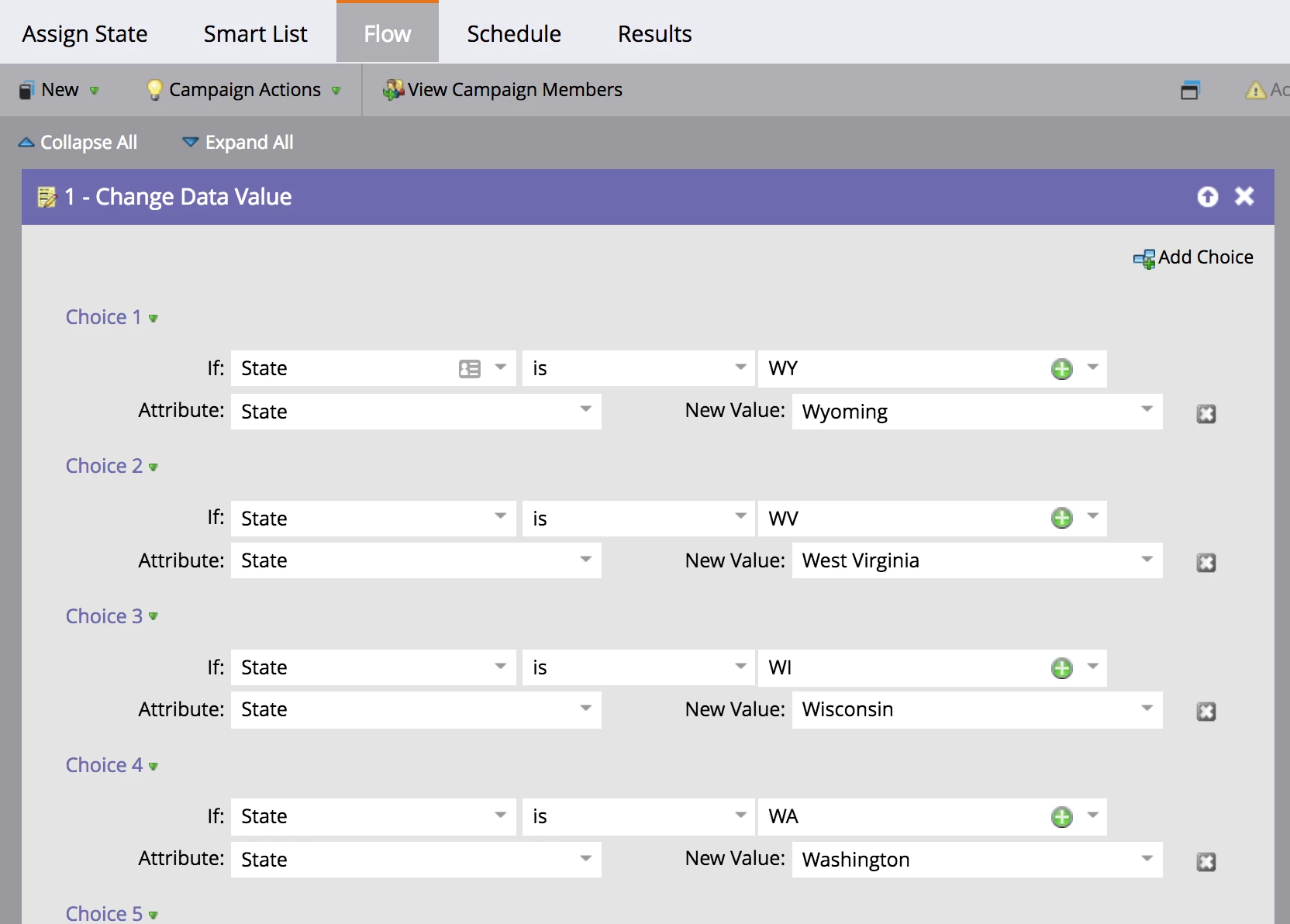
Once we import our list we would select all and add to this Assign State program. It's not working as planned. Here is the program screenshots.

Also I should note, It was set to only run once.

My thought for the program is that is should run as:

Any thoughts or ideas? Thank you!

This post is no longer active and is closed to new replies. Need help? Start a new post to ask your question.
Best answer by Grace_Brebner3

Smart campaign history log? I'm not sure I know what that is or where to find it. Sounds very helpful!

If you mean results, I see only 5 people have successfully gone through the program in January. After searching through their activity log I don't see anything that indicates why they were successful and not the others.

There is a change program status to Operational > Not in Program after the change data value. Could it be that there are 49 choices for the change data value flow step so it's timing out and them just kicking them out of the program?

I typed that sentence above then went into member history to see the time stamp of when they entered the program versus when they left the program and it actually never gets to flow step Operational > Not in Program. So it must be timing out with too many data value changes right?


Sorry Mariah, did mean the results tab (it is basically a history log of that smart campaign).

I can't say I've ever seen a time out on flows in a smart campaign. Certainly there's nothing in the activity log for your example lead that suggests that a data change happened, which would indicate that the flow failed to execute a choice on that person. But even so, you should be able to see in the results tab of the smart campaign that they ran through with no choice matching.

Is the specific individual you've shown in the previous example found in the results tab of the smart campaign?

I'm reluctant to suggest it's a time out error (though it may be), I suspect it's more likely that in some way the logic is failing - matching to an incorrect field, providing an incorrect value, people failing because they've run through before... something like that.
1 reply

Grace_Brebner3
New Participant
May 10, 2018

Hey Mariah Menendez​,

When you say "it's not working as planned", what do you mean? What does happen?

From what I can see, yes, specifying the state values you're looking to correct (whether through an "added to list" trigger with "state is" filter or a "data value changes" trigger with "state" and "new value is..." constraints), will help get rid of white noise and improve the processing speed of this campaign - without that filter it will push through all the people in your database with correct state formatting too.

I'd also ask whether these imports ever impact pre-existing records - if so, you'll want to update this to can run through any time, not just once - at which point adding the above filter would be particularly useful.

Troubleshooting this, I would look for a lead in your database who should have been impacted by this campaign but wasn't, and look for anything that may indicate why - e.g., were they run through this campaign before.

Hope that helps.

May 10, 2018

Thanks for the reply Grace.

Here is a member's activity log. They were imported to a list, added to the Assign State program, status was unchanged, then SFDC sync failed for wrong info.

These imports do impact existing records. For example on the member above, the data value was changed from "Kansas" to "KS". So run everytime will solve that. But I don't understand why it's not correcting the abbreviations.

Grace_Brebner3
New Participant
May 10, 2018

Hey Mariah - can you look this person up in the smart campaign history log and see what that says?

To me this suggests that there's a logic error in your smart campaign that's preventing the value from being set.