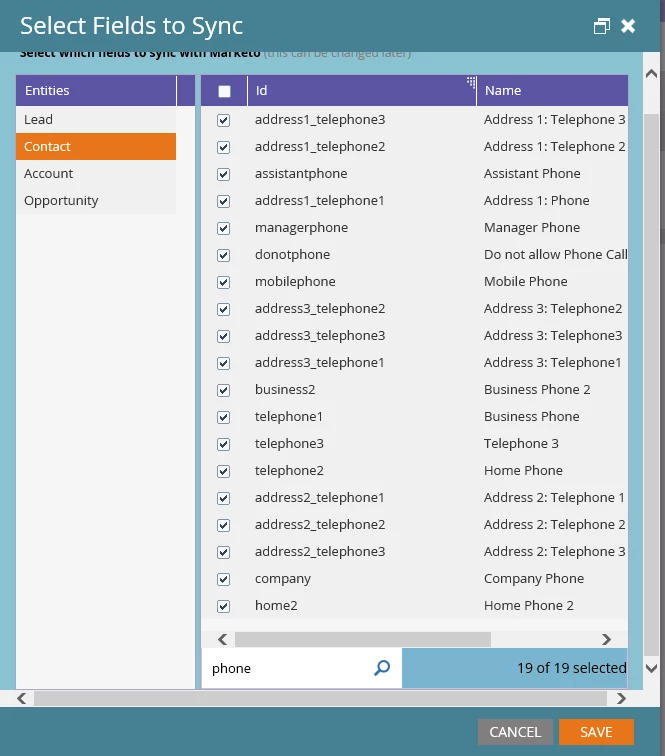
Quick Tip: Add Dynamics Schema Name into View in Field Sync Details
One of the more laborious parts of setting up the Dynamics integration is figuring out which fields you want to sync over. Once you do decide that, you have to actually match them up in the Marketo interface so you make sure you select the right ones.
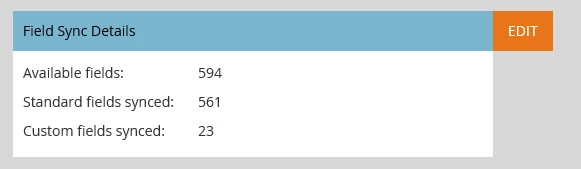
This can be especially challenging when you have many fields with very similar names. Does this look familiar to anyone? (How many phone fields does one CRM need?)
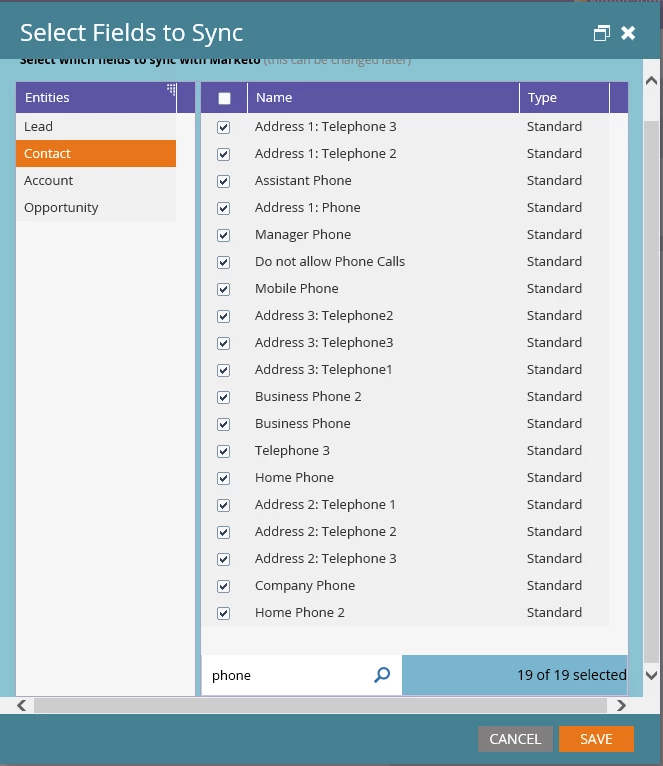
So here's the trick. Click on the purple column header where it says Name and Type. You can actually add in "Id" to the view . This shows you the schema name, which you can match up against your CRM system.
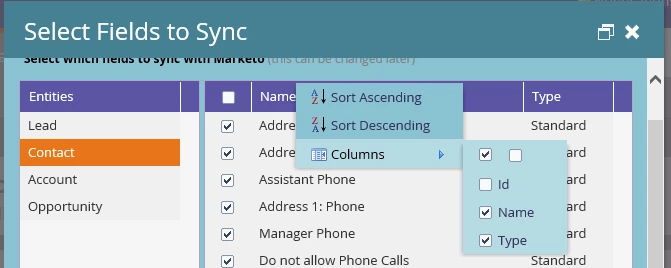
Then it looks something like this: