Replace Email body w/ {id}/fullContent.json POST endpoint
Hello there,
I'm struggling to try to update an email body with the POST {id}/fullContent.json endpoint.
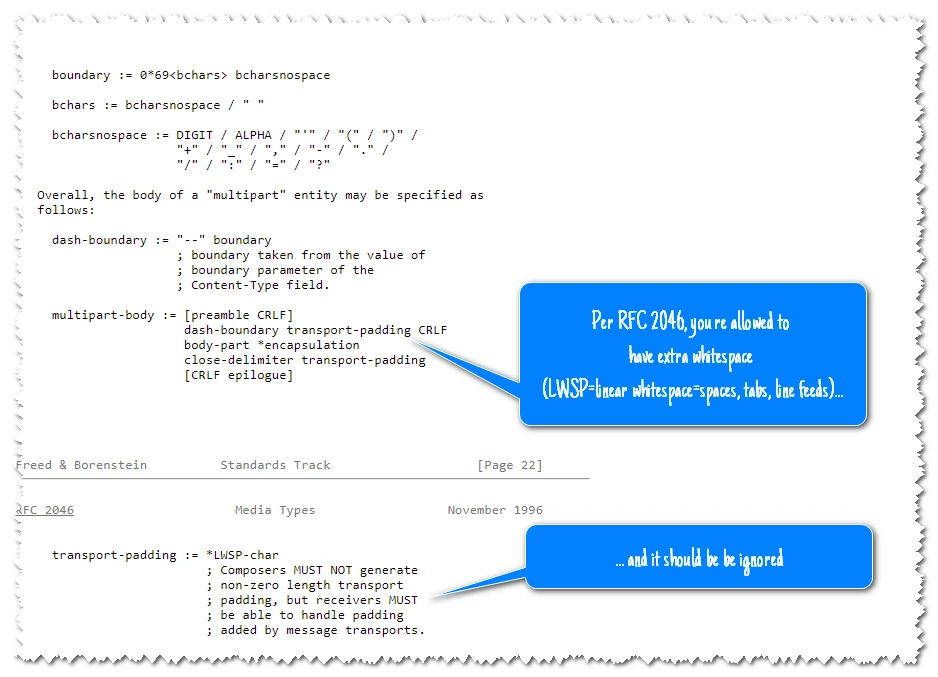
I'm using what is written here: https://developers.marketo.com/rest-api/assets/emails/#replace_html and https://developers.marketo.com/rest-api/endpoint-reference/asset-endpoint-reference/#!/Emails/createEmailFullContentUsingPOST; but there is a little misleading process: what I have to use? A classic text/html boundary text in the POST body, or a JSON encoded parameter? I've tried many different possibilities (like the following example, or the JSON parameter, and so on), but every time, the endpoint returns "content cannot be null" error.
Where I'm doing wrong?
For example, I've something like that, where XXX is my mail ID - I will avoid all the other parameters:
CURLOPT_URL => 'https://063-XUP-724.mktorest.com/rest/asset/v1/email/XXX/fullContent.json',
CURLOPT_POST => 1,
CURLOPT_HTTPHEADER => array(
'Content-Type: multipart/form-data; boundary=----Boundaryda7e32be5795ea0',
'Content-length: 498',
'Authorization: bearer YYYY'
),
CURLOPT_POSTFIELDS => "----Boundaryda7e32be5795ea0 Content-Disposition: form-data; name="content"; filename="email_content.html"
Content-type: text/html

<!DOCTYPE HTML PUBLIC "-//W3C//DTD HTML 4.01 Transitional//EN" "http://www.w3.org/TR/html4/loose.dtd"><html><head> <meta http-equiv="Content-Type" content="text/html; charset=utf-8"/> <title></title> </head> <body> <div style="font: 14px tahoma; width: 100%" class="mktEditable" id="edit_text_3">Hello there!</div> </body> </html>
----Boundaryda7e32be5795ea0--"