Required Picklist Values - Customizing the helper text at the top of a required picklist | Community
Skip to main content
New Participant
January 28, 2022
Solved

Required Picklist Values - Customizing the helper text at the top of a required picklist

  • January 28, 2022
  • 1 reply
  • 2516 views

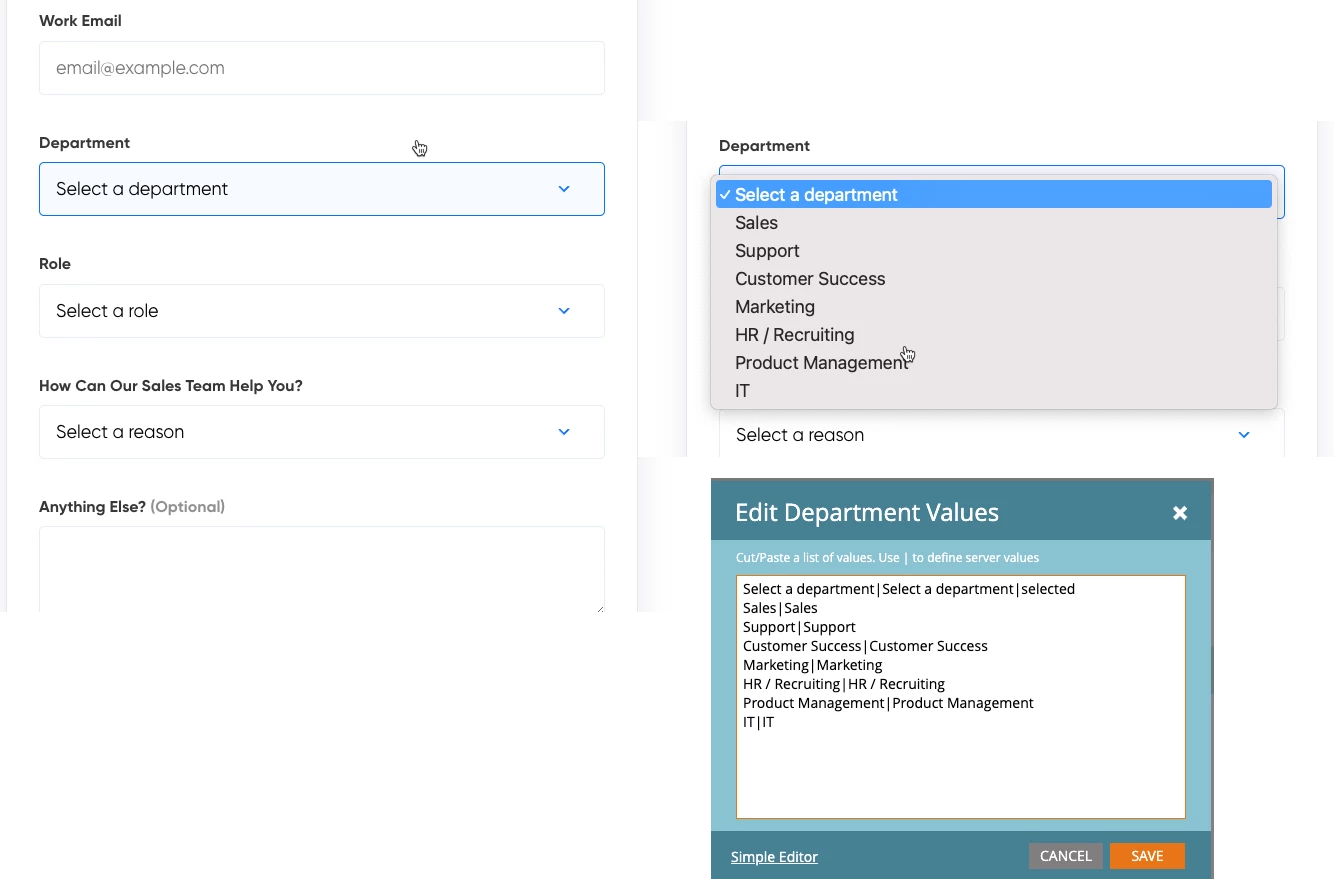
I am working on a form with picklist values and I would like helper text of "Select your role" etc to appear as the default option in the pulldown but it is not one of the actual options so I don't want the form to submit unless someone selects one of the actual roles. How do I make this helper text a value but not a selectable option to pass the form?
 

This post is no longer active and is closed to new replies. Need help? Start a new post to ask your question.
Best answer by jengcalendly

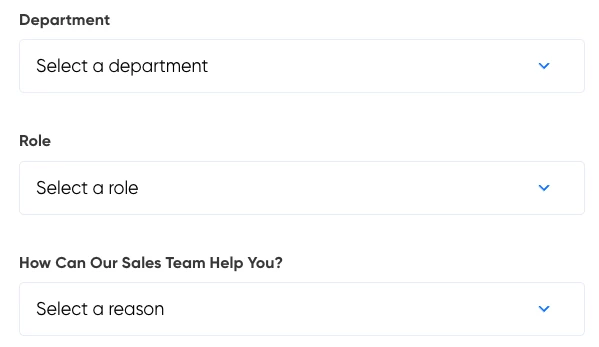
Unfortunately this did not work but I was able to click in to the top value for the picklist called Select and overwrite it so now my fields look like the attached


1 reply

SanfordWhiteman
New Participant
January 28, 2022
You want your topmost "placeholder" to have no server value (end the line with the pipe |).

Then it will not be allowed to be a final value for the Select (as long as the Select is required, of course).

Note Selects don't technically have placeholders. But this is the closest way to simulating one.
jengcalendlyAuthorAccepted solution
New Participant
February 4, 2022

Unfortunately this did not work but I was able to click in to the top value for the picklist called Select and overwrite it so now my fields look like the attached


SanfordWhiteman
New Participant
February 4, 2022
Looks like you did exactly what I said. What do you mean 'did not work'?