
Salesforce Sync Deep Dive: Part 1 - Sync to SFDC Flow Step
If you're a marketer who uses both Marketo and Salesforce, chances are you've had to deal with syncing issues between the two systems. In today's blog post, we'll take a deep dive into the Marketo and Salesforce Sync, specifically discussing the Sync Person to SFDC flow step and the different outcomes when using it.
Let's review the expected behavior for the different use cases you might encounter when designing your sync to Salesforce using smart campaign flow step in Marketo.
Scenario #1: Syncing a Marketo Record Not In Salesforce
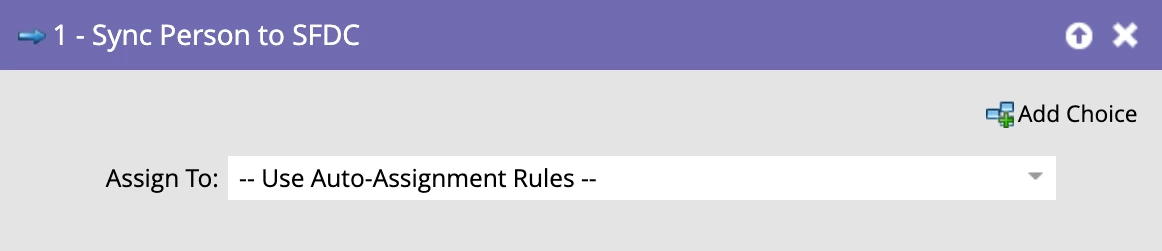
The first scenario is when a Marketo record is not in Salesforce. In this case, you would use the Sync Person to SFDC flow step with the auto assignment rules, which creates a new lead record in Salesforce.
Scenario #2: Syncing an Existing Lead in Salesforce
If the record syncing is a Salesforce Lead and you use the sync with auto assignment rules, the existing lead record will be updated. Essentially, this is like a forced sync - nothing changes unless fields have changed and you want to sync them immediately.
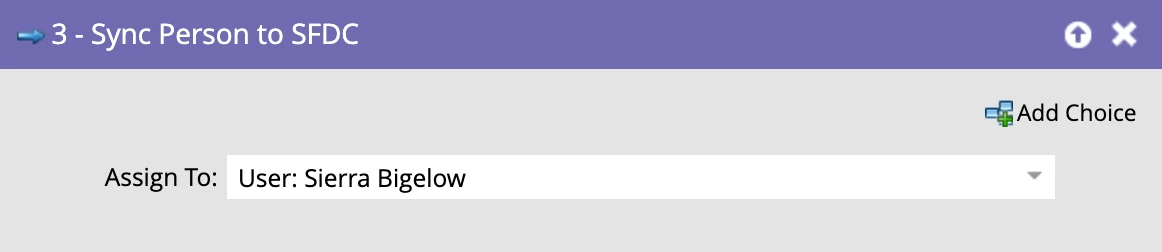
But what if you want to sync to a specific owner instead of using the auto assignment rules? In this case, the owner of the Lead will be changed in Salesforce.

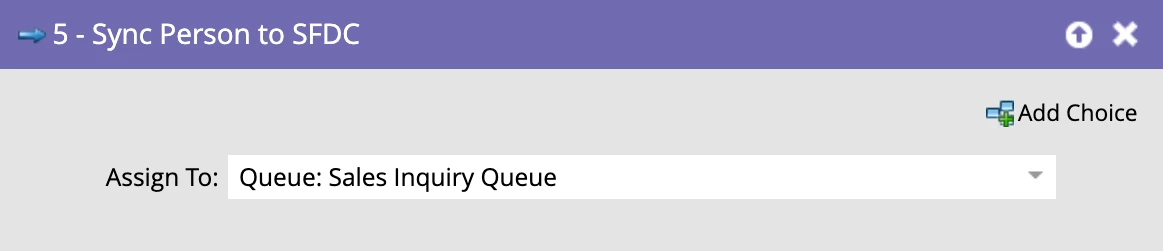
And if the lead already has an owner, but you sync it to a specific queue, the owner will change to the queue.

Scenario #3: Syncing an Existing Contact in Salesforce
Moving on to Contacts – this is where things get a bit more complicated. If you sync a Contact that already exists in Salesforce and it has an owner, using the auto assignment rules will force update the Contact record in Salesforce.

However, if you sync to a specific user and the Contact already has an owner, this will fail to change the owner because you cannot change a Contact’s owner using Marketo. You will receive the following error message when attempting to change the Owner: Failed to update SFDC {INSUFFICIENT_ACCESS_ON_CROSS_REFERENCE_ENTITY: insufficient access rights on cross-reference id}.

Here's where it gets trickier: if you have a Contact that has an owner and you sync it to a queue… Marketo will create a duplicate record! This is because Contact records cannot be owned by queues, so Marketo assumes that it's an incoming lead that sales needs to follow up with. Therefore, a new lead record is created with the same email address which results in a duplicate record (Marketo defines a duplicate record as more than one record with the same email address).

This is where the issue of duplicates in Marketo can arise. While it's often said that Marketo doesn't create duplicates, technically it does in this scenario. This can be a big “gotcha” when trying to solve duplicate problems.
Therefore, it's important to keep in mind: when you see a duplicate Lead created in Salesforce that syncs down to Marketo with the Registration Source Type of Salesforce, it may not necessarily be the salesperson creating the duplicate Lead - it could actually be you! This is just one of the things to keep in mind when architecting sync logic and maintaining a clean database free of duplicate records.
TL;DR? Here’s a handy cheat sheet to help explain the above:
|
Record Type |
Owner Details |
Sync Person to SFDC Flow Step Details |
Expected Behavior |
|
Marketo Record Not in SFDC |
N/A |
Sync using Auto-Assignment Rules |
Creates a new Lead record in Salesforce |
|
Existing SFDC Lead |
Owned by SFDC User or Queue |
Sync using Auto Assignment Rules |
Updates existing Lead record |
|
Owned by SFDC User or Queue |
Sync to User |
Changes Owner |
|
|
Owned by SFDC User |
Sync to Queue |
Changes Owner to the Queue |
|
|
Existing SFDC Contact |
Owned by SFDC User |
Sync using Auto-Assignment Rules |
Updates existing Contact record |
|
Owned by SFDC User |
Sync to User |
ERROR |
|
|
Owned by User |
Sync to Queue |
Creates net new Lead record (duplicate) assigned to the Queue |
Understanding the Sync Person to SFDC flow steps and the expected behavior when using them is crucial to avoiding issues with duplicates in Marketo. While it can be complicated, having a solid grasp of how the sync works can help you navigate these potential pitfalls and ensure a successful sync between Marketo and Salesforce.
Stay tuned for our follow up blog post, Salesforce Sync Deep Dive: Part II - Salesforce Campaign Sync Options.