
New
Show preheader text in full when previewing an email
Today, there is no way to check the contents of an email's preheader aside from creating a draft to review the text in Email Settings. However, all other content within an email can be checked using the Preview functionality.
Moreover, there is a logical place in Marketo's UX to display this content: inside Preview, there is the View Summary panel.
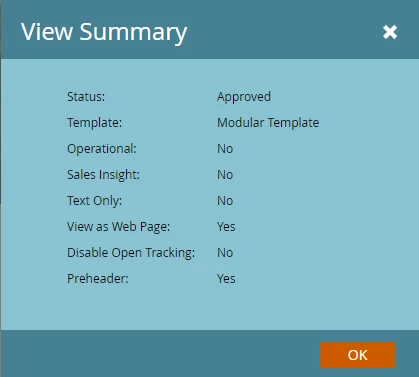
Rather than simply note that a preheader is set, can the contents be placed here rather than "Yes"?