Text Area Field in MKTO Forms | Community
Skip to main content
Calon_Alpar
New Participant
September 10, 2018
Solved

Text Area Field in MKTO Forms

  • September 10, 2018
  • 2 replies
  • 3229 views

Hi all,

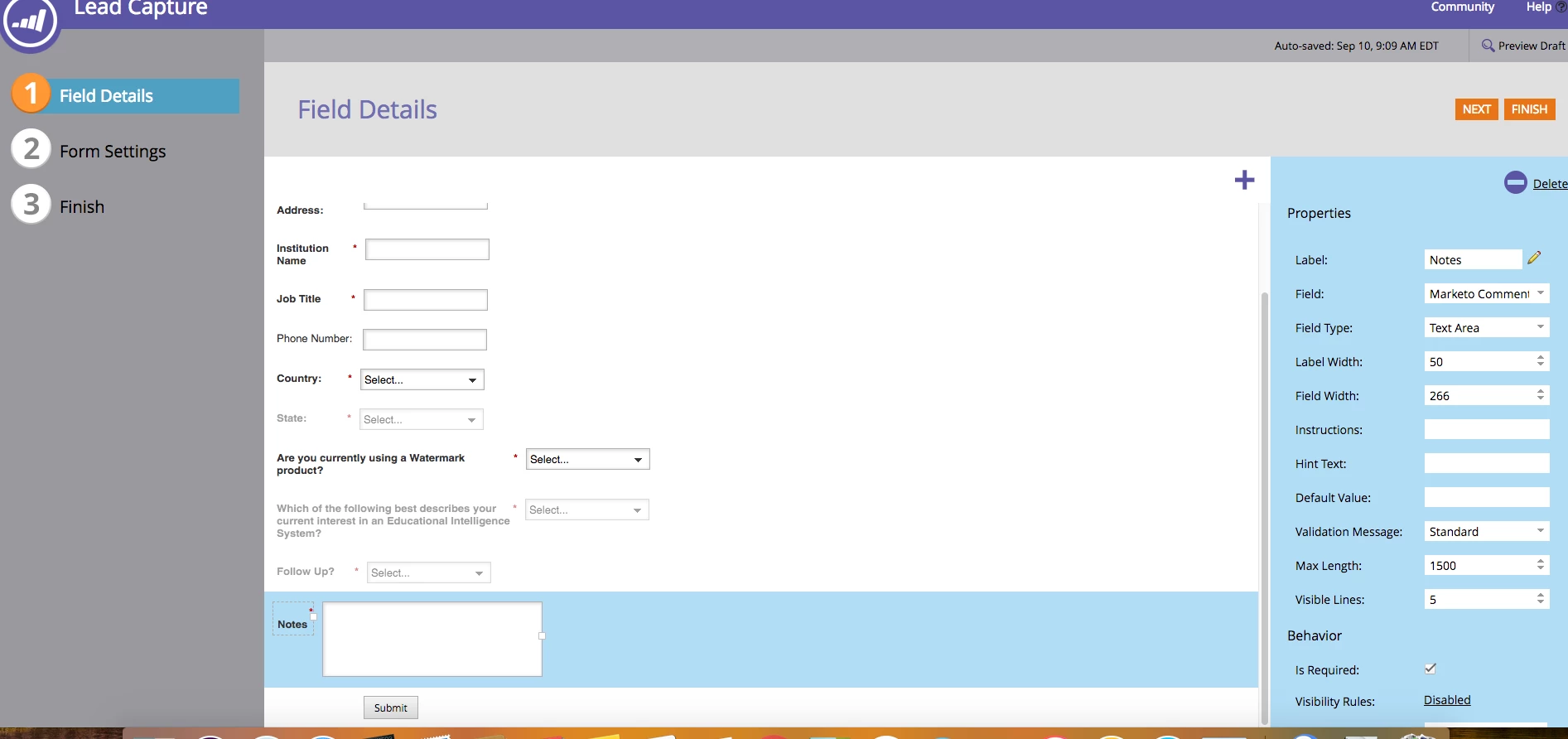
I'm working on a form and am using the "textarea" field, but noticing the formatting in the approved page is looking very off. Not sure why it's doing this. In the form creation in design studio, it's not showing like this.
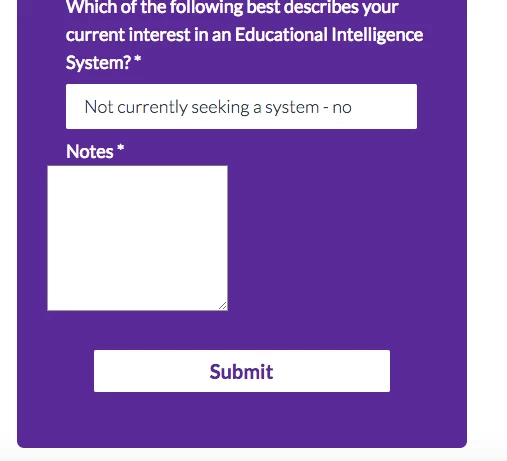
link to page as well: https://go.watermarkinsights.com/CAEPFall.contact.html
This post is no longer active and is closed to new replies. Need help? Start a new post to ask your question.
Best answer by SanfordWhiteman

You have custom CSS titled "<!--MARKETO FIXES / RESETS-->" (ahem...) on this page. It's setting the margins for INPUTs and SELECTs but not TEXTAREAs.  So the aberration is because you didn't style every element in the form.

2 replies

SanfordWhiteman
SanfordWhitemanAccepted solution
New Participant
September 10, 2018

You have custom CSS titled "<!--MARKETO FIXES / RESETS-->" (ahem...) on this page. It's setting the margins for INPUTs and SELECTs but not TEXTAREAs.  So the aberration is because you didn't style every element in the form.

Grégoire_Miche2
New Participant
September 10, 2018

It's much better to use an enhanced framework to style form fields with CSS (Read this Better styling of forms : yet another framework ) than trying to adjust pixels in Marketo form editor, which will always look weird in one html client or another.

-Greg