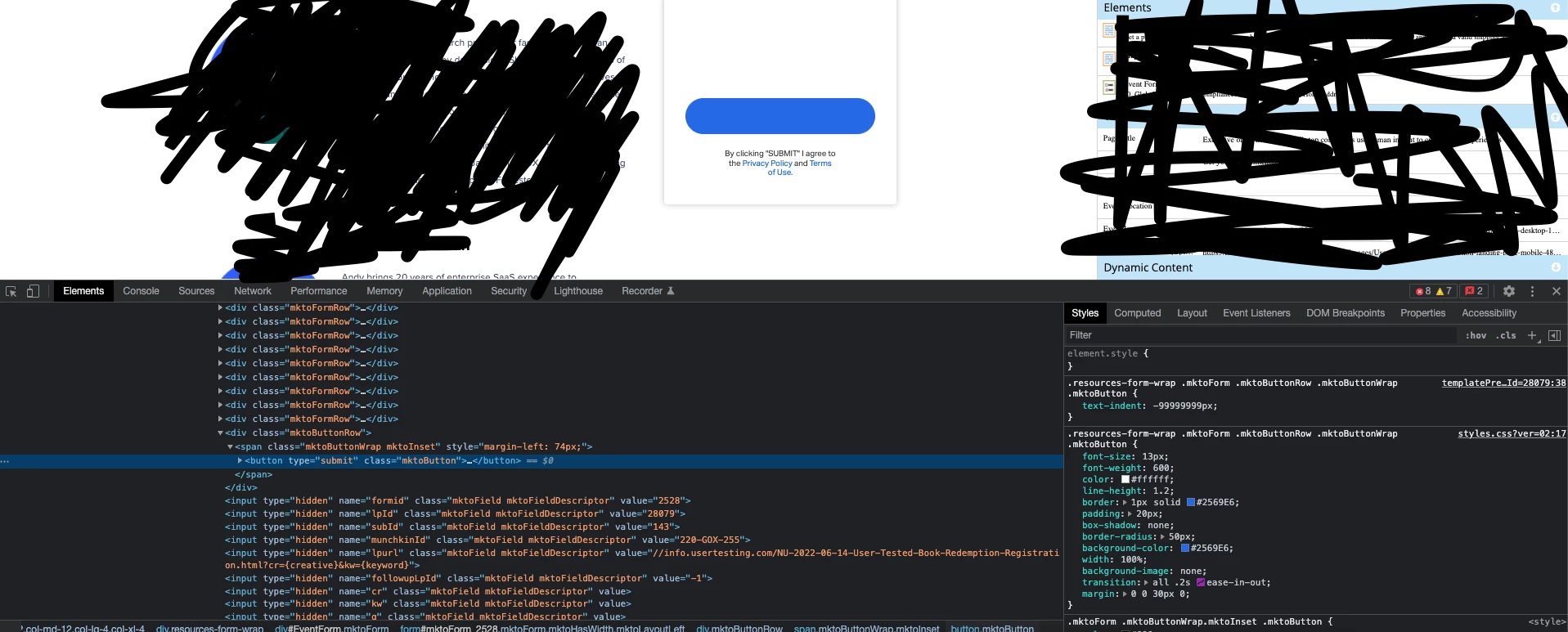
Question
Updating the CTA Text of a Form through the Landing Page
Hello there,
I have a landing page with a form, I want to change the CTA of that form in the Landing Page itself instead of changing it in the Form level. Is there's an easy way to do this?
I used the
text-indent:-9999999px
to move out of the current CTA text out of the CTA block. And then I put below code to get the new text into the CTA block. But for some reason the new text is not showing but the old text did got moved out.
.mktoButton:before {
    content: "GET MY BOOK";
    }
In my LP, inside the Meta Tag page this is what I have currently.
<style>
.resources-form-wrap .mktoForm .mktoButtonRow .mktoButtonWrap .mktoButton {
     text-indent: -99999999px;}
.mktoButton:before {
    content: "GET MY BOOK";
    }
</style>
This is only getting rid of the old text but not bringing the new text into the CTA Block.
Can someone help me to put this new text of "Get My Book" text inside this CTA block please.