[VIDEO] AEM Assets Integration in Marketo
Important Notes:
- The connector requires IMS Migration: To access the new editor, your Marketo Engage instance needs to be migrated to Adobe IMS (Identity Management System).
- The connector works on the new email editor
- Supports AEM Assets Cloud Services version and needs Dynamic Media with Open API License.
Hello Nation,
Excited to announce integration to AEM Assets Clouds Services repositories available from inside the Email Editor in Marketo Engage with the January release.
Key Features
Approved Images only
You can be sure that only approved images are used in your Marketing campaigns.
Consistent with latest updates in AEM Assets
Changes to images in AEM Assets instantly propagate to emails. It is guaranteed to send latest image available at the time of delivery.
Asset Selector available inside Email Authoring Editor
Accessible from Editor, it makes it convenient for users to drag and drop images into the editor using the Asset Selector. The Asset Selector allows the ability to search based on name and filter on different parameters.
Setting up
Connection is based on Service Credentials (Technical Accounts) which need configuration. Technical accounts expire every year, and the connection needs to be kept alive with updated technical accounts.
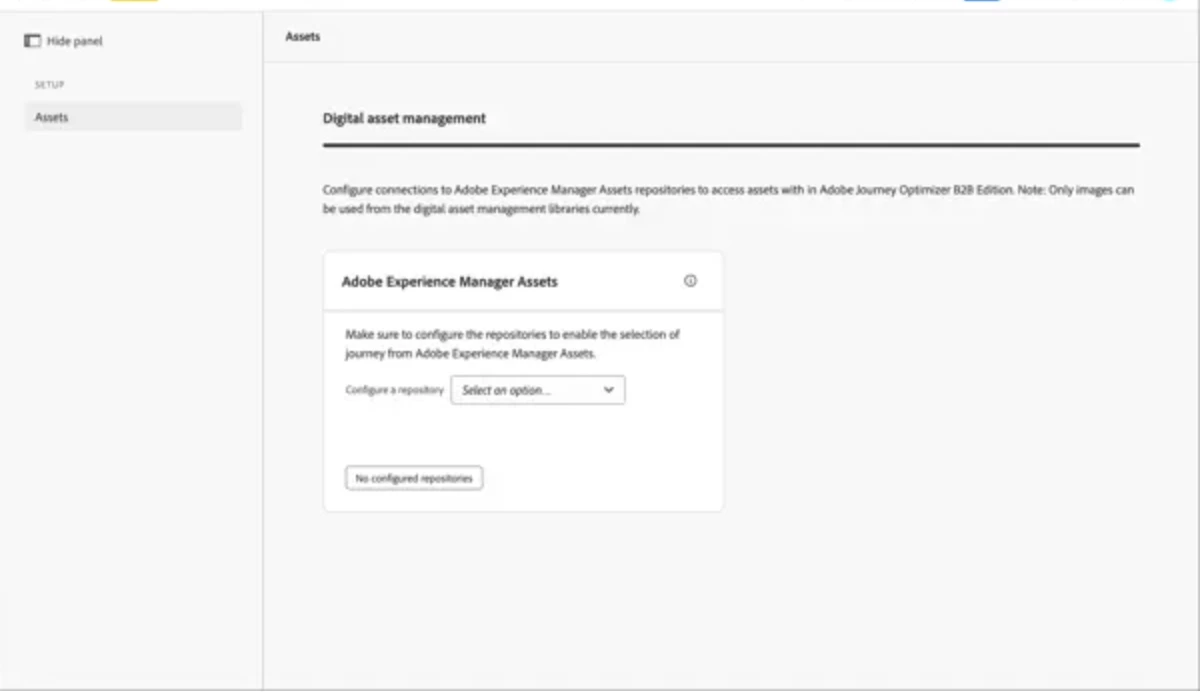
Useful Links from AJOB2B Experience (Marketo documentation will be published shortly, and will model this closely):