View in browser | Community
Skip to main content
Jeanna_Welday
New Participant
February 26, 2021
Question

View in browser

  • February 26, 2021
  • 1 reply
  • 2230 views

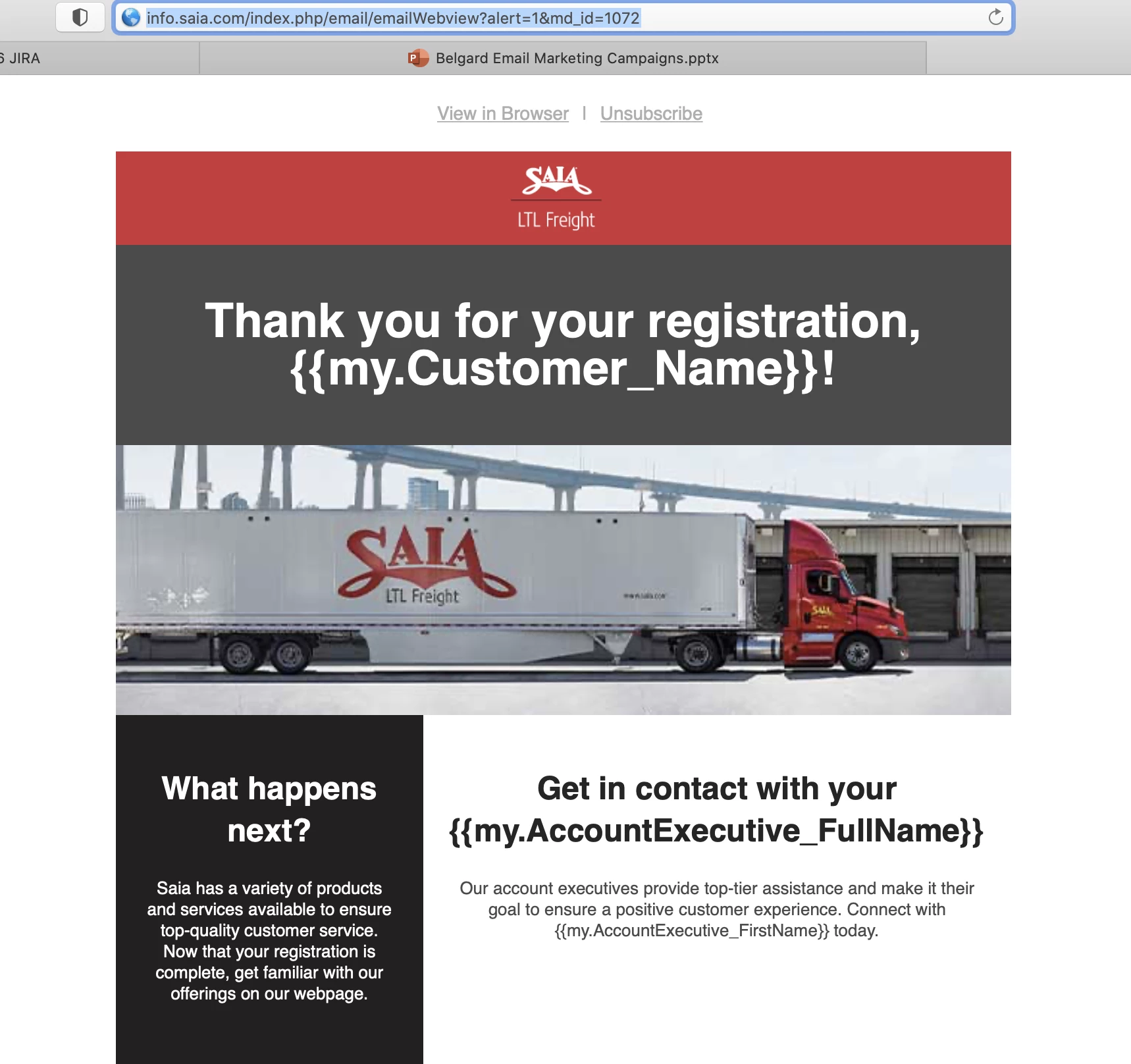
When I click on "View In Browser" link in the email it failed to show personalized content.
Is there any solution or Marketo limitation?


This post is no longer active and is closed to new replies. Need help? Start a new post to ask your question.

1 reply

SanfordWhiteman
New Participant
February 26, 2021

Personalization is expected to work in View as Web Page mode.  However, you do need to send a real email, not a sample; the email also can't be from more than 6 months before, as the mkt_tok expires. Can you explain more about the origin of this email?

Jeanna_Welday
New Participant
March 2, 2021

Thank you @sanfordwhiteman  for responding.  

I did test regular schedule run instead of sample/Test email, run into same error 

Here is the configuration I am using.

  • Email was built using HTML code (NOT Marketo default template)
  • Using “Apache Velocity" scripting in personalization token
  • I am using smart campaign to trigger emails
  • Smart list (Email address = My Email address)
  • Schedule run
  •   

SanfordWhiteman
New Participant
March 2, 2021
Velocity {{my.tokens}} are expected to work in VAWP view. However, some Marketo instances are mistakenly set up with the wrong order-of-operations, which breaks those tokens. Open a Support case and be clear about what's happening and they should fix it for you.