Webinar Attended/No Show Status Question | Community
Skip to main content
January 5, 2016
Solved

Webinar Attended/No Show Status Question

  • January 5, 2016
  • 2 replies
  • 4854 views

Hi Everyone,

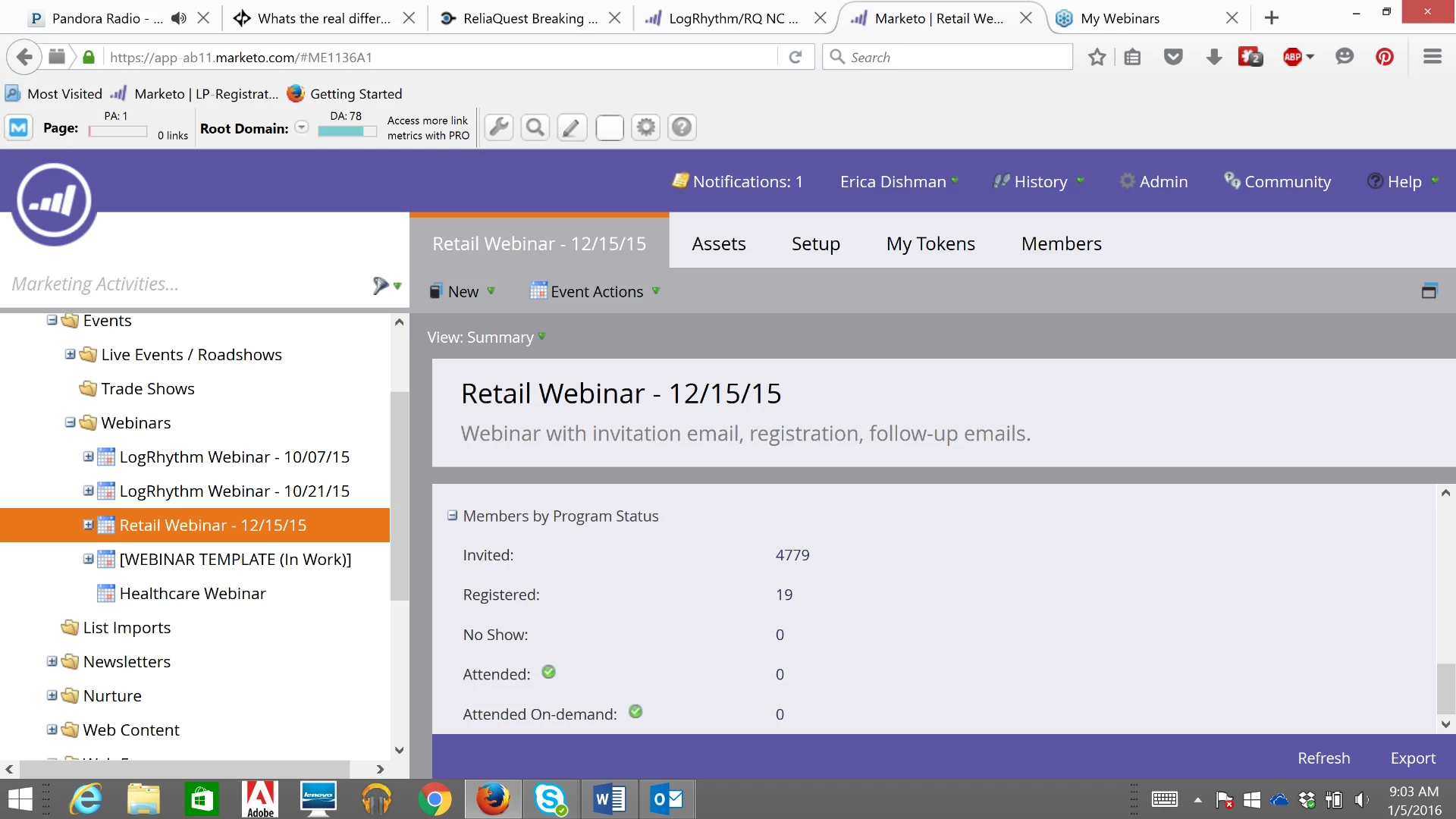
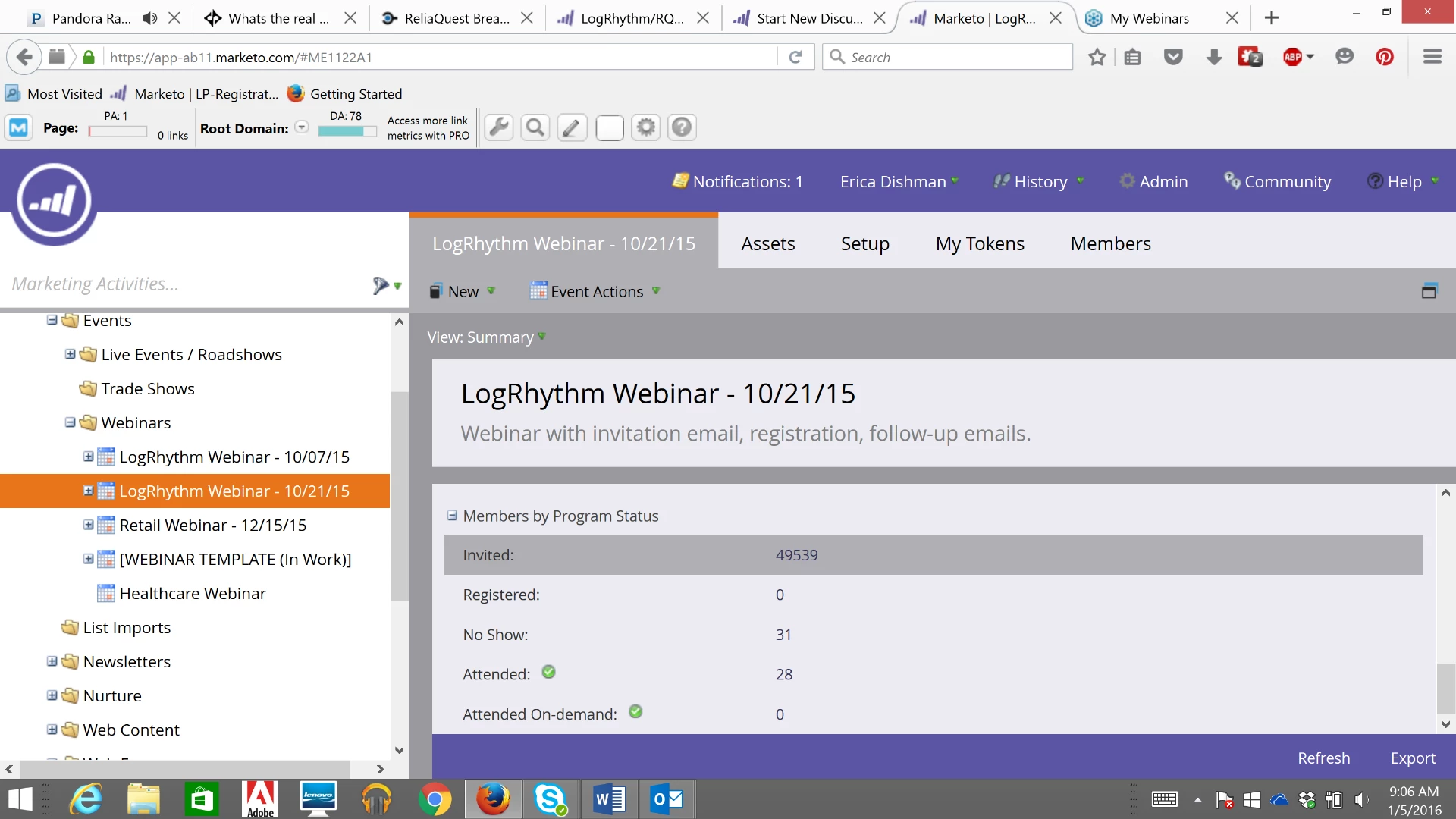
We use GoToWebinar to host our webinars and I noticed our most recent one that I set up and completed showed that no one attended or "no-showed" which I know is not the case because of the report that gotowebinar provided to me. I looked at previous webinars that were set-up by someone else in my company and it does show the attended and not attended. Does anyone have any suggestions or thoughts on how to resolve that? Thank you!

Below is what mine looks like:
Below is what a previous one looks like:
This post is no longer active and is closed to new replies. Need help? Start a new post to ask your question.
Best answer by

Thank  you so much, Sarah! That worked perfectly! I am pretty new to Marketo so still trying to get the hang of things. Much appreciated!

2 replies

January 6, 2016

Hi Erica,

We run into this from time to time. It has typically been a simple solution for me, maybe you could try this if you haven't yet? When this has been the solution for us, it has only taken 5-10 minutes to show proper results.

Go to Event Actions in your webinar Program and click on Refresh from Webinar Provider. (screenshot below)

Accepted solution
January 6, 2016

Thank  you so much, Sarah! That worked perfectly! I am pretty new to Marketo so still trying to get the hang of things. Much appreciated!

January 7, 2016

That's great! Best of luck to you in getting the hang of things. Keep submitting questions or looking for answers here. The Community is a helpful place and I used it a lot when I was getting started! (And still do!)

January 5, 2016

You have to connect to the Webinar through Settings to download the data, have you performed this step yet.

January 5, 2016

I know our Marketo account is linked with GoToWebinar already, it pulled the number of people registered, just not attended or that showed. What is the process to connect it through settings?

Josh_Hill13
New Participant
January 5, 2016
  1. Verify that the Program is synced to the correct Program still.
  2. Has it been 24 hours? GTW sometimes takes 10 minutes to 24 hours.
  3. Did you properly sync the Program to the Webinar at the start? Did you run the entire system through Marketo?