Hi @kklug ,
So as I understand it, you "cancel" a run of a smart campaign from the "Schedule" tab, when it's running in the future. You can use this to "skip" one run of a recurring campaign, or to cancel a run you accidentally set up as a one-off.
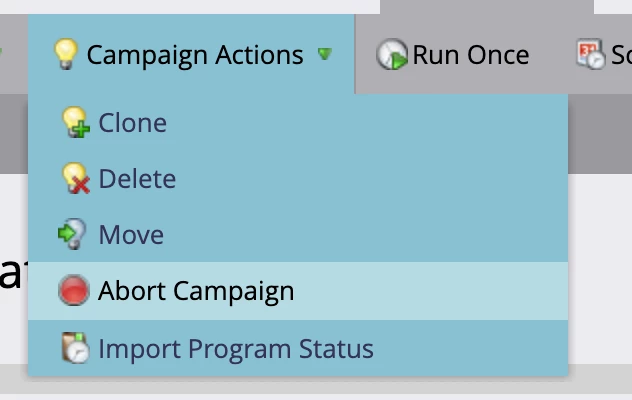
"Abort" is found in the "Campaign Actions" dropdown and is used when a campaign is already running (although, it seems that it appears when a run is also scheduled in the future). Abort will stop any flow steps being taken by anyone in the smart campaign and will stop the qualification process for anyone who hasn't qualified yet (if you aborted before it had actually run).
So in that way, Abort and Cancel are the same if the Smart Campaign hasn't run yet. But you can only use "Abort" if the campaign has started - you can't cancel at that point as far as I know.
As for removing people who are in the smart campaign - for a batch campaign, this won't be necessary since "Abort" will stop all processing and steps. But if it's a triggered campaign, and you want to remove anyone who is still going through while the flow, you can use the "Remove from Flow" flow step in another campaign.
I hope this helps!
Phil