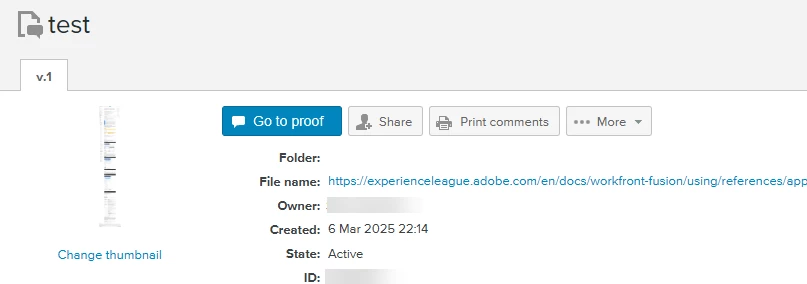
Creating a Web Proof in Fusion | Community
Skip to main content
Best answer by Sven-iX

@muup 


Use the Workfront Proof module "Create Proof"


The secret sauce from https://api.proofhq.com/home/creating-proofs/createproof.html

Web captures: If you are creating a web snapshot proof then the "Hash" parameter must contain the single string value "web" and the "SourceName" must contain the web source (URL).


Confirmed working


1 reply

Sven-iX
Sven-iXAccepted solution
New Participant
March 6, 2025

@muup 


Use the Workfront Proof module "Create Proof"


The secret sauce from https://api.proofhq.com/home/creating-proofs/createproof.html

Web captures: If you are creating a web snapshot proof then the "Hash" parameter must contain the single string value "web" and the "SourceName" must contain the web source (URL).


Confirmed working


MuuPAuthor
New Participant
March 7, 2025

Thank you, @sven-ix.

I was able to generate the proof. Do you know how I can add this proof to a Workfront project?

Sven-iX
New Participant
March 7, 2025

That's a bit a pain in the behind. 

  • Proof allows you to just create a file (the web capture) but there's no way to DOWNLOAD that file
  • So we need to create a proof, get the source, upload it to WF, get the currentVersionID and then create a proof in WF (and remove that initial proof)
  • Proof creation (initial) can take quite a while (depends on how long the page is) and there's no ability to create a callback to a web endpoint (only email). So I first sleep 2 min, then try to download it; put a BREAK module as error handler if the initial proof is not ready yet.

Take a look at the attached JSON.


Note: Details how to configure the createProof call (Workfront CustomAPI) - hat tip to @frankfi1 

https://experienceleaguecommunities.adobe.com/t5/workfront-discussions/ho-to-create-a-proof-with-advancedproofing-options-in-workfront/m-p/726723/highlight/true#M3638