AEM Forms theme editor not loading | Community
Skip to main content
New Participant
November 16, 2021
Solved

AEM Forms theme editor not loading

  • November 16, 2021
  • 2 replies
  • 841 views

Hello, 
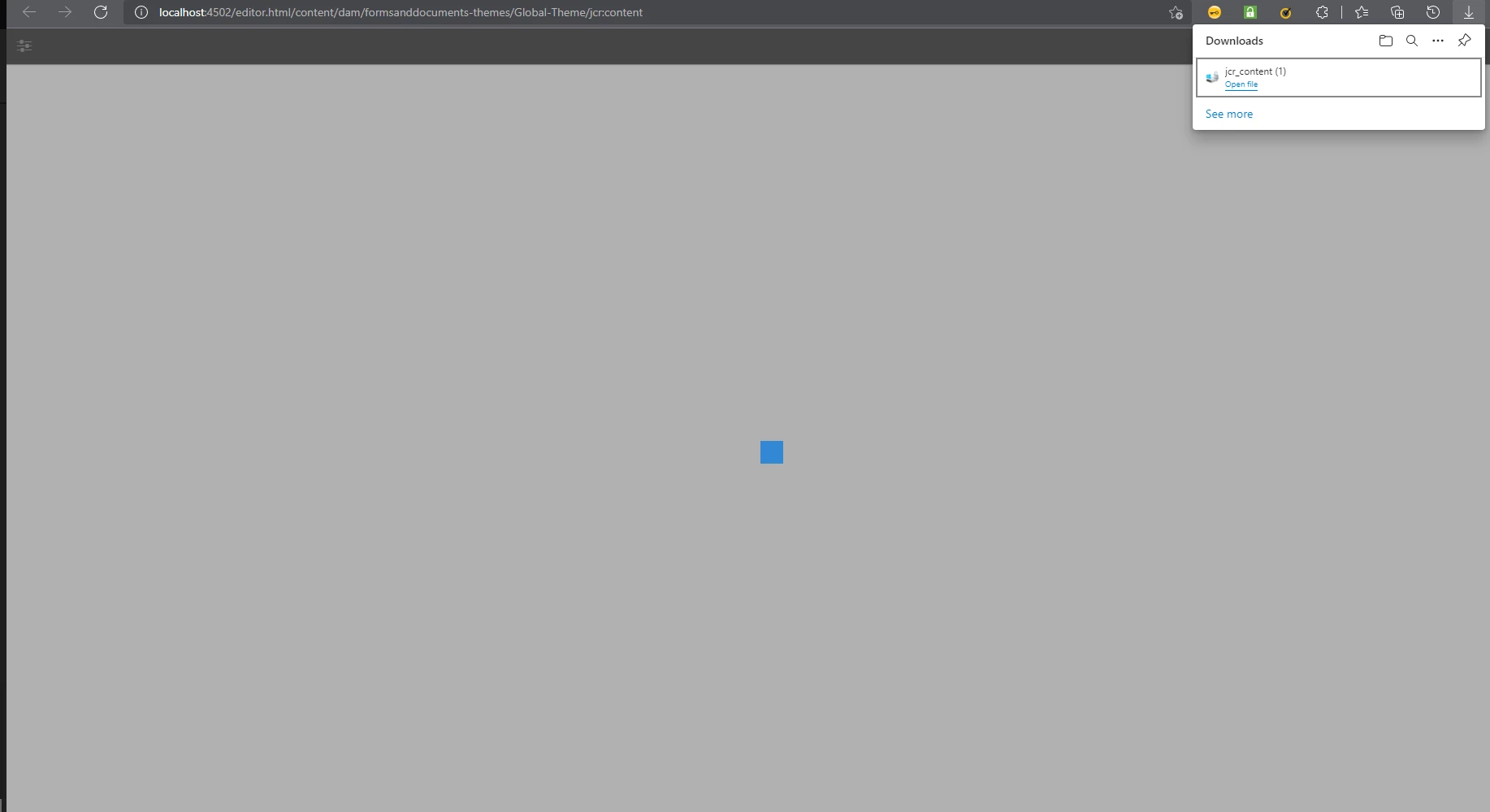
When I tried to edit my theme, the theme editor will open up, shows a loading animation and download a jcr_content file.
the editor will not load and just continue to show the loading animation.

I am following the AEM Adaptive form guide
This post is no longer active and is closed to new replies. Need help? Start a new post to ask your question.
Best answer by Pulkit_Jain_

@justinnikolai11 

This issue seems to be similar to an old thread: https://experienceleaguecommunities.adobe.com/t5/adobe-experience-manager-forms/forms-theme-editor-errors/m-p/422899#M7625

You may see console logs full of error msgs.


Please check if all the "**aemds**" and  "**aemfd**" packages are in installed state as per the corresponding Forms package.

If the issue persists after reinstallation, feel free to raise a support ticket for indepth investigation.

2 replies

Pulkit_Jain_
Pulkit_Jain_Accepted solution
Employee
November 16, 2021

@justinnikolai11 

This issue seems to be similar to an old thread: https://experienceleaguecommunities.adobe.com/t5/adobe-experience-manager-forms/forms-theme-editor-errors/m-p/422899#M7625

You may see console logs full of error msgs.


Please check if all the "**aemds**" and  "**aemfd**" packages are in installed state as per the corresponding Forms package.

If the issue persists after reinstallation, feel free to raise a support ticket for indepth investigation.

Mayank_Tiwari
Employee
November 16, 2021

Have you installed the Forms add-on package? Please check if all the bundles are active. Please check and share the error from Browser's console and AEM logs.