AEM is not starting | Community
Skip to main content
Level 2
Jun 5, 2017 4:09 AM UTC
Solved

AEM is not starting

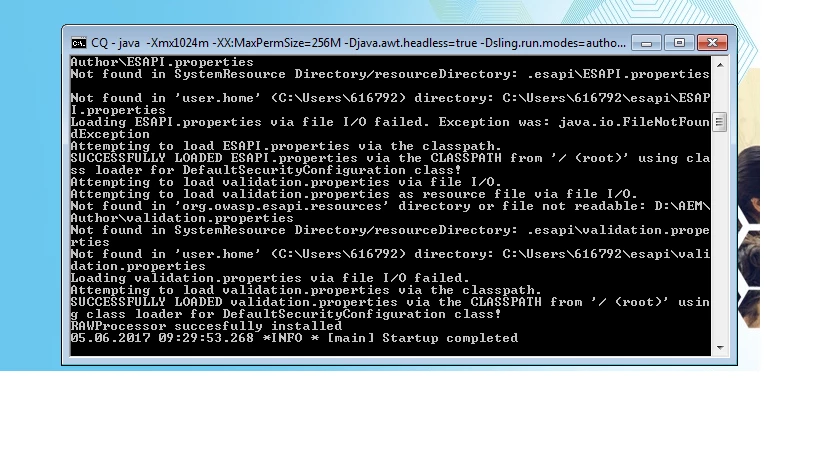
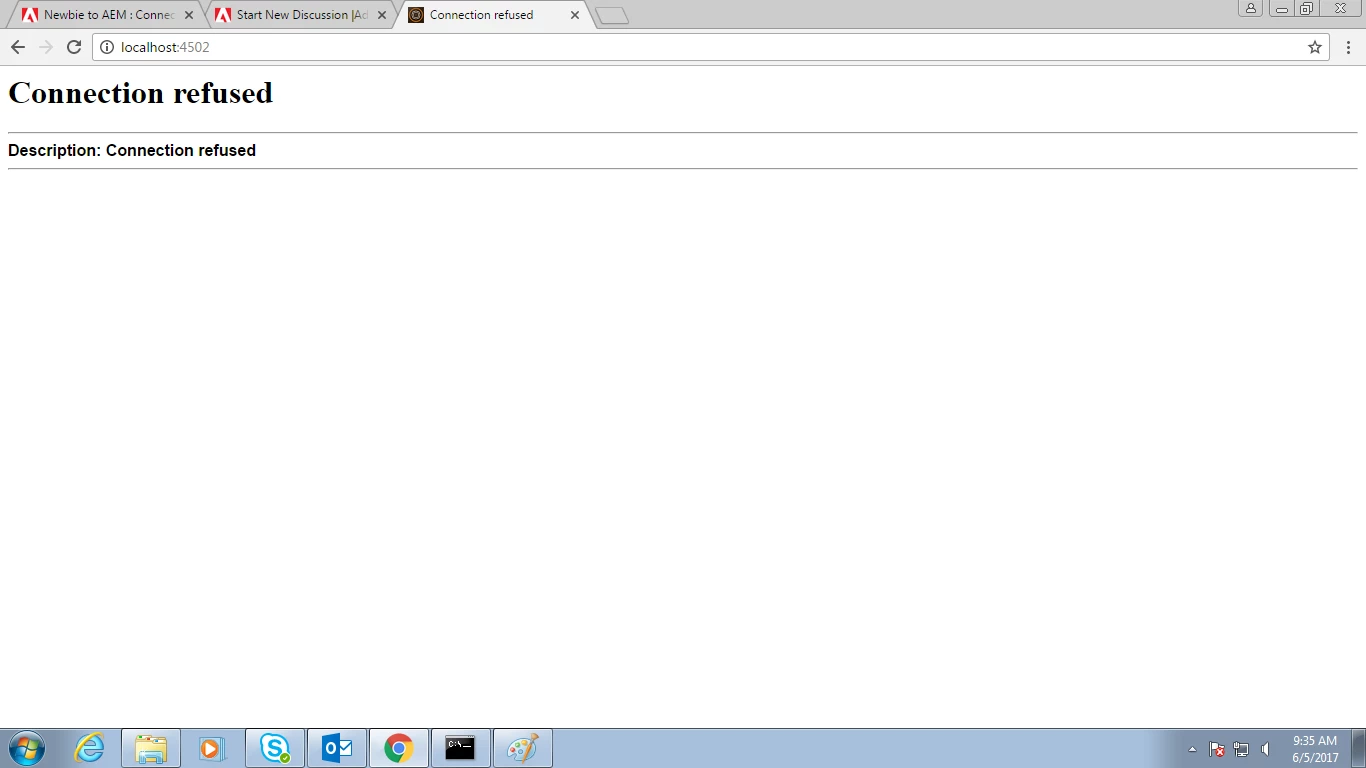
I started the AEM author instance by the start.bat ( crx-quickstart > bin > start.bat ), there the server is showing the startup complete but when i am hitting on link localhost:4502 it is showing connection refused ??
This post is no longer active and is closed to new replies. Need help? Start a new post to ask your question.
VeenaVikraman
VeenaVikramanAccepted solution
New Participant
Jun 5, 2017 4:53 PM UTC

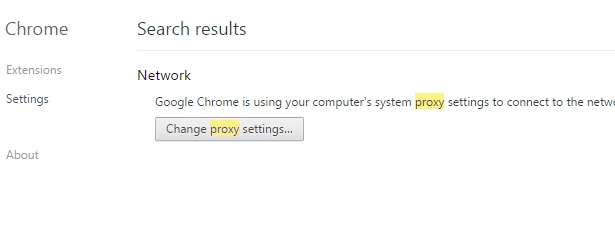
In your office network if you are using a proxy network, this issue can happen in chrome . We have faced this issue due to the proxy settings in chrome browser. Could you check the below

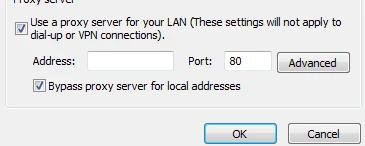
If you are using Chrome. Can you go to settings --> Change proxy settings --> if the bypass proxy is unchecked , please check it....

Since I dont have proxy settings, below image is only for demonstration

Let me know if this worked

Thanks

Veena

9 replies

Level 2
Jun 6, 2017 5:22 AM UTC

Thanks @Jorg i searched the port number string in log it showed the result, and the loopback link "http://127.0.0.1:4502/​" also was not working, but thanks for the help

Translate
Level 2
Jun 6, 2017 5:16 AM UTC

Thanks @shiju for the concern but changing proxy settings worked for me, as i am working office network so no admin rights is there

Translate
Level 2
Jun 6, 2017 5:14 AM UTC

Thanks

Translate
VeenaVikraman
VeenaVikramanAccepted solution
New Participant
Jun 5, 2017 4:53 PM UTC

In your office network if you are using a proxy network, this issue can happen in chrome . We have faced this issue due to the proxy settings in chrome browser. Could you check the below

If you are using Chrome. Can you go to settings --> Change proxy settings --> if the bypass proxy is unchecked , please check it....

Since I dont have proxy settings, below image is only for demonstration

Let me know if this worked

Thanks

Veena

Translate
joerghoh
Employee
Jun 5, 2017 3:39 PM UTC

Hi,

please check your error.log for the string "4502". Looks like your AEM instance is not bound to this port (for whatever reason). Can you check "http://127.0.0.1:4502/" as well (just to make sure, that your local Windows isn't broken)?

kind regards,
Jörg

Translate
Sh1ju
Level 4
Jun 5, 2017 1:08 PM UTC

Add following line in your hosts file (location ....\Windows\System32\drivers\etc)

127.0.0.1       localhost

Translate
Level 2
Jun 5, 2017 10:51 AM UTC

I am not even able to hit the login page of AEM, and i am not able to find anything suspicious in error.log,

Later i realized that i am able to work in explorer but not in chrome so i got ip of my system and from that i accessed AEM

(<ip address>:4502) but not when i hit localhost:4502, Why so?

Translate
Sh1ju
Level 4
Jun 5, 2017 8:58 AM UTC

Are you able to view bundles from felix console  http://localhost:4502/system/console/bundles  ? Any issues from  Error.log ?

Translate
cquser1
Level 7
Jun 5, 2017 8:39 AM UTC

Hi,

Are you able to open crxde[http://localhost:4502/crx/de/index.jsp ] or explorer or system console[http://localhost:4502/system/console/configMgr ].

Also, can you check for anything suspicious in error/startup log file.

Translate